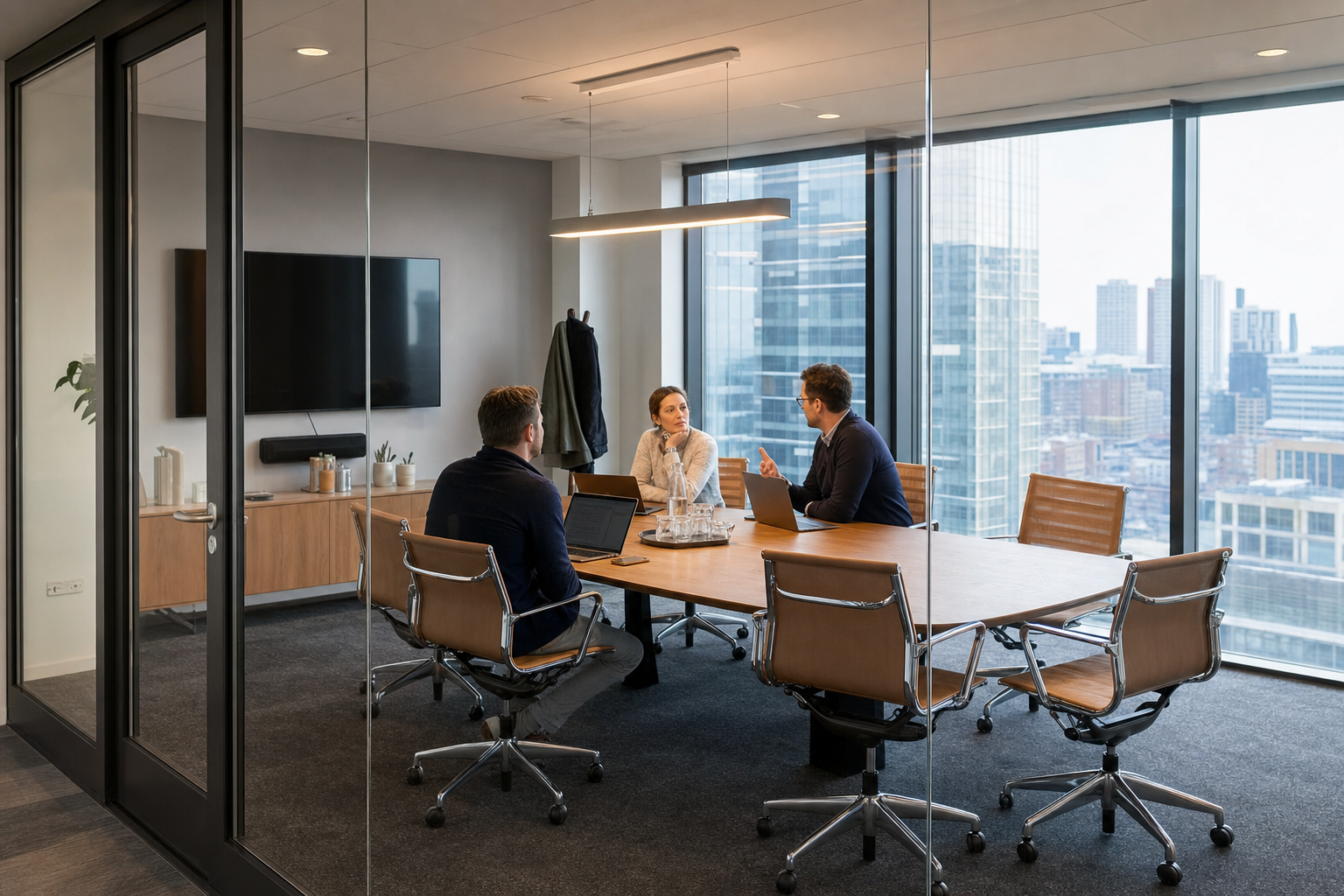
In today’s fluid work environment, the need for professional, adaptable spaces for collaboration is more pronounced than ever. Whether you’re a startup scaling rapidly, a remote team convening for a critical project, or a consultant meeting with a new client, the right setting can make all the difference. We often think of workspaces as daily hubs, but the reality is that many professional needs arise on demand, requiring flexibility and immediate access. This is where understanding the utility and accessibility of a professional, adaptable spaces for collaboration becomes essential.
For many, the term “conference room” conjures images of corporate headquarters or long-term office leases. However, the modern professional environment offers far greater agility. Accessing a professional meeting space doesn’t necessitate a permanent office or a costly commitment. Instead, it can be as simple as booking a slot that fits your schedule, allowing businesses and individuals to maintain continuity and professionalism, regardless of their physical location or team size. Let’s explore what defines these spaces and why they remain indispensable.
What a Conference Room Is and How It Works
Common Scenarios: Client Meetings, Team Offsites, Interviews, Training Sessions
A dedicated conference room serves as a professional sanctuary for focused group activities. Think of the critical client meeting where first impressions matter immensely; an equipped conference room provides a polished backdrop, signaling seriousness and preparedness. Similarly, team offsites, designed to foster collaboration and strategic planning away from daily distractions, find their ideal home in these spaces. For interviews, whether you’re scouting new talent or conducting sensitive discussions, a private, professional setting ensures confidentiality and respect for all parties involved. Training sessions, requiring clear communication and often A/V support, also benefit from the structured environment a conference room offers, ensuring participants can engage fully without external noise or interruptions.
Beyond these, consider workshops, company all-hands, or even brainstorming sessions that demand a specific setup and uninterrupted flow. The ability to book such a space on demand, rather than being tied to a fixed office, offers unparalleled flexibility. Hotdesk, for example, provides access to over 2,500 workspaces instantly across various locations. This accessibility means you can secure the perfect setting for your specific professional event within hours, not months, aligning with the pace of modern business. It’s about having the right infrastructure available precisely when and where it’s needed most. Finding a professional meeting space is made simple through our platform.
Differences Between a Conference Room, a Boardroom, and a Huddle Room
While often used interchangeably, these spaces have distinct characteristics tailored to different group sizes and meeting objectives. A conference room typically accommodates a medium to large group, often featuring a central table, presentation facilities like screens or projectors, and ample seating. It’s designed for productive discussions, presentations, and collaborative work sessions involving multiple participants. The primary focus is on facilitating group interaction and information sharing.
A boardroom, on the other hand, is usually more formal and often positioned as the executive hub. It typically features a long, polished table with chairs arranged around it, designed for leadership meetings, strategic decisions, and formal governance. Boardrooms often exude an air of authority and are equipped with high-end presentation technology. In contrast, a huddle room is a much smaller space, intended for brief, informal meetings of 2-4 people. These are ideal for quick sync-ups, impromptu problem-solving, or private calls, offering a quiet alternative to noisy open-plan areas or busy coffee shops.
Why Meeting in a Dedicated Space Still Matters in a Hybrid World
Even as hybrid and remote work models gain prominence, the need for dedicated physical meeting spaces remains strong, if not amplified. In a hybrid setup, team members may be distributed across different locations, making synchronous, in-person collaboration difficult without a designated area. A professional conference room ensures that when teams do come together, they have a functional and distraction-free environment conducive to deep work and meaningful connection. It provides a neutral ground that fosters equal participation, regardless of whether individuals are full-time remote or in-office.
The psychological impact of a dedicated space should not be underestimated. It signals the importance of the meeting, helping participants mentally shift gears and focus. Unlike casual settings, a professional conference room minimizes distractions, improves audio clarity for hybrid participants, and ensures necessary technology like reliable Wi-Fi and A/V equipment is available. Industry surveys suggest that 67% of remote workers prefer on-demand meeting spaces over traditional office rentals, highlighting a clear demand for flexible, professional environments that support focused collaboration and preserve a sense of continuity for professionals on the move.
Room Type Comparison
| Feature | Huddle Room | Conference Room | Boardroom |
|---|---|---|---|
| Capacity | 2-4 people | 6-20+ people | 8-24+ people |
| Purpose | Quick syncs, private calls, informal chats | Team meetings, client presentations, training, workshops | Executive decisions, formal governance, strategic planning |
| Formality | Informal | Professional | Formal, often executive |
| Typical Amenities | Small table, chairs, maybe a small screen | Central table, chairs, A/V equipment, whiteboard | Large polished table, executive chairs, advanced A/V, sometimes catering |
When to Rent vs. Own: For businesses that don’t require a permanent, dedicated office, renting a conference room offers significant advantages. It bypasses the overhead of leases, furniture, and maintenance. For instance, if your team requires a meeting space only a few times a month for client pitches or specific project sprints, booking a conference room as needed is far more cost-effective and practical than maintaining a dedicated office space. This flexibility is particularly valuable for startups and growing businesses.
Conference Room Amenities: What to Expect and What to Verify
Standard Inclusions: Wi-Fi, A/V, Whiteboard, Seating Capacity
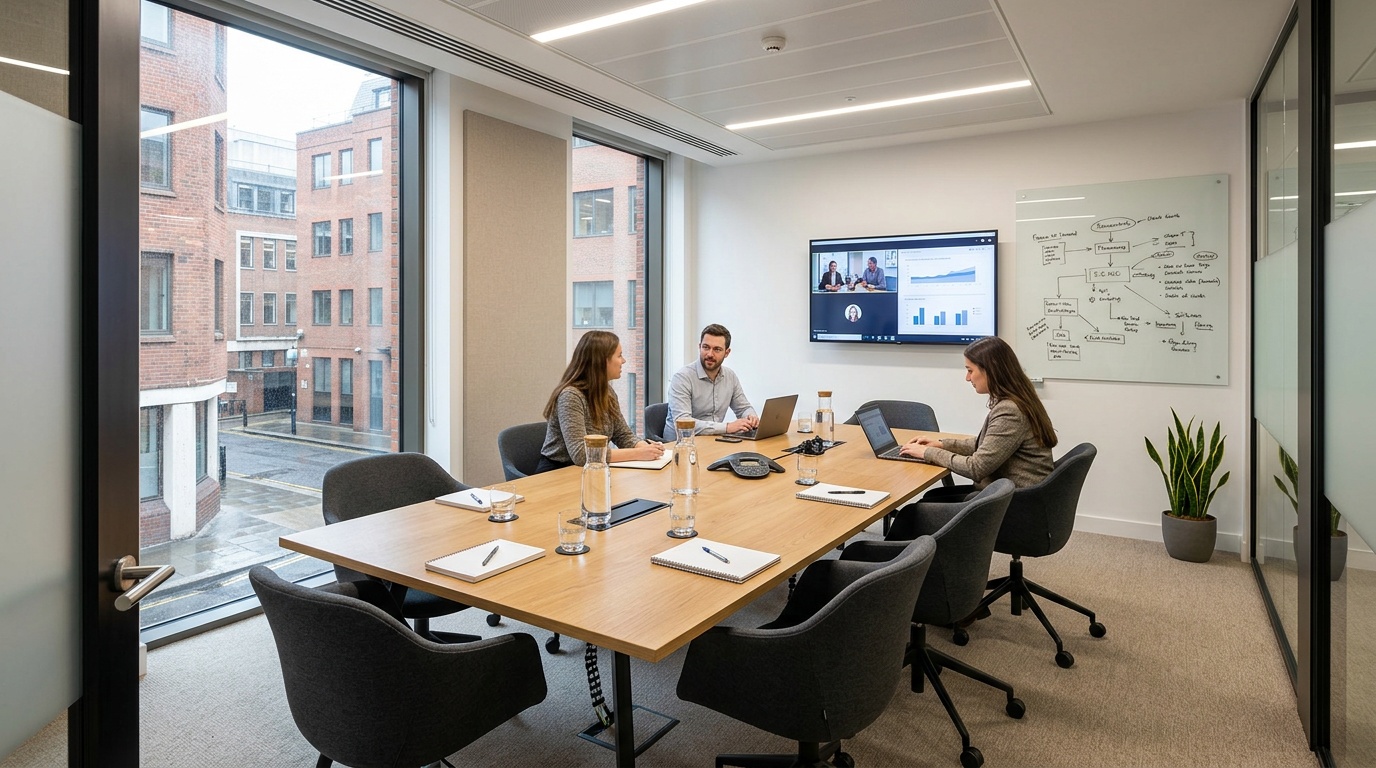
When you book a conference room, a baseline set of amenities is generally expected to facilitate productive meetings. High-speed, reliable Wi-Fi is non-negotiable in today’s connected world, ensuring seamless online collaboration and access to cloud-based resources. Audio/Visual (A/V) equipment, such as a projector, screen, or large-format monitor, is standard for presentations and video conferencing. Whiteboards or flip charts are also common, providing essential tools for brainstorming, diagramming, and capturing ideas during live discussions. Seating capacity is, of course, fundamental; listings should clearly state the maximum number of people the room can comfortably accommodate, ensuring your group fits without feeling cramped.
These core inclusions are the foundation for most professional gatherings. Whether you’re hosting a small client discussion or a larger team strategy session, these elements ensure the basic mechanics of your meeting run smoothly. For example, the Our Space Birmingham Ingleby House Meeting Room, like many well-appointed spaces, typically includes these essentials to support your professional needs from the moment you walk in. Understanding these standard features helps you quickly assess a room’s basic suitability for your event.
Amenities That Get Overlooked: Power Outlet Placement, Acoustics, Natural Light
Beyond the obvious, several less apparent amenities can significantly impact the quality and comfort of your meeting. The strategic placement of power outlets is often overlooked but is essential. With multiple devices needing charging. Laptops, phones, tablets. Insufficient or poorly located outlets can lead to frustration and disrupt workflow. Proper acoustics are also paramount; a room with poor sound insulation can make conversations difficult, especially if ambient noise from adjacent areas or the street filters in. This is particularly important for video calls where clear audio is critical for participants joining remotely.
Natural light is another factor that greatly influences mood and productivity. Studies show that rooms with ample natural light can reduce eye strain, improve alertness, and create a more positive atmosphere, making attendees feel more engaged and less fatigued. When evaluating a space, consider not just the equipment but the sensory experience. For instance, a room that feels stuffy or is perpetually dim can detract from even the most important discussion. Ensuring these subtle yet impactful elements are addressed can elevate your meeting from functional to truly effective, providing a comfortable and conducive environment for your team or clients.
How to Confirm Amenity Quality Before Booking (Reviews, Photos, Host Descriptions)
To avoid disappointment and ensure your chosen space meets your expectations, a thorough verification process is key. Start by scrutinizing high-quality photographs provided by the host or platform. Look for detailed images that showcase the actual meeting space, furniture, and visible technology. Pay attention to the condition of the equipment and the overall ambiance. Reviews from previous users are invaluable; they offer candid feedback on aspects like Wi-Fi speed, A/V system performance, cleanliness, and the host’s responsiveness. Search for comments specifically mentioning the amenities you deem most important.
Read host descriptions carefully, noting any specific details or limitations mentioned. For critical needs like video conferencing, it might be wise to contact the host directly to confirm the exact specifications of the A/V equipment or the strength of the internet connection. For example, if you are planning to book the Our Space Birmingham Ingleby House Meeting Room, checking recent user feedback or directly asking about the Wi-Fi speed can prevent last-minute technical glitches. This proactive approach helps ensure that the reality of the space aligns with your requirements, preventing disruptions and ensuring a smooth, professional experience.
Your Conference Room Amenity Checklist
- Connectivity: Reliable, high-speed Wi-Fi.
- A/V Equipment: Functional projector/screen/monitor, speakers, microphone (if needed).
- Presentation Tools: Whiteboard/flip chart with markers/pens.
- Power: Sufficient and accessible power outlets for all attendees’ devices.
- Comfort: Comfortable seating, adequate temperature control.
- Acoustics: Good sound insulation, minimal external noise.
- Lighting: Ample natural light and adjustable artificial lighting.
- Capacity: Room size appropriate for the number of attendees.
- Accessibility: Easy to find and access, clear entry instructions.
WeWork Conference Rooms vs. Independent Spaces
Pros (WeWork Conference Rooms)
- Consistent branding and design across locations.
- Integrated booking system within the WeWork ecosystem.
- Often part of a larger co-working community.
Cons (WeWork Conference Rooms)
- Can require membership or higher per-use fees.
- Limited to WeWork’s specific locations and inventory.
- Pricing can be less transparent compared to some aggregators.
How Much Does a Conference Room Cost? A Transparent Pricing Breakdown
Understanding the cost of a professional meeting space is often the first hurdle for businesses and individuals seeking flexible solutions. The price of a conference room rental can vary significantly, influenced by location, duration, size, and the amenities provided. While some platforms might present a complex pricing structure, the goal is to offer clarity so you can budget effectively. At Hotdesk, we believe in transparency, making it simple to find a space that fits your needs and your wallet. Our extensive network means you can often find options starting from as little as $10 per seat per hour in some markets, offering a cost-effective alternative to traditional office leases. Finding the right conference room for rent is straightforward with our platform.
The most common pricing models are hourly, half-day, and full-day rates. Hourly rentals are ideal for short, focused meetings or client consultations, offering maximum flexibility. Half-day and full-day rates typically provide a slight discount per hour and are suited for workshops, training sessions, or team offsites that require extended periods of collaboration. The driving factors behind the range in pricing include the city’s economic standing, the prestige of the location, the capacity of the room, and the quality of the facilities. For example, a prime location in New York City will naturally command higher rates than a similar space in a less central area. This dynamic pricing ensures that you pay for what you need, when you need it, without the burden of long-term overheads.
Hourly, Half‑Day, and Full‑Day Rates. What Drives the Range
Hourly rates offer unparalleled flexibility, allowing professionals to book a meeting space for as little as one hour. This model is perfect for quick client pitches, one-on-one interviews, or urgent team syncs. The cost per hour can range widely, from around $25 for a small, basic room in a secondary market to upwards of $100+ per hour in major metropolitan hubs like Manhattan. WeWork, for example, lists meeting rooms in New York City starting from $60 per hour for smaller spaces. The perceived value and demand in a given location heavily influence these figures. When considering a conference room for rent, always check the specific rates for the duration you anticipate needing the space.
Half-day and full-day rates are structured to provide better value for longer bookings. A half-day typically covers 4 hours, while a full day covers 8 hours. These packages often come with a reduced hourly equivalent compared to booking the same duration hour by hour. For example, a room that costs $75 per hour might be available for $250 for a half-day and $400 for a full day. This pricing strategy encourages longer bookings for events like team offsites, workshops, or extended client strategy sessions. The range for these packages can span from $150 for a half-day in a smaller city to $800 or more for a full day in a premium urban setting. Understanding these tiered rates helps you select the most economical option for your specific event length and needs.
Hidden Costs to Watch For: Overtime Fees, Catering Minimums, Cleaning Charges
While advertised rates provide a baseline, it’s essential to be aware of potential hidden costs that can inflate your final bill. Overtime fees are common; if your meeting runs past the booked time, you’ll likely be charged at a higher hourly rate. Always factor in a buffer, or ensure you understand the grace period, if any. Catering minimums can also add up. If you order food or beverages, many venues have a minimum spend requirement, which might exceed the cost of your actual order. Be sure to clarify these minimums upfront, especially if you only need light refreshments.
Cleaning charges are another item to watch for, though less common with modern booking platforms that often include basic cleaning in their fees. However, some venues might levy additional charges for excessive mess or specific cleaning requirements. It’s always prudent to ask about any additional fees beyond the rental rate. For example, some providers might charge extra for using specific A/V equipment or for high-speed internet beyond a standard allowance. Transparency in pricing is key, and reputable platforms and hosts will clearly outline all potential charges. This diligence prevents unexpected expenses and ensures you can accurately budget for your meeting, avoiding surprises on your invoice.
Sample Price Ranges Across Dubai, New York, and Barcelona (Based on Real Hotdesk Listings)
To give you a concrete idea, let’s look at sample pricing for conference rooms in different global cities, drawing from Hotdesk listings. In Dubai, you might find a well-equipped conference room suitable for 8 people starting around $40-$60 per hour. These spaces are often located in business hubs and come with standard amenities like Wi-Fi and A/V. For a more expansive room accommodating 20 people, rates could range from $80-$150 per hour. These prices reflect the city’s status as a major international business center, offering professional environments for a variety of corporate needs.
In New York City, a hub for global commerce, pricing naturally trends higher. A small conference room for 4-6 people might start at $60-$90 per hour, with larger rooms for 10-12 people ranging from $100-$200 per hour. For a premium experience or a larger group, costs can exceed $250 per hour. Similarly, Barcelona offers competitive rates for its professional spaces. You could expect to find a conference room for 6-8 people in a central location for approximately $35-$55 per hour. For larger gatherings or those requiring advanced technology, prices might reach $70-$120 per hour. These figures highlight how location influences cost, but also demonstrate that professional meeting spaces are accessible across diverse global markets through platforms that aggregate various options.
Conference Room Pricing Snapshot (Estimates)
| City | Room Size (Est. Capacity) | Hourly Rate Range (USD) | Half-Day Rate Range (USD) | Full-Day Rate Range (USD) |
|---|---|---|---|---|
| Dubai | Small (4-8) | $40 – $60 | $120 – $200 | $200 – $350 |
| Dubai | Medium (10-16) | $70 – $120 | $200 – $350 | $350 – $600 |
| New York City | Small (4-6) | $60 – $90 | $180 – $280 | $300 – $500 |
| New York City | Large (10-12) | $100 – $200 | $300 – $600 | $500 – $1000+ |
| Barcelona | Small (6-8) | $35 – $55 | $100 – $180 | $180 – $300 |
| Barcelona | Medium (10-14) | $60 – $100 | $180 – $300 | $300 – $500 |
When do membership fees add up? Unlike platforms that require monthly memberships or long-term commitments, Hotdesk operates on a pay-as-you-go model for most spaces. This means you avoid the fixed costs associated with services like WeWork conference room booking if your needs are sporadic. For example, searching for a conference room near me on Hotdesk allows you to compare prices from various providers without being tied into a membership, offering greater financial agility for businesses that prioritize flexibility and cost efficiency.
How to Book a Conference Room in Minutes. No Membership Required
The process of securing a professional meeting space should be as seamless as the meeting itself. In today’s fast-paced business environment, the ability to book a conference room quickly and without unnecessary hurdles is paramount. Traditional office spaces often involve lengthy negotiation processes and significant upfront investment. Hotdesk, however, simplifies this by offering an on-demand booking system, eliminating the need for restrictive memberships or long-term contracts. Our platform is designed to put you in control, allowing you to find and reserve the perfect conference room in just a few clicks, ensuring you can focus on your work, not on administrative complexities.
This approach is a direct response to the evolving needs of modern professionals and businesses. Whether you’re a freelancer needing a quiet space for a client call, a startup requiring a venue for a pitch deck presentation, or a remote team gathering for a strategic planning session, instant access to quality meeting rooms is essential. We’ve streamlined the entire experience, from searching and filtering to confirmation and check-in, to ensure it’s intuitive and efficient. You get immediate access to a professional environment that suits your specific requirements without the commitment and cost associated with traditional office leases or inflexible membership plans. For instance, booking a conference room quickly is easy with Hotdesk.
Step‑by‑Step: Search by Location, Date, and Capacity; Filter by Amenities; Instant Confirmation
Getting started is straightforward. Begin by entering your desired location. Whether it’s a specific city, neighborhood, or even “conference room near me” if you need immediate proximity. Next, specify your date and time requirements, along with the number of attendees. Our intelligent search algorithm then presents you with available spaces that match your criteria. You can further refine your search by filtering for specific amenities such as A/V equipment, whiteboards, catering options, or Wi-Fi speed, ensuring the space is perfectly tailored to your meeting’s needs. This granular filtering helps you quickly identify the best conference room for rent without sifting through irrelevant options.
Once you’ve identified a suitable option, like the Our Space Birmingham Ingleby House Meeting Room, you can view detailed descriptions, photos, and pricing. The final step is booking. With most listings, you’ll receive instant confirmation upon completing the reservation and payment. This rapid turnaround means you can secure a professional meeting space within minutes, a stark contrast to the days or weeks often required for traditional bookings. This immediate confirmation provides peace of mind, allowing you to finalize your meeting arrangements with confidence.
What Happens After You Book: Access Instructions, Host Communication, Check‑in
After you’ve secured your booking, Hotdesk ensures a smooth transition into your reserved space. You’ll receive immediate confirmation via email, which includes all essential details: the exact address, the booking duration, and contact information for the space’s host or manager. Crucially, this confirmation will also contain clear instructions on how to access the room. This might involve a code for keyless entry, directions to a reception desk where you’ll be greeted, or specific instructions for finding the room within a larger building. Our aim is to eliminate any ambiguity, ensuring you can find and enter your space without delay.
Direct communication with the host is often facilitated through the Hotdesk platform, allowing you to ask any last-minute questions or make specific requests. This direct line ensures any unique needs are addressed promptly. For check-in, the process is typically designed to be as effortless as possible. It might involve a simple digital check-in via the app or platform, or a quick verification at a reception. The goal is to get you settled into your conference room promptly so you can begin your meeting without spending valuable time on administrative procedures. This structured yet flexible approach ensures a professional and stress-free experience from booking to departure.
Cancellation and Rescheduling Policies. What’s Fair and What to Watch For
Flexibility is a cornerstone of modern work, and this extends to booking policies. When considering a conference room reservation, understanding the cancellation and rescheduling terms is crucial. Most reputable platforms and hosts offer policies that allow for changes or cancellations up to a certain point before the booking. For instance, many Hotdesk listings permit free cancellation or rescheduling up to 24 or 48 hours in advance. This provides a safety net if your meeting plans shift unexpectedly, offering peace of mind and avoiding unnecessary costs. Always review these policies before confirming your booking.
What constitutes a fair policy? Generally, a policy that allows for free changes or cancellations with sufficient notice (e.g., 24-48 hours) is considered reasonable. Be wary of providers that offer no flexibility or charge substantial fees for any modification. Some providers, like WeWork, might have stricter policies tied to their membership models, potentially making last-minute changes more complicated or costly. When looking for a conference room for rent, compare these terms alongside pricing and amenities. A slightly higher price might be justified if it comes with a more accommodating cancellation policy, offering greater security for your investment and planning.
Booking Your Conference Room: A Quick Guide
- Search: Enter your location, date, and attendee count.
- Filter: Refine results by required amenities (Wi-Fi, A/V, etc.).
- Select: Choose the best conference room based on description, photos, and price.
- Book: Confirm your reservation and complete payment.
- Receive: Get instant confirmation with access and host details.
- Access: Follow instructions for smooth entry on arrival.
Tip: For frequent bookings or specific needs, consider contacting the host directly via the platform after booking. This can help confirm details about Wi-Fi speeds, specific A/V equipment compatibility, or any special arrangements, ensuring your meeting runs exactly as planned.
How Aggregators Like Hotdesk Give You More Options Than Single‑Provider Brands
Comparison: Hotdesk, WeWork, Davinci, and Deskpass. Inventory, Pricing, and Flexibility
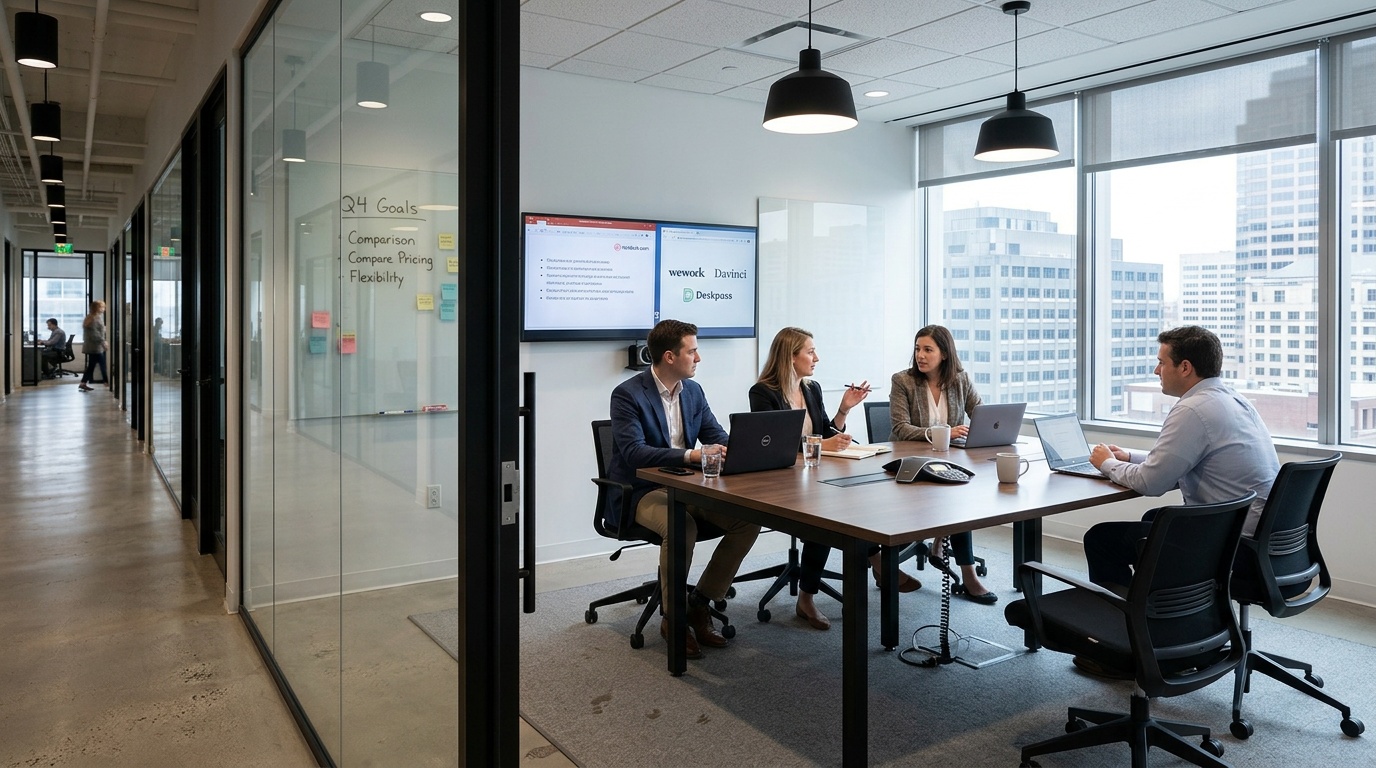
The landscape of flexible workspace solutions has evolved significantly, moving away from rigid, single-brand monopolies toward dynamic aggregators that prioritize choice and accessibility. Platforms like Hotdesk, WeWork, Davinci, and Deskpass each offer distinct approaches to securing a professional meeting space. Understanding these differences is essential for making an informed decision that aligns with your operational needs. Hotdesk operates as a comprehensive aggregator, drawing from a vast inventory of over 2,500 workspaces across the UAE, Egypt, Spain, India, and beyond. This model grants users immediate access to a diverse range of environments, from boutique independent offices to large-scale co-working hubs, rather than limiting options to a single provider’s physical footprint.
In contrast, WeWork relies heavily on its proprietary real estate portfolio. While this ensures a consistent aesthetic and standardized amenities across locations, it inherently restricts the variety of available spaces. Davinci focuses heavily on the MENA region with premium, corporate-grade facilities, often catering to established enterprises seeking long-term leases alongside flexible options. Deskpass operates as a membership-based aggregator that allows access to WeWork, Regus, and other brands, but its pricing structures and availability can fluctuate based on partner agreements. When evaluating rental options, the aggregator advantage becomes clear: you are not bound by the inventory limitations of one company. For instance, finding a reliable conference room in Birmingham is just as seamless as booking a larger corporate suite in Dubai, thanks to the unified platform experience.
The pricing models further differentiate these providers. Hotdesk emphasizes transparent, pay-as-you-go hourly or daily rates without mandatory monthly memberships. This approach eliminates the financial friction of locking into long-term commitments for sporadic needs. WeWork meeting room booking often involves tiered memberships or higher per-use fees that can accumulate quickly for occasional users. Davinci tends to position itself in the premium segment, with rates that reflect high-end finishes and dedicated corporate support. Deskpass offers competitive membership rates but requires navigating partner constraints. Flexibility in pricing directly correlates with the freedom to adapt to changing business cycles without administrative overhead.
| Feature | Hotdesk | WeWork | Davinci | Deskpass |
|---|---|---|---|---|
| Inventory Model | Multi-brand aggregator | Proprietary real estate | Corporate-grade aggregator | Membership-based aggregator |
| Pricing Structure | Pay-as-you-go, transparent | Membership + higher per-use | Premium, corporate-focused | Subscription-based access |
| Geographic Reach | Global (MENA, Europe, Asia) | Major global cities | Strong MENA presence | Global (partner dependent) |
| Booking Flexibility | Instant, no membership required | Restricted by membership tier | Lease and flexible options | Dependent on partner availability |
| Space Variety | Boutique to enterprise | Standardized WeWork design | High-end corporate suites | Mixed partner inventory |
Why an Aggregator Model Matters for Travelers and Multi‑City Teams
The modern professional ecosystem is defined by movement. Teams no longer remain static within a single headquarters; they traverse cities, collaborate across borders, and adapt to project-based workflows. An aggregator model directly supports this reality by providing continuity without the friction of learning new booking systems or navigating disparate provider policies. When your team travels, having a single platform to manage every meeting reservation ensures that access instructions, payment methods, and communication channels remain consistent, regardless of the local host. This operational seamlessness is difficult to achieve when relying on isolated, single-brand networks.
For frequent travelers, the ability to search for available spaces near me instantly is invaluable. Aggregators like Hotdesk consolidate thousands of independent spaces into one searchable interface, allowing users to filter by capacity, amenities, and price across multiple cities simultaneously. This eliminates the need to maintain separate accounts with various local providers or negotiate terms for every new destination. Furthermore, the diversity of an aggregator inventory means you can select environments that match specific meeting objectives, from quiet huddle rooms for focused strategy to expansive boardrooms for client presentations. The freedom to choose the exact space that fits your needs, rather than settling for the only available option in a single network, significantly enhances productivity and reduces travel-related stress. Booking the Our Space Birmingham Ingleby House Meeting Room demonstrates how easily professionals can transition between locations while maintaining a familiar, reliable booking workflow.
When a Single‑Provider Space Makes Sense (and When It Doesn’t)
Single-provider brands like WeWork offer distinct advantages that align well with specific business models. If your operations are concentrated in one major city and your team requires a consistent brand environment, a dedicated workspace can provide predictable quality and integrated community features. These spaces are ideal for companies seeking a permanent, branded headquarters that also offers flexible meeting areas for external stakeholders. The standardized design and unified customer service can streamline operations for organizations that prioritize brand consistency and long-term stability over geographic spread.
However, the limitations of a single-provider approach become apparent when business needs expand beyond a single location or fluctuate significantly. Companies with distributed teams, consultants working across multiple markets, or startups testing new territories often find that proprietary networks lack the necessary breadth. Relying on one brand restricts your ability to scale meeting space up or down based on immediate demand, often resulting in underutilized memberships or inflated costs for occasional use. When your workspace requirements are dynamic, an aggregator model provides the agility to secure the right environment at the right time, without being tethered to a fixed portfolio or restrictive contractual obligations.
Single-Provider Brands: Pros and Cons
Pros
- Consistent branding, design, and amenities across locations.
- Integrated community events and networking opportunities.
- Dedicated, single point of contact for facility management.
Cons
- Limited to the specific inventory of one corporate network.
- Often requires membership tiers that increase per-use costs.
- Geographic coverage may be sparse in emerging or secondary markets.
Leave a Reply