conference room meeting
Every distributed system asks you to manage new failure modes. A client arrives late, a remote participant cannot hear the discussion, or the room lacks the display connection needed for a working session. A well-planned conference room meeting removes those avoidable resets by giving people a dependable place, a known setup, and the tools required to make decisions.
Key Takeaways
- Every distributed system asks you to manage new failure modes.
- A client arrives late, a remote participant cannot hear the discussion, or the room lacks the display connection needed for a working session.
- A well-planned conference room meeting removes those avoidable resets by giving people a dependable place, a known setup, and the tools required to make decisions.
Workspace platforms can help teams evaluate bookable rooms for presentations, interviews, workshops, board discussions, and hybrid collaboration. Confirm the available locations, room specifications, booking terms, and access conditions before making a reservation.
What is conference room meeting?
A conference room meeting is a scheduled business session held in a dedicated room designed for group communication. The space normally includes a table, seating, internet, power access, and presentation equipment. A conference room is often larger and more formal than a small meeting room, though the names can overlap by provider and location.
The practical difference is based on capacity and purpose. A meeting room may suit a one-to-one conversation, interview, or small project team. A conference room usually supports several participants, a display or projector, video conferencing, whiteboarding, and structured presentations. Room layout also matters: boardroom seating supports discussion, classroom seating supports training, and theater seating supports a presentation with a larger audience.
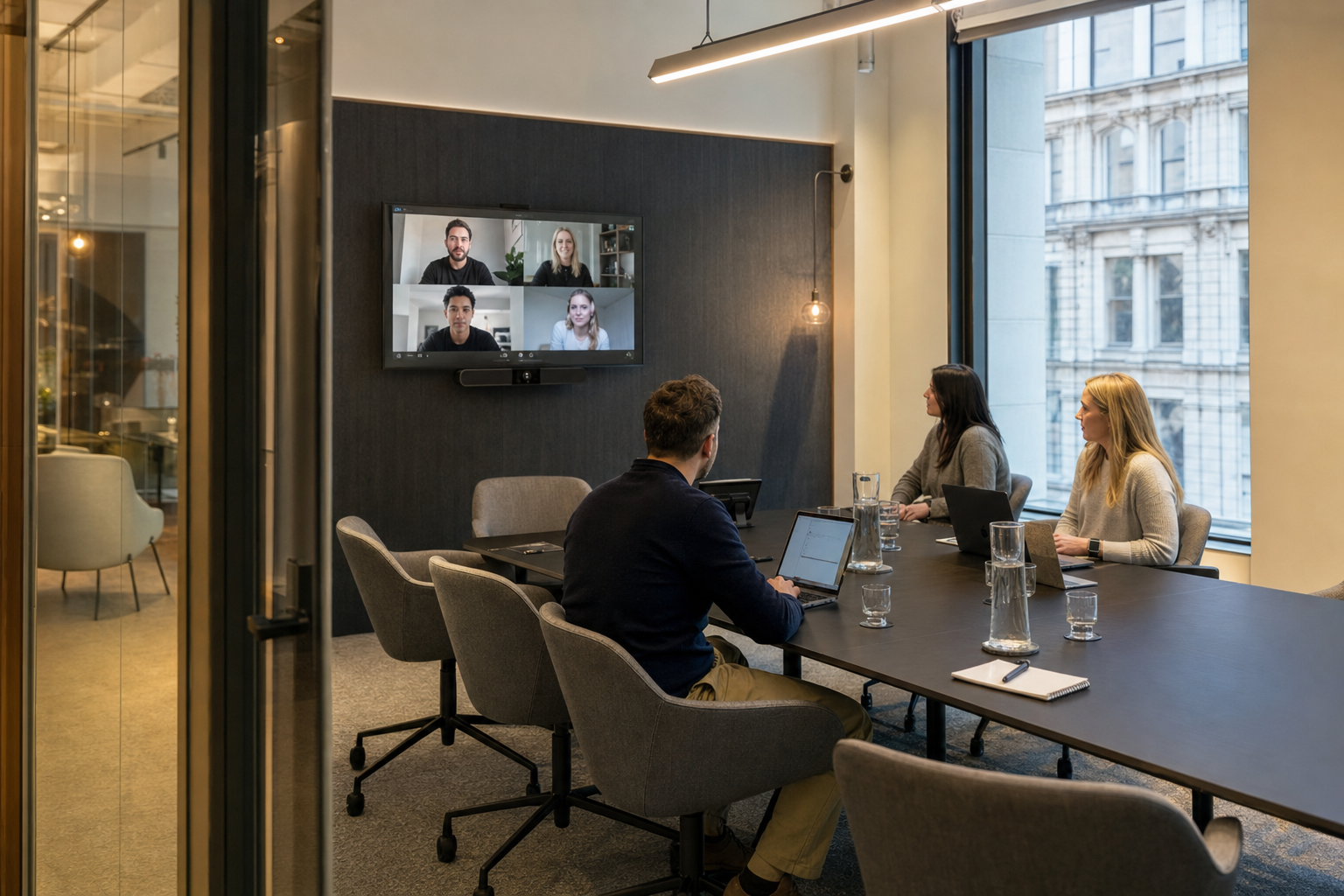
For hybrid work, the room is only useful if its technology is ready before people enter. A suitable setup includes a wide-angle camera, microphone coverage across the table, speakers without feedback, screen sharing, HDMI or USB-C connectivity, and a platform such as Zoom or Microsoft Teams. Remote participants should be visible at a natural scale and heard without someone passing a laptop around. Hotdesk’s Creativespace Zurich Meeting Event Facilities illustrates how a bookable event facility can support planned group sessions beyond a permanent office footprint. Infrastructure travels when the booking, access details, equipment expectations, and room purpose are clear.
Benefits of conference room meeting
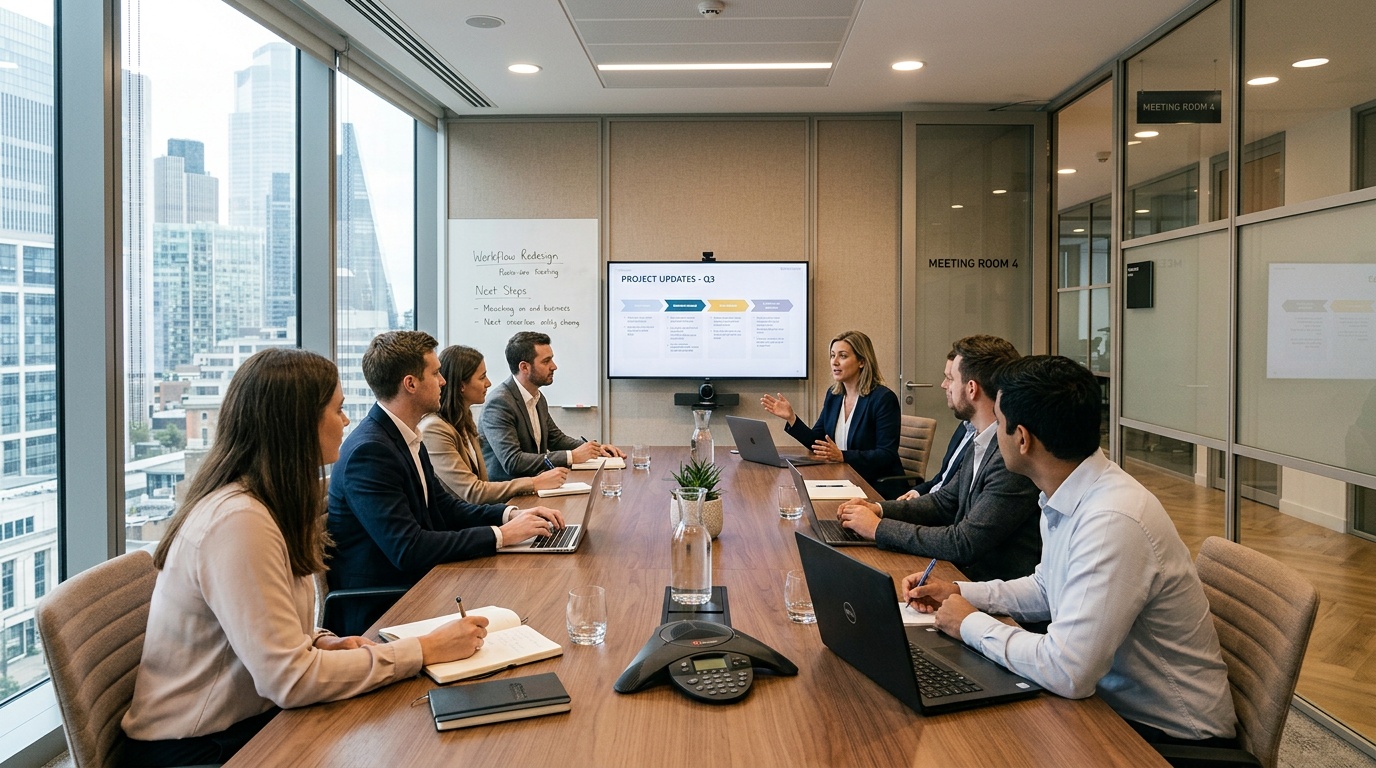
The main benefit is continuity. Teams can move from a remote call to an in-person workshop, client presentation, or leadership review without rebuilding their office setup. Hourly and daily bookings can suit teams that need space for a specific task, subject to the provider’s terms and availability.
Location can reduce friction for attendees. In Dubai, DIFC and Business Bay are commercial districts that some planners may consider for corporate meetings and boardroom hire, with access to business towers, hotels, transportation, restaurants, and client offices. A team searching for a meeting room Dubai location should consider the route for every attendee, not only the room’s appearance. A central address, clear arrival instructions, elevator access, visitor registration, and nearby parking can protect the first part of the agenda.
Reliable rooms protect meeting time
Audio and video failures create more than technical inconvenience. They interrupt turn-taking, make remote contributors less visible, and force the group to repeat decisions. Before booking, confirm the camera position, microphone pickup area, display input, internet access, technical support, and whether a test call is available.
Room prices vary by provider, district, capacity, duration, and amenities. Research listings from WeWork, Regus, and Davinci Meeting Rooms can help with comparison. Verify the final rate, taxes, cancellation terms, catering, reception service, and equipment fees before payment.
A professional room also supports confidentiality and focus. A door, controlled visitor access, acoustic separation, and a suitable table reduce distractions common in cafés or shared lounges. For teams working across time zones, a preconfigured display and dependable connectivity shorten setup time. Creativespace Zurich Meeting Event Facilities can serve as a reference point for the type of organized event environment teams may seek when they need presentation space, participant seating, and a defined booking window.
The result is not simply a better room. A well-matched conference room meeting gives the team a repeatable operating process: choose the capacity, confirm the technology, share access instructions, arrive with the agenda, and leave with documented decisions. That is what works consistently, whether the session involves a small group or a larger regional team.
How to Choose conference room meeting
Choosing a conference room meeting space starts with the session objective, not the room photograph. A board review needs privacy, a central display, and a table that supports discussion. A training session needs sightlines, writing surfaces, power access, and enough clearance for movement. A client presentation may require reception support, a professional address, and easy access from transportation hubs. Define the agenda, participant count, meeting format, and expected decisions before searching. That information gives you a practical filter for capacity, layout, location, technology, and booking duration.
Room terminology is not standardized across providers. One operator may call a small boardroom a meeting room, while another may use conference room for any space with video equipment. Focus on specifications instead: seated capacity, table configuration, acoustic privacy, natural lighting, ventilation, accessibility, and whether the room can be rearranged. Ask for the usable capacity rather than the maximum fire-code limit, since laptops, notebooks, catering, and camera sightlines require additional space.
Match room size and layout to the agenda
Use a room that supports the way people will work. Boardroom seating suits negotiation and leadership discussion because participants can maintain eye contact. Classroom rows suit instruction and note-taking, while theater seating works for a presentation with limited audience interaction. A U-shaped layout can support workshops, but it requires more floor area than a standard rectangular table. If remote colleagues will join, leave a clear camera view across the table and place the main display where local participants can see shared content without turning away from the discussion.
Capacity should account for more than chairs. A reliable calculation includes attendees, facilitator space, camera distance, charging points, presentation materials, and accessibility requirements. For a small interview, excess capacity can make the conversation feel distant. For a regional planning session, a crowded room can create blocked sightlines and poor microphone pickup. The correct fit is the smallest space that supports the agenda without forcing people or equipment into inefficient positions.
Verify hybrid meeting technology before booking
Technology should be tested as a system, not selected as a list of isolated devices. Confirm the camera’s field of view, microphone pickup range, speaker output, echo control, display resolution, and connection method. USB-C and HDMI inputs cover common laptops, while a room computer can reduce setup steps. Ask whether the internet connection is dedicated or shared, whether guests can join the wireless network, and whether Zoom or Microsoft Teams is already configured.
Run a short test call before a high-stakes session. Check speech clarity from each seat, remote participant visibility, screen sharing, content permissions, and the process for receiving technical help. A wide-angle camera cannot fix poor acoustics, and a large screen cannot compensate for unstable connectivity. Hybrid reliability depends on room geometry, microphone placement, bandwidth, software access, and a person who can resolve faults before the agenda starts.
Use a pre-booking verification checklist
Request current room photos, a floor plan, equipment details, access instructions, and the cancellation policy. Confirm setup and teardown time separately from the meeting duration. Ask whether reception can register visitors, whether confidential documents may remain in the room, and whether food, whiteboards, adapters, or recording equipment carry additional fees.
Evaluate Dubai location and total cost
For a meeting room Dubai search, start with attendee routes and business context. DIFC suits financial, legal, and executive meetings near major corporate offices. Business Bay can work well for teams meeting around commercial towers, hospitality venues, and central transport links. A team with partners in Abu Dhabi may prefer a location that reduces cross-emirate travel, even if the room itself costs more. Compare commute time, parking, elevator access, visitor registration, and nearby food options alongside the hourly rate.
Published Dubai listings show that rates vary by location, capacity, duration, and amenities, according to WeWork’s Dubai meeting room listings. Treat listing prices as planning references, not guaranteed quotes. Calculate the full booking cost by adding taxes, setup time, catering, printing, reception services, equipment charges, and overtime rules.
Hourly booking is practical for interviews, client reviews, and short workshops. A daily reservation can be more efficient for training, off-site planning, or sessions with uncertain timing. Booking duration should match actual requirements and the provider’s terms. A bookable facility such as the Creativespace Zurich Meeting Event Facilities is a useful example of a facility for organized group sessions.
Before confirming a reservation, record the booking window, attendee limit, room configuration, payment terms, and host contact. Creativespace Zurich Meeting Event Facilities also demonstrates why a workspace listing should communicate more than an address: planners need clarity about the event setting, available infrastructure, and operational conditions. A well-specified conference room meeting booking reduces rework because the space, people, and technical setup are aligned before arrival.
Frequently Asked Questions
What is the difference between a conference room and a meeting room?
The distinction usually relates to scale and purpose, not a universal industry standard. A meeting room often serves a small group for interviews, consultations, or project discussions. A conference room generally has more seating, a larger table, presentation equipment, and video conferencing support for formal reviews, workshops, or client sessions. Providers may use the terms differently, so check the actual capacity, layout, privacy level, display, camera, microphone, and internet specifications before booking.
How much does it cost to rent a conference room in Dubai?
Dubai meeting room rates vary by provider, district, room size, reservation length, equipment, hospitality services, and time of day. Examples of listing pages include WeWork, Regus, and Davinci Meeting Rooms. Check the current pages and request the complete payable amount before confirming a reservation.
Ask for the complete payable amount before confirming a reservation. Check whether taxes, setup time, overtime, catering, printing, reception support, adapters, and cancellation charges are included. An hourly rate can look low while a short booking becomes more expensive after additional service fees. A transparent quote should show the room, booking window, attendee limit, included equipment, and payment terms.
Which areas can I consider for renting a meeting room in Dubai?
DIFC and Business Bay are examples of Dubai business districts that planners may evaluate for corporate meetings because they place attendees near offices, hotels, restaurants, transportation links, and major commercial buildings. DIFC can suit financial, legal, and executive appointments. Business Bay may be practical for startups, agencies, consultants, and teams working near the central business corridor.
The appropriate neighborhood depends on attendee routes rather than reputation alone. Review parking, taxi access, elevator availability, visitor registration, building security, nearby food options, and travel time from the airport or another emirate. A well-equipped room in the wrong location can create more delay than a smaller space near the client’s office.
What equipment do I need for a successful hybrid session?
Start with a camera that shows every local participant, microphones that capture speech across the table, and speakers with echo control. Add a display large enough for shared documents, HDMI or USB-C connectivity, stable internet, power outlets, and access to the required video platform. A room computer can reduce setup steps, but guests still need a clear process for joining the network and sharing content.
Test the full audio and video path before people arrive. Confirm that remote participants can hear voices from each seat, see faces at a natural scale, read shared content, and speak without feedback. Keep a compatible adapter, charging cable, and technical contact available. Creativespace Zurich Meeting Event Facilities is a useful reference for planners assessing a bookable facility with organized event requirements. Creativespace Zurich Meeting Event Facilities also illustrates why equipment details should be visible before payment, not discovered at arrival.
Can I book a room by the hour or day?
Yes. Hourly reservations fit interviews, sales presentations, short workshops, and client consultations. Daily reservations are better suited to training, planning sessions, team off-sites, and events with uncertain timing. Booking duration should reflect the required setup, meeting, breaks, and teardown time.
Before you reserve, define the start and end times, including preparation and cleanup. Confirm the access procedure, cancellation window, attendee capacity, room configuration, technology, and support contact. Check the provider’s available locations and booking terms before selecting a room. The useful measure is not the room’s marketing description. It is whether the reservation preserves working time from arrival through the final decision.
Leave a Reply