Category: Blog

  • Adaptive Reuse: Turning Old Buildings Into Coworking Spaces — A Practical Guide

    Adaptive Reuse: Turning Old Buildings Into Coworking Spaces — A Practical Guide

    adaptive reuse turning old buildings into coworking spaces

    Adaptive reuse turning old buildings into coworking spaces can give a vacant or underused property a new working life while retaining features that make it distinctive. It is also a real-estate, design, safety, and operating project. Before choosing furniture or a brand name, an operator needs to know whether the building can legally and practically support the proposed use.

    Key Takeaways

    • Operators should conduct thorough feasibility studies covering legal, structural, and safety requirements before committing to an adaptive reuse project.
    • Preserving the distinctive architectural features of older buildings can differentiate a coworking space in a competitive market.
    • Converting underused properties requires balancing preservation goals with modern safety standards and operational needs.
    • Understanding local zoning laws and building codes early prevents costly setbacks during the conversion process.
    • A successful adaptive reuse strategy transforms vacant real estate into productive workspaces without losing the building’s original identity.

    This guide is a planning framework, not architectural, engineering, environmental, legal, or tax advice. Requirements vary by country, city, building, heritage status, and intended occupancy. Engage qualified local professionals and the relevant authorities before acquiring a property or starting work.

    What adaptive reuse means for a coworking project

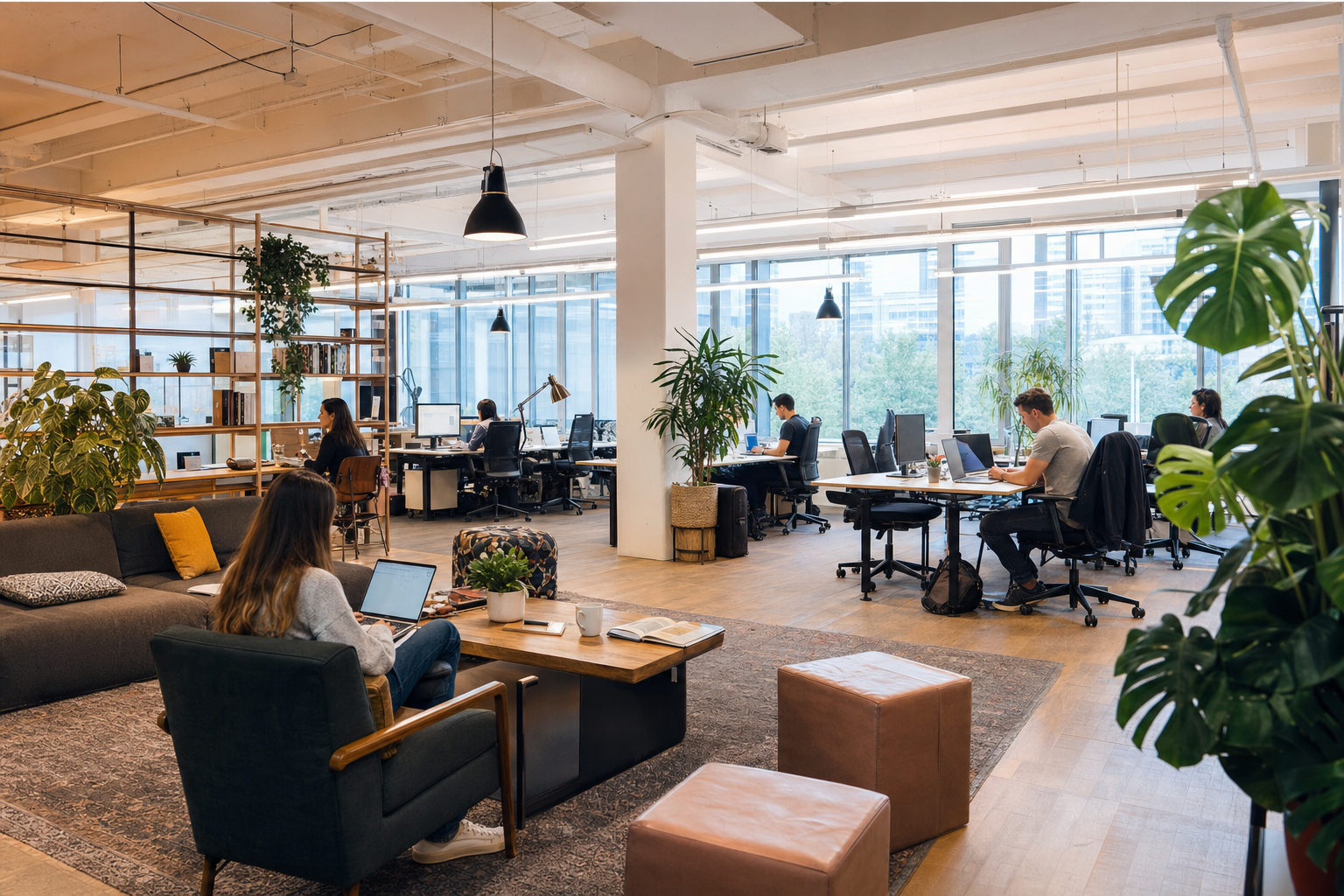
    Adaptive reuse changes an existing building to support a new use. A former warehouse, shop, school, bank, or office may become a flexible workspace, but the label does not say whether conversion is feasible. The existing structure, permitted use, access, fire strategy, building services, contaminants, heritage controls, and local market all affect the decision.

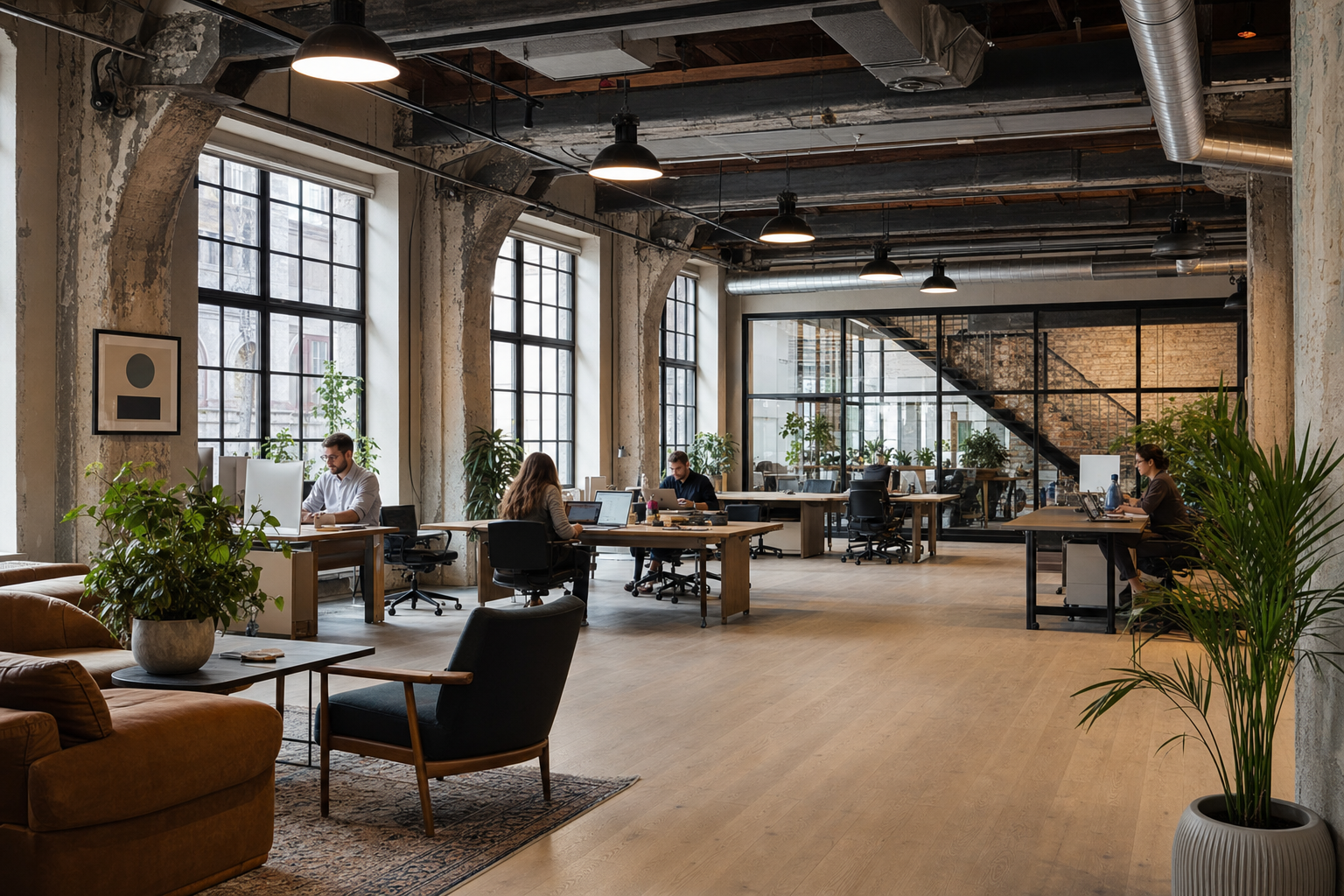
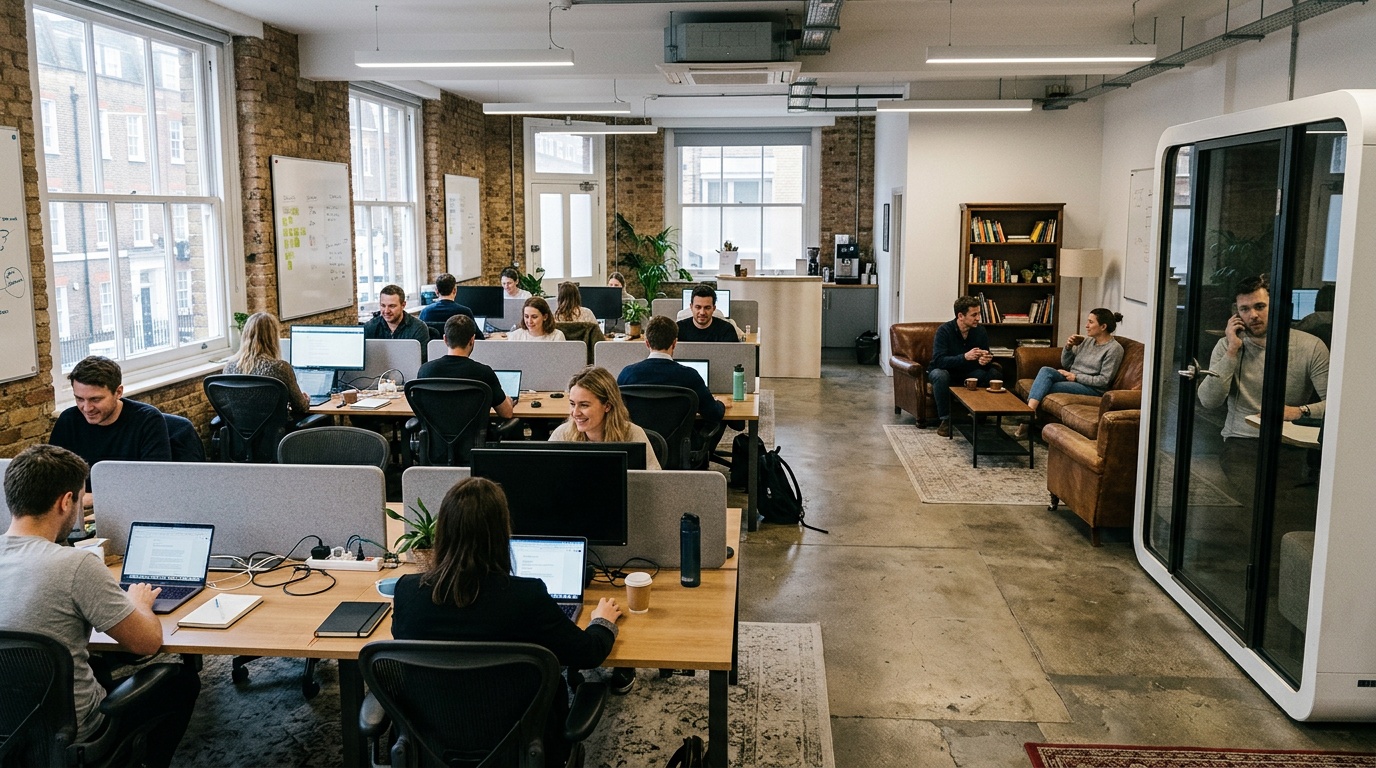
    Preserving original brick, timber, windows, vaults, or industrial details can create a strong sense of place. Those features should be assessed rather than assumed safe or suitable. A beautiful room may still need structural work, accessible routes, acoustic treatment, ventilation changes, or a different occupancy plan.

    Start with feasibility, not a finished layout

    Start with feasibility, not a finished layout

    Define the intended offer: hot desks, dedicated desks, private offices, meeting rooms, event space, or a mix. Estimate how people and visitors will move through the building at busy times. Then ask a local architect or other qualified lead to identify the investigations, approvals, and specialist advice required.

    A feasibility review commonly considers:

    • ownership, lease rights, easements, and restrictions on alterations;
    • planning or zoning rules and whether a change of use is required;
    • heritage or conservation controls;
    • structure, roof, envelope, moisture, and known damage;
    • fire safety, exits, alarms, occupancy, and emergency access;
    • step-free routes, lifts, toilets, and other accessibility requirements;
    • power, water, drainage, ventilation, cooling, data, and security;
    • potential asbestos, lead, mould, contaminated materials, or other hazards;
    • construction access, neighbours, noise, waste, and business continuity.

    Do not disturb suspected hazardous material during an informal viewing. Environmental surveys and remediation should be handled by appropriately qualified people under local rules.

    Build a project-specific budget

    It is unsafe to assume that reuse is always cheaper than new construction. Retaining a sound structure may avoid some new work, but hidden damage, service upgrades, heritage requirements, access changes, remediation, or a complex fire strategy can change the budget. Obtain surveys and cost advice for the actual building.

    Separate acquisition or lease costs from design, approvals, investigations, construction, technology, furniture, professional fees, insurance, finance, launch, and early operating costs. Include a project-specific contingency recommended by the cost team. Record the assumptions behind every allowance and update them as surveys and designs become more detailed.

    Grants, tax credits, or heritage incentives are jurisdiction-specific and may change. Treat them as unconfirmed until eligibility and timing are verified in writing with the relevant authority and a qualified adviser. Do not base the project on a percentage quoted for a different country or programme.

    Measure sustainability claims for the actual project

    Retaining existing structure and materials may reduce demand for new materials and demolition, but the result depends on what is retained, replaced, transported, and operated. If the project will publish carbon, waste, or energy claims, define the method, boundary, baseline, data source, and reviewer.

    Useful project records can include retained material quantities, demolition waste routes, new material specifications, energy modelling assumptions, and measured performance after opening. Avoid applying a broad industry percentage to a building that has not been assessed.

    Design around work patterns and building constraints

    Design around work patterns and building constraints

    Adaptive reuse turning old buildings into coworking spaces requires a balance between character and ordinary working needs. Start with activities rather than furniture counts. Map quiet work, calls, team sessions, visitors, deliveries, food, events, cleaning, storage, and staff operations.

    Place noisy social or event areas where they can be managed without disrupting private offices and focus zones. Test acoustic separation, speech privacy, glare, temperature, air movement, lighting, power, and data coverage. A large open hall may look impressive but need careful zoning to work well throughout the day.

    Accessibility should be integrated into the route from arrival to reception, work areas, meeting rooms, amenities, and emergency exits. Local professionals should advise on the applicable requirements and on solutions that respect retained features.

    Plan technology as building infrastructure

    Coworking operations depend on connectivity, booking, access control, payments, support, and reliable power. Survey the available telecommunications routes and plan secure network separation, wired connections where needed, equipment rooms, coverage, backup options, and maintenance access.

    Choose access and booking systems only after defining doors, user roles, staff overrides, visitor flows, privacy, retention periods, and failure procedures. A digital system should support the physical operation; it cannot correct an unsuitable layout or an incomplete safety plan.

    Keep an approvals register

    Create a register of the decisions, submissions, inspections, certificates, and conditions required before work and before opening. Assign an owner and source for each item. The sequence may include planning, building permits, heritage consent, utilities, environmental work, fire approval, accessibility review, signage, occupancy approval, and operating licences, but the actual list must come from local authorities and advisers.

    Do not market an opening date or sell memberships until the team understands which approvals remain uncertain. Keep design changes, authority comments, and as-built information under version control so operators inherit accurate records.

    Design the operating model before opening

    Design the operating model before opening

    The building’s character attracts attention; daily operations determine whether members stay. Plan reception, tours, bookings, access failures, cleaning, repairs, deliveries, waste, complaints, emergencies, events, and after-hours support. Identify systems or elements that require specialist inspection or maintenance.

    Run a soft-opening test with staff and invited users. Observe arrival, wayfinding, calls, room booking, temperature, internet, kitchens, toilets, cleaning, and closing. Record issues and close safety or compliance items before increasing occupancy.

    A staged go/no-go process

    For adaptive reuse turning old buildings into coworking spaces, each stage should end with evidence and a clear decision before more money or commitments are added.

    Stage Evidence to obtain Decision
    Initial screen Rights, intended use, location, broad condition, authority conversation Is the property worth detailed investigation?
    Feasibility Surveys, risks, approval route, test fit, cost plan, operating concept Is there a viable, compliant project?
    Design Coordinated plans, specifications, approvals strategy, updated cost and programme Is the project ready for procurement and construction?
    Delivery Inspections, changes, tests, certificates, training, as-built records Is the property ready to open?
    Operation Member feedback, maintenance, incidents, energy and occupancy data What needs adjustment after launch?

    References

    Frequently asked questions

    Is adaptive reuse always cheaper than a new building?

    No. The outcome depends on the property, retained elements, required upgrades, approvals, hazards, local prices, and programme. Use building-specific surveys and cost advice.

    Which old buildings make good coworking spaces?

    No building type is automatically suitable. Floor layout, structure, access, exits, services, location, approvals, and the intended workspace offer all matter.

    Can historic features be kept?

    Often some features can be retained, but heritage controls, condition, safety, accessibility, and performance requirements guide what is practical. A conservation or heritage specialist may be needed.

    How should an operator discuss carbon savings?

    Use a stated method and project data. Explain the baseline and scope, and have material claims reviewed by a suitable professional. Avoid copying a percentage from another project.

    Where does Hotdesk fit after a space is ready?

    Hotdesk provides a platform for flexible workspace discovery and booking, plus tools for workspace hosts. Platform selection is part of the operating plan; the property must still satisfy its local approvals and safety requirements.

    Adaptive reuse turning old buildings into coworking spaces works best as a staged evidence process: verify the property, coordinate qualified professionals, design for real work, close approvals, test operations, and make only claims the project data supports.

    About the Author

    MK

    Mohamed Khaled

    Forbes 30 Under 30

    Founder & CEO at Hotdesk & Co-founder, DESK Token

    Mohamed Khaled is the Founder and CEO of Hotdesk, the on-demand workspace platform providing access to coworking spaces and flexible offices across more than 120 countries.

    He spent nearly a decade at PwC before moving into financial leadership at SWVL, where he led the company’s $1.5 billion Nasdaq listing, the first Unicorn from thr Middle East to go public in the United States.

    A Forbes 30 Under 30 honoree, Mohamed built Hotdesk from a side project into a global platform, leading a team of more than 50 and expanding into international markets, including the acquisition of Spain-based coworking marketplace YADO.

    Also being Co-founder and President of DESK Token, the world’s first asset backed property investment and utility hybrid token, Mohammed is focused on building infrastructure that unlocks underutilized assets – from meeting rooms to private offices and full on buildings – while creating space for the future of work.

    Last reviewed: July 24, 2026 by the Hotdesk Team
  • Dedicated Desks vs Hot Desks in Dubai Marina?

    Dedicated Desks vs Hot Desks in Dubai Marina?

    Coworking space with dedicated desks vs hot desks in Dubai Marina?

    Choosing a coworking space with dedicated desks vs hot desks in Dubai Marina? The right answer depends on how often you work on site, whether you need the same setup each day, what you store, and how the property handles availability. Both products can provide access to a professional shared workspace, but they solve different day-to-day problems.

    Key Takeaways

    • Your selection between these two desk models should map directly to your on-site frequency and daily operational rhythm.
    • Storage requirements act as a primary differentiator when determining which option fits your workflow.
    • Both configurations deliver shared professional environments, yet they solve fundamentally different day-to-day challenges.
    • Each property manages seat availability differently, which directly affects your planning consistency.

    This guide compares the two options without relying on price figures or availability that may change. Use it to prepare a short workspace brief, then confirm the current plan details with the property before booking.

    The basic difference

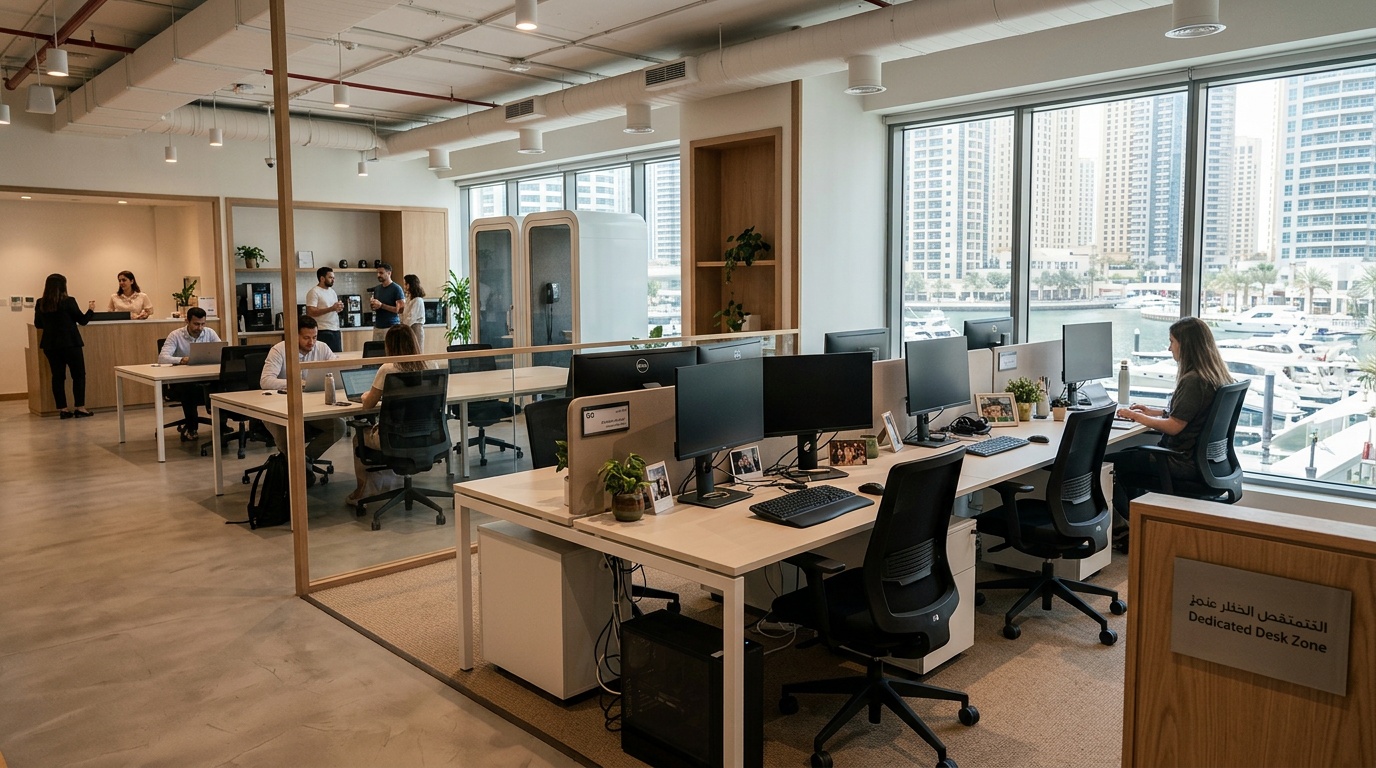
    A hot desk is normally a seat selected from an available shared area for a booking period. The exact desk may vary. A dedicated desk is normally assigned to one member or company for the term of the plan. It may include the ability to leave approved equipment or use associated storage, subject to the property’s rules.

    Those are common definitions, not universal contract terms. Some hot-desk plans allow advance seat selection; others provide access to a zone. Some dedicated-desk plans reserve the furniture but restrict overnight storage. Read the description for the exact plan and ask the host when a detail is not explicit.

    Dedicated desk and hot desk comparison

    Dedicated desk and hot desk comparison
    Question Hot desk Dedicated desk
    Which seat do I use? An available seat or a selected seat, depending on the booking system The desk identified in the membership or agreement
    Can I leave equipment? Usually designed for a clear desk after use; confirm locker options May allow approved equipment or storage; confirm security and property rules
    How consistent is the setup? Layout, neighbours, light, and noise may vary by seat The physical desk is consistent, while the surrounding space remains shared
    How is access handled? Depends on booked dates, hours, capacity, and seat rules Depends on the plan term, building hours, and access policy
    Who is it suited to? People who value mobility and do not need a permanent setup People who return regularly and benefit from the same workstation

    When a hot desk may fit

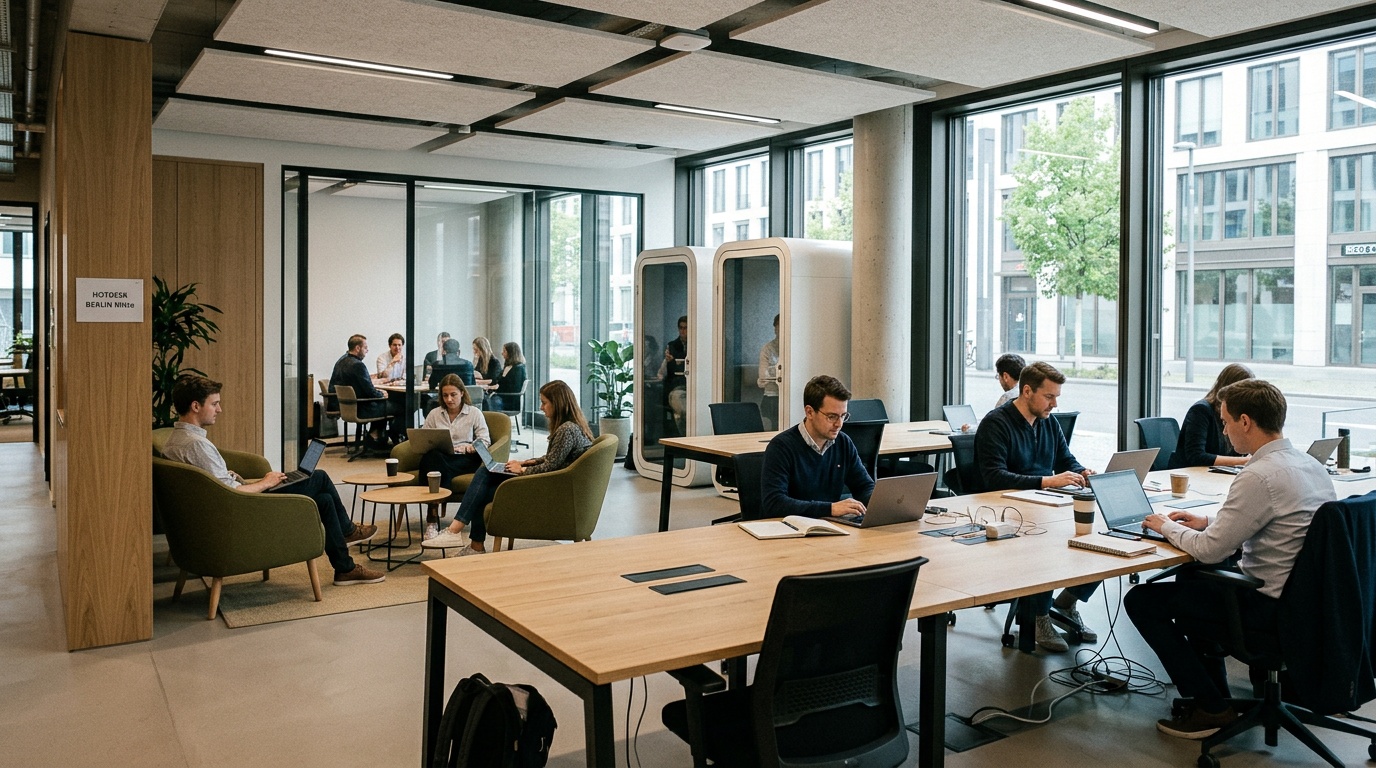
    A hot desk can work well for someone visiting Dubai Marina for a short period, splitting the week between locations, or carrying a simple laptop setup. It can also help a person test a property before considering a longer plan.

    Ask whether a booking confirms a specific seat, access to a zone, or entry to the property subject to capacity. “Hot desk” alone does not answer that question. Also check the hours, weekend access, call areas, monitor availability, locker options, meeting-room terms, and cancellation policy.

    If your work includes frequent confidential calls, large equipment, or specialist accessibility needs, inspect the exact area before relying on a shared-seat plan. A phone booth or meeting room may be available, but it may require a separate booking.

    When a dedicated desk may fit

    A dedicated desk can suit people who work from the same property regularly and want a familiar chair, monitor position, and immediate start to the day. It may also make sense when approved storage or a stable team area is important.

    A reserved desk is not the same as a private office. Conversations, movement, and shared facilities remain part of the environment. Ask about acoustic conditions, visitor rules, secure storage, equipment insurance, IT support, and what happens to items left after the agreement ends.

    For a small team, confirm whether adjacent desks are actually reserved together and whether the plan can change if headcount changes. Do not assume that an unused dedicated desk can be transferred to another person without the operator’s consent.

    Understand what “reserved” means

    Understand what “reserved” means

    When comparing a coworking space with dedicated desks vs hot desks in Dubai Marina? pay close attention to the booking language. A dedicated desk should identify the assigned workspace and access period. A hot-desk booking should state whether the reservation covers a named seat, a seat type, or general access to an area.

    Digital availability can change as bookings are made or cancelled. A platform can display inventory supplied by the host, but users should rely on the confirmed booking and its terms rather than a general promise that every seat will always be available.

    Compare current total cost, not old headline prices

    Workspace rates may change by date, term, property, access level, and included services. Request the current total for the plan you are considering. Confirm tax, deposit, setup charges, meeting-room use, printing, parking, lockers, guest access, renewal, notice, and cancellation.

    A dedicated desk may cost more than a hot-desk plan at the same property because it reserves a particular workstation, but that is not a reliable rule across every operator or term. Compare like with like and put a value on the features you will actually use.

    Check the Dubai Marina location in practice

    Map distance is only a starting point. Check the building entrance, lift access, the practical walking route from public transport, parking terms, and how visitors reach reception. If you work outside standard hours, confirm both building access and workspace access for the exact days you need.

    Visit during a typical working period when possible. Notice noise, temperature, mobile signal, desk spacing, power outlets, shared-call behaviour, and the route to meeting rooms and kitchens. A short viewing can resolve questions that listing photos cannot.

    Ask separately about a business address and Ejari

    Ask separately about a business address and Ejari

    A desk booking does not automatically provide a registered business address, mail service, tenancy document, or Ejari registration. Eligibility can depend on the property, agreement, licence activity, and current government requirements. Ask the operator what document, if any, is included and verify it with the relevant Dubai authority or a qualified business-setup adviser before relying on it.

    Dubai’s official Ejari service is administered through the Dubai Land Department. Use official information for current requirements; do not infer eligibility from the words “dedicated desk,” “coworking,” or “private office.”

    Decision checklist

    A useful workspace brief for a coworking space with dedicated desks vs hot desks in Dubai Marina? should include:

    • days and hours you expect to work on site;
    • whether the same physical desk is important;
    • monitor, power, storage, privacy, and accessibility needs;
    • calls, visitors, and meeting-room use;
    • booking, renewal, notice, and cancellation terms;
    • the full current cost for the intended period;
    • any separate business-address or documentation requirement.

    Score each property against that brief. The choice should reflect the actual plan, not a generic label.

    References and current resources

    Frequently asked questions

    Is a dedicated desk the same as a private office?

    No. A dedicated desk is an assigned workstation, often within a shared area. A private office is an enclosed room. Confirm the layout, access, and included services for the exact listing.

    Does a hot-desk booking guarantee a seat?

    It depends on the booking terms. Check whether the confirmation reserves a specific seat, a seat within a zone, or access subject to capacity. Keep the booking confirmation and contact the host if the wording is unclear.

    Can I leave a monitor at a dedicated desk?

    Only if the property permits it. Ask about storage, security, labelling, insurance, electrical equipment, and what happens to property left after the plan ends.

    Which option is better for a frequent user?

    A dedicated desk may be more convenient when the same setup matters, while a hot desk may suit someone who values location flexibility. Compare the current plans and the total cost against your working pattern.

    Does either desk type include Ejari?

    Do not assume so. Ask for the exact document included with the agreement and verify current eligibility through official Dubai Land Department information or a qualified adviser.

    For a coworking space with dedicated desks vs hot desks in Dubai Marina? choose from current, written plan details: the exact seat arrangement, access, total cost, storage, support, and documents you need.

    About the Author

    MS

    Mohammad El Shaari

    CTO at Hotdesk

    Mohammad El Shaari is the CTO of Hotdesk, where he leads the engineering team building and scaling a global SaaS platform for on-demand workspace bookings across 80+ countries. A Computer Science graduate from The British University in Egypt, he brings over a decade of hands-on experience in enterprise software, AI, cloud infrastructure, and cybersecurity.

    Before Hotdesk, he served as CTO of Vee Tech, where he led technical delivery for 12+ enterprise clients generating $30M+ in annual revenue, and helped build Egypt’s first innovation lab at Capital International Schools.

    At Hotdesk, Mohammad focuses on building scalable systems that handle real-time availability, global user distribution, and high-throughput transactions. He specializes in scalable system design, cloud-native infrastructure, and building high-performance SaaS platforms that support global user bases.

    He writes about scaling SaaS platforms, backend architecture, mobile engineering, and real-world technical decisions behind building and operating global products.

    Last reviewed: July 24, 2026 by the Hotdesk Team
  • Addressing Hygiene Concerns in a Hot Desk Office

    Addressing Hygiene Concerns in a Hot Desk Office

    addressing hygiene concerns in a hot desk office

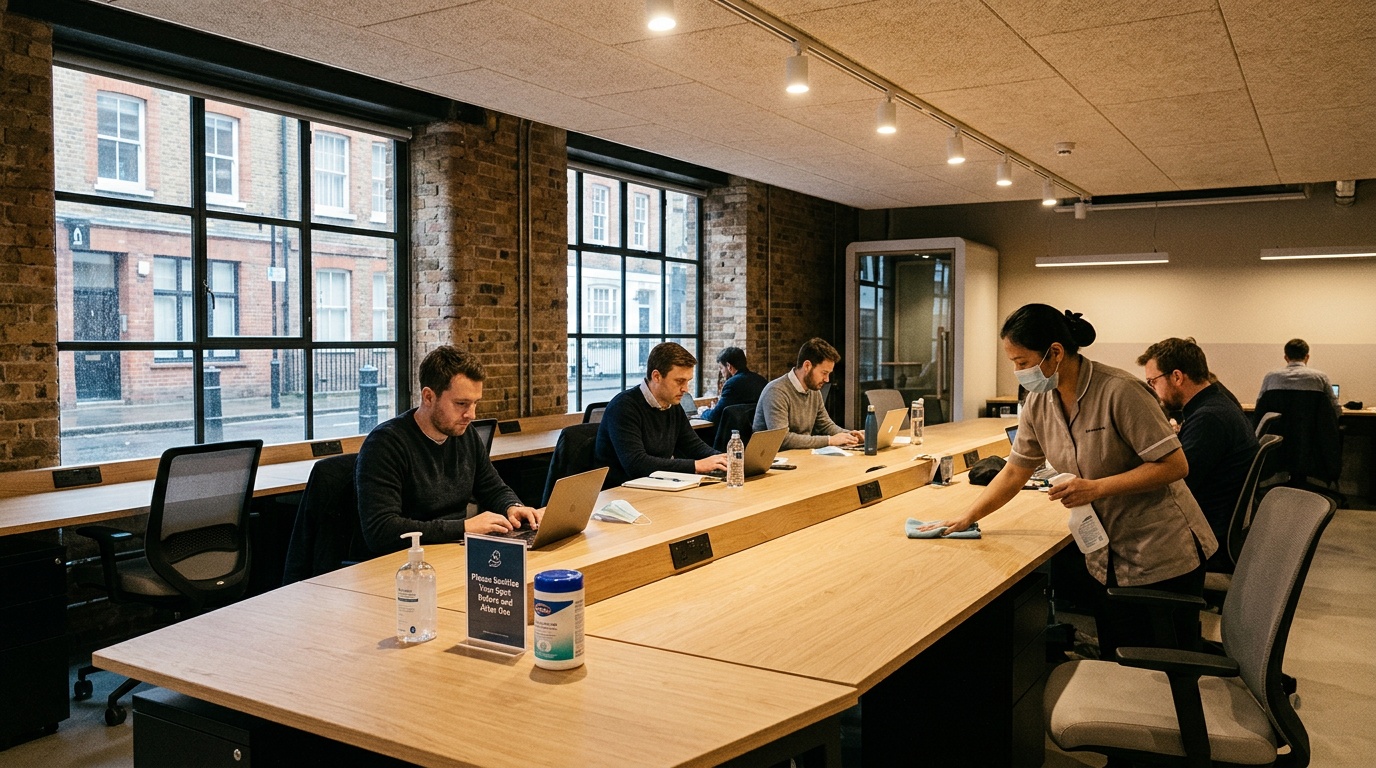
    Addressing hygiene concerns in a hot desk office works best when the expectations are visible, practical, and shared. A rotating desk is used by different people, so operators need a repeatable cleaning process and users need simple ways to leave the workstation ready for the next booking. The goal is not to make medical promises. It is to run a clean, well-maintained workspace and communicate what happens between uses.

    Key Takeaways

    • Visible and practical expectations help everyone maintain a clean environment in a shared workspace.
    • Operators must establish a repeatable cleaning process to handle the turnover of rotating desks.
    • Users should have simple methods to prepare their workstations for the next person.
    • The primary objective is to maintain a well-maintained space rather than making medical guarantees.
    • Clear communication about cleaning protocols builds trust between bookings.

    A good process covers the desk, shared equipment, cleaning products, waste, ventilation and maintenance reports. It should also make room for people with allergies, sensitivities, or individual health concerns to ask questions before booking.

    Define operator and user roles

    The workspace operator is responsible for the property’s cleaning schedule, suitable supplies, trained staff, maintenance, and clear instructions. Users can support that process by disposing of waste, returning shared items, reporting spills or damaged equipment, and following any desk-reset instructions shown on site.

    Do not shift professional cleaning duties entirely to members. A packet of wipes at the desk is useful for personal preference, but it is not a substitute for the operator’s documented routine. Likewise, users should not apply an unknown product to a monitor, keyboard, fabric chair, or other surface that could be damaged.

    Build a simple turnover workflow

    Build a simple turnover workflow

    Start by listing the touchpoints at each workstation: desktop, chair controls, power switches, monitor controls, shared keyboard or mouse, locker handle, and nearby door handles. The list should reflect the actual room rather than a generic template.

    Set a schedule based on use, the type of surface, manufacturer instructions, and the workspace’s operating policy. A desk booked several times in a day may need attention at different points from a desk assigned to one person for a month. Record completed tasks in a way that staff can check without exposing a member’s personal booking information.

    The US Centers for Disease Control and Prevention advises cleaning visibly dirty surfaces before disinfecting when disinfection is needed, and following product labels. That distinction matters: cleaning removes dirt and impurities, while a registered disinfectant has its own contact time, surface compatibility, and safety directions. Workspace teams should follow local requirements and the instructions for the exact product in use.

    Use products that match the surface

    Before applying a cleaner or disinfectant, read both the product label and the equipment manufacturer’s care guidance. Electronics, coated screens, natural wood, fabric, and leather may require different methods. Never spray liquid directly into ports, vents, or electrical equipment. Staff should know what protective equipment and ventilation a product requires.

    Where a disinfectant is part of the policy, use a product approved by the relevant local authority for the intended purpose. In the United States, the Environmental Protection Agency maintains List N for products registered for use against SARS-CoV-2; other countries have their own regulators and product registers. A registration does not remove the need to follow the label.

    Place supplies and instructions where they are useful

    Hand-washing facilities, waste bins, tissues, and any approved desk-cleaning supplies should be easy to find and regularly restocked. Small signs can explain which items users may clean themselves and where to report a problem. Keep the language factual: describe the procedure and timing rather than claiming that a room is “germ-free” or that illness cannot spread.

    Addressing hygiene concerns in a hot desk office also means making the process easy to verify. A brief “cleaned at” marker or a help channel can give users useful information without overstating what cleaning can achieve. Operators should remove outdated signs when the process changes.

    Include shared equipment and common areas

    Include shared equipment and common areas

    The workstation is only part of the user’s route. Meeting-room controls, printers, kitchen handles, lockers, phone booths, and reception tablets may be shared more often than a particular desk. Add these areas to the property plan with ownership for cleaning, inspection, and restocking.

    Food preparation areas need their own procedures. Separate food-safe products from workstation products, label containers, and avoid leaving unmarked chemicals where members can reach them. Spills, leaks, pests, and damaged waste bins should have a prompt reporting route.

    Keep ventilation and maintenance in scope

    Cleaning surfaces is not the whole indoor-environment plan. Operators should maintain ventilation and air-conditioning systems according to building requirements and manufacturer schedules. Users should know who to contact about unusual odours, water damage, visible mould, or a ventilation concern. These issues require assessment by the property team or an appropriate professional, not a quick desk wipe.

    Use booking data carefully

    A booking system can show when a desk is expected to be occupied and can help an operator plan turnover tasks. It should not expose personal information to cleaning staff or other members beyond what is necessary. Define how long operational records are kept, who can access them, and what happens when a booking changes.

    Automation can create a task when a booking ends, but staff still need a way to confirm the task, flag an unavailable desk, or escalate a maintenance issue. Technology supports the workflow; it does not prove that a surface was cleaned correctly.

    Questions to ask before booking

    Questions to ask before booking

    Addressing hygiene concerns in a hot desk office before a booking means asking specific questions rather than relying on a general “clean” label:

    • When are hot desks cleaned, and what triggers an additional clean?
    • Which shared items are included in the routine?
    • What products are used, and are product instructions available?
    • How are spills, damaged equipment, or empty supplies reported?
    • Can a user request a newly serviced desk or bring approved personal equipment?
    • Who handles ventilation, water damage, and other building concerns?

    People with asthma, allergies, chemical sensitivities, or other health needs should contact the workspace before arrival and seek advice from a qualified health professional where appropriate. A blog article cannot assess an individual risk.

    A practical hot-desk checklist

    Stage Operator action User action
    Before use Present a serviced desk, working equipment, supplies, and reporting instructions Check the desk and report a problem before using unknown products
    During use Maintain common areas and respond to spills or maintenance reports Dispose of waste and follow food, drink, and shared-equipment rules
    After use Complete the scheduled turnover process and record exceptions Remove personal items and leave equipment in its expected place
    Review Check supplies, staff training, product guidance, and recurring issues Give factual feedback through the property’s support channel

    References

    Frequently asked questions

    How often should a hot desk be cleaned?

    The schedule should reflect how often the desk is used, the workspace policy, local requirements, and product instructions. Ask the operator what happens between bookings and how an extra clean is requested after a spill or visible dirt.

    Should users disinfect keyboards and screens?

    Only with a method approved by the workspace and the equipment manufacturer. Liquids and unsuitable chemicals can damage electronics. When in doubt, report the concern and let trained staff handle it.

    Can cleaning guarantee that nobody becomes ill?

    No. Cleaning is one part of maintaining a workspace, but a responsible operator should not promise a germ-free environment or a particular health outcome. Follow current public-health advice and stay home when a workplace policy or health guidance says you should.

    What information should a workspace provide?

    Useful information includes the cleaning schedule, user responsibilities, available supplies, product or safety guidance, and the route for reporting a problem. It should be current and easy to find.

    How can Hotdesk help with the comparison?

    Hotdesk helps users find and book flexible workspaces. Review the current property listing and contact the host to confirm any hygiene, access, or equipment requirement that is important to you before booking.

    Addressing hygiene concerns in a hot desk office is an operating discipline: define the work, use suitable products, document exceptions, protect privacy, and give people a clear way to ask questions.

    About the Author

    MK

    Mohamed Khaled

    Forbes 30 Under 30

    Founder & CEO at Hotdesk & Co-founder, DESK Token

    Mohamed Khaled is the Founder and CEO of Hotdesk, the on-demand workspace platform providing access to coworking spaces and flexible offices across more than 120 countries.

    He spent nearly a decade at PwC before moving into financial leadership at SWVL, where he led the company’s $1.5 billion Nasdaq listing, the first Unicorn from thr Middle East to go public in the United States.

    A Forbes 30 Under 30 honoree, Mohamed built Hotdesk from a side project into a global platform, leading a team of more than 50 and expanding into international markets, including the acquisition of Spain-based coworking marketplace YADO.

    Also being Co-founder and President of DESK Token, the world’s first asset backed property investment and utility hybrid token, Mohammed is focused on building infrastructure that unlocks underutilized assets – from meeting rooms to private offices and full on buildings – while creating space for the future of work.

    Last reviewed: July 24, 2026 by the Hotdesk Team
  • Dubai Marina Private Offices: Best Coworking

    Dubai Marina Private Offices: Best Coworking

    Best coworking space in Dubai Marina with private offices?

    Choosing the best coworking space in Dubai Marina with private offices starts with a practical question: what does your team need on an ordinary working day? Privacy matters, but so do travel time, room capacity, internet access, meeting space, reception support, and the terms attached to the booking. A useful comparison looks at all of these details together.

    Key Takeaways

    • Evaluate your team’s daily operational requirements before selecting a private office in Dubai Marina.
    • Consider practical factors like commute duration, internet reliability, and meeting room availability.
    • Review the booking terms and reception support services to ensure they align with your business needs.
    • Compare multiple workspace features simultaneously to find the most suitable environment for productivity.

    This guide takes that approach. It does not rank operators from undisclosed visits or rely on fixed prices that may already be out of date. Instead, it gives teams a clear checklist for comparing current listings and asking the right questions before they book.

    What to look for in a Dubai Marina private office

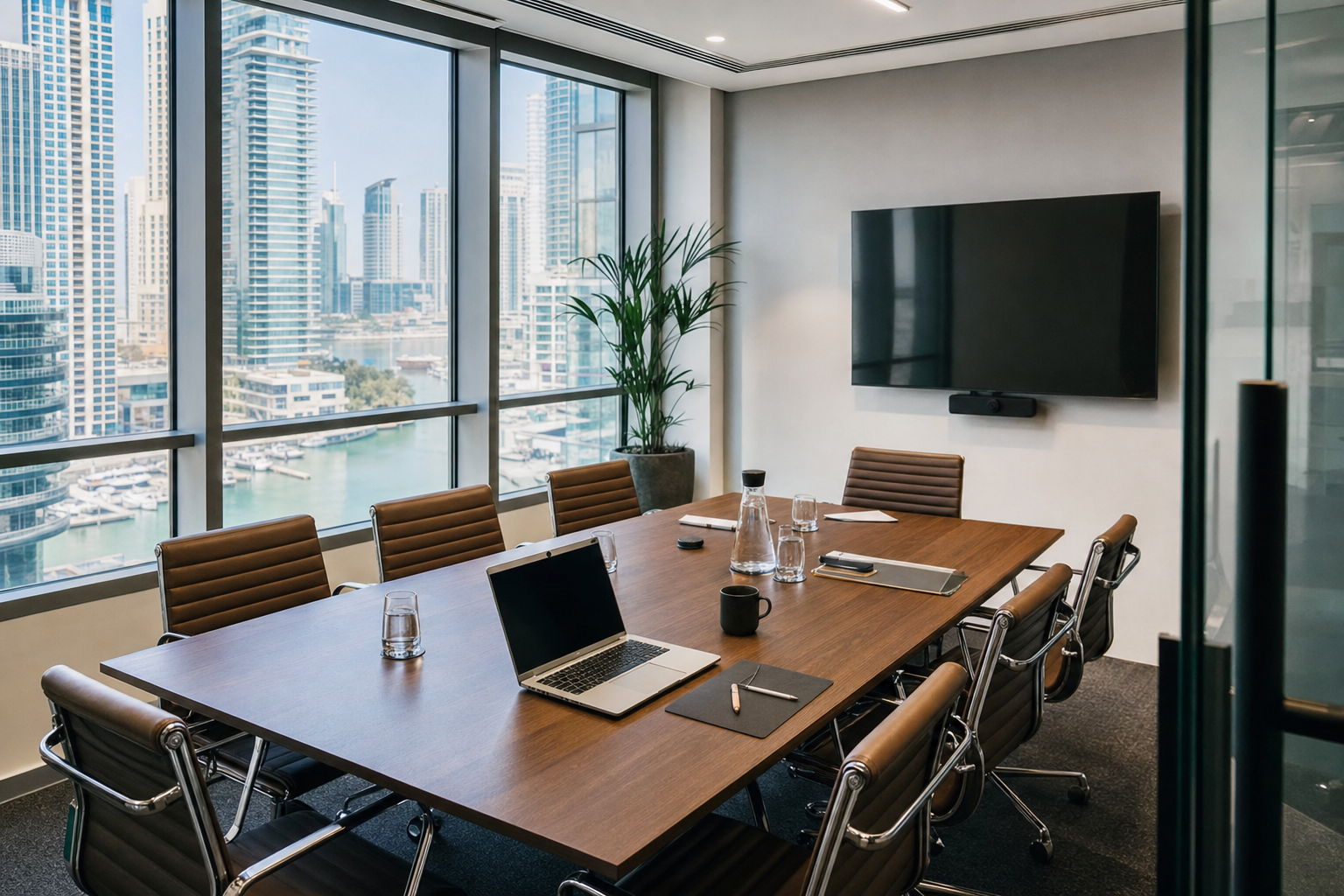
    A private office within a coworking or flexible-workspace property is an enclosed room reserved for one company or team. The room may sit alongside shared lounges, kitchens, reception areas, and meeting rooms. That arrangement can give a team a quieter base while retaining access to services that would otherwise need to be arranged separately.

    The label “private office” does not describe one standard product. Capacity, furniture, access hours, guest policies, meeting-room allowances, internet arrangements, deposits, and notice periods can differ by property and plan. Compare the details shown for the exact office, not only the headline description of the building.

    Location is equally specific. Check the building entrance, the nearest practical transport stop, parking terms, and the route a client would take from reception to the office. A Marina address that looks convenient on a map may work differently for people arriving at peak times or carrying equipment.

    Benefits of choosing a private office

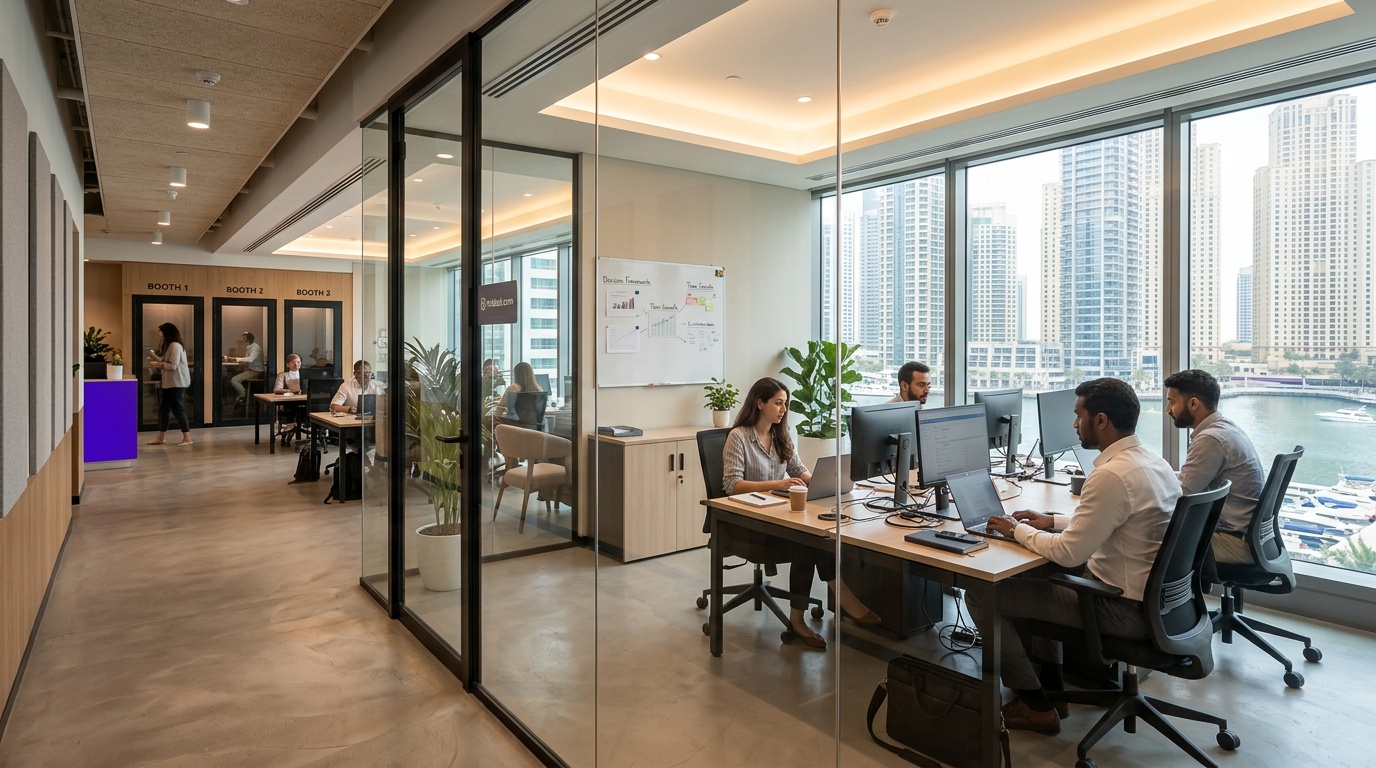
    Private office workspace in Dubai Marina

    For teams handling client calls, commercial discussions, or focused project work, an enclosed room can reduce interruptions compared with an open desk. It also gives colleagues a consistent place for monitors, notes, and day-to-day collaboration. Ask how the door locks, who can enter, and whether secure storage is included if confidentiality is important.

    Flexible-workspace plans may combine the room with services such as internet, utilities, cleaning, and reception. Do not assume every service is included. Request a written list of inclusions and any usage limits. Meeting rooms, printing, mail handling, parking, guests, and after-hours access are common areas where plans differ.

    A private office can also make changes in team size easier than fitting out a conventional office, provided the operator has another suitable room available. Before signing, ask how a move to a larger or smaller office works, whether a new agreement is required, and what happens to deposits or prepaid fees.

    How to compare private offices step by step

    Finding the best coworking space in Dubai Marina with private offices is easier when every option is measured against the same short brief. Start with the number of regular users, expected guests, preferred dates, access hours, and any non-negotiable equipment. Add a budget range only after deciding whether it must include tax, deposits, meeting-room use, and parking.

    Check the room and layout

    Confirm the stated capacity and ask for current photos or a viewing of the exact room when possible. Look at desk spacing, chair type, natural light, power outlets, air conditioning, acoustic separation, and space for calls. A nominal capacity can feel tight when every person uses a monitor or when guests visit regularly.

    Check connectivity

    Ask whether the office uses shared Wi-Fi, a wired connection, or another arrangement. Teams with video calls, cloud development, or large file transfers should discuss their actual workload with the property. If continuity is critical, ask what support process applies when connectivity fails and whether an alternative connection is available. Avoid treating an advertised speed as a promise for every device and every time of day.

    Check meeting rooms and guests

    Find out whether meeting rooms are included, credited, or charged separately. Check room capacity, booking windows, cancellation terms, and the equipment provided. Guest registration and access rules also matter: a convenient office can become awkward if visitors face unexpected restrictions at reception.

    Check the full commercial terms

    Request the current total for the dates and office you want. Confirm the billing period, taxes, deposit, setup charges, renewal terms, notice period, and cancellation policy. Ask which services have fair-use limits or separate fees. This is more dependable than relying on a price quoted in an older article, because rates and availability can change.

    Inspect the working environment

    A viewing can reveal details that a listing cannot: noise near the room, mobile signal, temperature, lift access, kitchen traffic, and the feel of shared areas. If an in-person viewing is not practical, request a live video walkthrough of the exact office and shared facilities. Write down any commitments that affect your decision and ask for them to be reflected in the booking or agreement.

    A neutral comparison checklist

    Use the same questions for each shortlisted property. The best coworking space in Dubai Marina with private offices will be the one that fits the team’s real requirements, not necessarily the option with the longest amenity list.

    Area What to confirm Why it matters
    Office Exact room, usable capacity, furniture, storage, and door access Shows whether the space fits daily work and privacy needs
    Internet Connection type, support route, wired access, and backup options Connects the listing to the team’s actual workload
    Access Building hours, office hours, weekends, guests, and holidays Prevents scheduling surprises
    Meetings Included allowance, extra charges, equipment, and cancellation terms Makes client and team sessions easier to plan
    Commercial terms Total current price, tax, deposit, renewal, notice, and cancellation Supports a like-for-like cost comparison
    Location Transport route, parking, building entrance, and nearby services Reflects the real commute for staff and visitors

    Using Hotdesk to review a listing

    Hotdesk is an on-demand workspace booking platform. A listing can help you review the workspace type, location, amenities, photos, and available booking choices provided for that property. Read the current listing details for the exact dates you need, and contact the host when a requirement is not explicit.

    For a private office, include the team size and dates in your enquiry. Mention any need for meeting rooms, guest access, parking, a business address, secure storage, or after-hours entry. Clear requirements make it easier to confirm whether a space is suitable before payment or a longer commitment.

    References and current listing resources

    References

    Frequently asked questions

    Which Dubai Marina coworking spaces have private offices?

    Workspace directories and booking platforms list properties in and around Dubai Marina, but inventory can change. Filter for private offices, check the map and address, and confirm that the exact room is available for your team size and dates.

    How much does a private office in Dubai Marina cost?

    There is no single dependable price for every private office. The total depends on the room, capacity, dates, commitment period, and included services. Use the current listing or a written quote, then confirm tax, deposits, meeting-room use, parking, and any setup or cancellation charges.

    Is a private office suitable for a team of five?

    It can be, but capacity labels alone are not enough. Ask for the room dimensions or a viewing and consider desks, monitors, storage, calls, and visitors. Confirm that the property permits the intended number of regular users.

    Can a private office be booked for a day?

    Some listings may offer short bookings, while others use monthly or longer terms. Check the available booking unit for the exact property. If a private office is unavailable for a short period, a meeting room or another enclosed workspace may fit the requirement.

    What should be included in the booking?

    Inclusions vary. Confirm internet, utilities, cleaning, furniture, reception, meeting rooms, printing, mail handling, guest access, parking, and access hours in writing. The most useful comparison is the total package for your dates, not the headline list of amenities.

    The best coworking space in Dubai Marina with private offices is a fit decision. Compare the exact room, current terms, access, and support against a written team brief, then verify any detail that could affect the booking.

    About the Author

    MS

    Mohammad El Shaari

    CTO at Hotdesk

    Mohammad El Shaari is the CTO of Hotdesk, where he leads the engineering team building and scaling a global SaaS platform for on-demand workspace bookings across 80+ countries. A Computer Science graduate from The British University in Egypt, he brings over a decade of hands-on experience in enterprise software, AI, cloud infrastructure, and cybersecurity.

    Before Hotdesk, he served as CTO of Vee Tech, where he led technical delivery for 12+ enterprise clients generating $30M+ in annual revenue, and helped build Egypt’s first innovation lab at Capital International Schools.

    At Hotdesk, Mohammad focuses on building scalable systems that handle real-time availability, global user distribution, and high-throughput transactions. He specializes in scalable system design, cloud-native infrastructure, and building high-performance SaaS platforms that support global user bases.

    He writes about scaling SaaS platforms, backend architecture, mobile engineering, and real-world technical decisions behind building and operating global products.

    Last reviewed: July 24, 2026 by the Hotdesk Team
  • Addressing Introvert Needs in Hot Desking

    Addressing Introvert Needs in Hot Desking

    addressing introvert needs in a hot desking environment

    Hot desking offers flexibility and cost savings by allowing employees to choose different workspaces daily. This approach suits dynamic teams and organizations aiming to optimize office space. Yet, this fluidity often challenges introverted individuals whose work preferences and comfort depend on consistent, controlled environments. Understanding the nuances of addressing introvert needs in a hot desking environment is essential to creating spaces that support diverse personalities while maintaining productivity and well-being.

    Key Takeaways

    • Hot desking provides financial and operational benefits but may disrupt the focus of employees who prefer stable surroundings.
    • Organizations must design workspaces that accommodate different personality types to ensure everyone remains productive.
    • Supporting introverted staff requires intentional strategies that balance open flexibility with personal comfort zones.
    • Recognizing individual work styles allows companies to foster a culture of inclusion without sacrificing the advantages of agile environments.

    Introverts, who make up about half of the workforce according to mobtc.co.uk, typically prefer quieter, less stimulating surroundings to focus best. Hot desking’s open, shifting layouts can disrupt their sense of control and privacy, potentially reducing comfort and output. By addressing introvert needs in a hot desking environment, employers and workspace designers can reduce friction and foster a more inclusive atmosphere where all workers thrive without sacrificing flexibility.

    What is addressing introvert needs in a hot desking environment?

    Addressing introvert needs in a hot desking environment means designing and managing shared workspaces to accommodate introverted individuals’ preferences for privacy, quiet, and predictability, even within a flexible seating system. It involves more than just providing desks: it requires creating conditions where introverts can find refuge from noise, limit unwanted social interactions, and establish a sense of personal space despite the transient nature of hot desking.

    Introverts often find open benching and communal spaces overwhelming. Research from the Scarlet Thinking blog highlights how open office layouts boost focus and happiness for extroverts but can hinder introverts’ concentration. Noise levels in many offices contribute to dissatisfaction, with 60-70% of workers reporting discontent with workplace noise, according to an industry report. Introducing quiet zones, soundproof booths, or designated focus areas provides introverts with options to retreat when needed.

    Moreover, addressing these needs includes establishing clear etiquette and boundaries around desk use and interactions. Introverts often experience stress when colleagues invade their temporary workspace or demand unplanned social engagement. Providing tools such as desk reservation systems, visual cues for “do not disturb,” and private booking options helps introverts manage their environment actively. This approach reduces the emotional cost of starting over each day in an unfamiliar spot and supports sustained focus and well-being.

    Benefits of addressing introvert needs in a hot desking environment

    Benefits of addressing introvert needs in a hot desking environment

    Recognizing and accommodating introvert needs within hot desking environments improves productivity, job satisfaction, and employee retention. When introverts have access to quiet, controlled spaces, they can focus more deeply and maintain energy throughout the day. Studies show that 70% of employees believe their productivity would increase with more quiet zones available, underscoring the demand for such accommodations in open offices.

    In practice, addressing introvert needs reduces stress and sensory overload. Hot desking often leads to unpredictable noise and social demands, which can quickly exhaust introverted workers. By providing dedicated quiet areas and privacy options, companies support mental well-being and reduce burnout risk. This thoughtful design signals respect for diverse work styles, fostering a more balanced workplace culture.

    Another benefit is lower employee turnover. While hot desking can cut real estate costs by up to 30%, it may increase turnover among introverted staff if their needs go unmet. Introverts often find repeated resets in seating disruptive to their routine and comfort, leading to disengagement. Implementing strategies that address these challenges, such as stable seating choices or personalized workspace elements, encourages longer tenure and loyalty.

    Finally, addressing introvert needs nurtures a subtle sense of belonging without forcing interaction. Introverts build connection through familiarity and repeated presence rather than overt socializing. Providing spaces that allow introverts to work alongside others without mandatory engagement creates a respectful atmosphere. This balance promotes collaboration and quiet coexistence, helping introverts feel acknowledged without pressure.

    Key Insight: Designing hot desking environments with introverts in mind is not about creating exclusive zones but offering flexible choices that reduce cognitive fatigue, preserve personal boundaries, and maintain continuity. This approach benefits the entire workforce by improving overall comfort and productivity.

    How to Choose Addressing Introvert Needs in a Hot Desking Environment

    Choosing the right approach for addressing introvert needs in a hot desking environment requires deliberate evaluation of workspace design, policies, and amenities to ensure introverted employees can maintain focus, privacy, and comfort. Because hot desking inherently involves shared space and rotation, the key lies in balancing flexibility with options that respect personal boundaries and minimize sensory overload. Start by assessing whether the workspace includes distinct quiet zones or private areas. These can be soundproof booths, phone rooms, or sections with minimal foot traffic and low noise levels. Research indicates that 70% of employees would be more productive with access to quiet space, making this a foundational component for introvert-friendly environments (Union Hall TX).

    Another important factor is the availability of tools that help introverts signal their need for limited interaction without appearing unapproachable. Desk reservation systems that allow pre-booking of preferred spots give introverted individuals control over where they sit, reducing anxiety about unpredictability. Visual cues such as “do not disturb” flags or subtle signs can communicate boundaries politely. Employers should look for solutions that integrate these features in a manner that respects user autonomy and makes it easy to maintain personal space in a bustling environment.

    Consider how the layout affects sensory inputs. Open benching and high-traffic corridors expose workers to continuous noise and movement, which studies show reduce focus and happiness among introverts (Scarlet Thinking). Spaces that include partitions, natural barriers, or plants can create psychological distance and soften distractions. When evaluating options, prioritize environments that offer a mix of open areas for collaboration alongside tucked-away zones for deep work. This variety enables introverts to choose settings that match their current workflow and energy levels.

    Beyond physical space, organizational culture and policies play a critical role in successfully addressing introvert needs in a hot desking environment. Employers should promote etiquette guidelines that discourage unsolicited interruptions and respect personal belongings. Clear communication about shared desk use, including protocols for cleaning and personal item storage, prevents boundary violations that introverts particularly find stressful. Platforms that support digital check-ins for desk occupancy further reduce misunderstandings and help maintain order.

    Evaluating technology integration is also important. Noise-canceling headphones or access to quiet rooms equipped with white noise machines can help introverts manage auditory distractions. Likewise, apps or platforms that allow asynchronous communication reduce the pressure to engage in spontaneous conversations. When choosing a hot desking setup, prioritize those that recognize these needs and incorporate tools supporting sensory management and controlled social interaction.

    Pros and Cons of Hot Desking Solutions for Introverts

    Pros

    • Flexible seating accommodates changing work styles and tasks
    • Quiet zones and private rooms offer refuge from noise and interruptions
    • Desk reservation systems improve control over workspace choice
    • Visual signals enable polite boundary setting
    • Technology integration supports sensory management and focused work

    Cons

    • Open layouts may expose introverts to frequent distractions
    • Inconsistent seating can disrupt routine and comfort
    • Potential for boundary violations if etiquette is not enforced
    • Insufficient quiet zones reduce effectiveness for introverted workers
    • Technology tools require adoption and may not suit all users equally

    To conclude, choosing how to address introvert needs in a hot desking environment means focusing on a combination of spatial design, policy, and technology that collectively reduce cognitive load and social friction. Prioritize workspaces that provide options for privacy, control over seating, and mechanisms to manage interruptions gracefully. This approach respects the unique ways introverts engage with their surroundings and helps maintain continuity in their work experience despite the inherent fluidity of hot desking.

    Remember that introverts represent about half of the workforce, making it essential to integrate their preferences into office planning rather than treating their needs as exceptions (mobtc.co.uk). Thoughtful attention to these factors not only improves individual well-being but also improves overall productivity and reduces turnover, creating an environment where flexibility does not come at the expense of comfort and focus.

    References

    Frequently Asked Questions

    Is hot desking bad for introverts, or can it work?
    Hot desking can be challenging for introverts due to its inherent unpredictability and noise, but it is not inherently unsuitable. Success depends on how well the environment accommodates introvert preferences. Providing quiet zones, private workspaces, and tools for controlling interruptions allows introverted workers to retain focus and comfort. Research indicates that 60-70% of office workers dislike excessive noise, and 70% say quiet spaces boost productivity (Union Hall TX). When these needs are met, hot desking can offer flexibility without sacrificing well-being.

    How do I stop colleagues from using my assigned desk in a hot desking environment?
    In hot desking setups, desks are often unassigned to encourage flexibility. To maintain personal space, some workplaces offer desk reservation systems that allow booking a specific spot in advance. Using clear visual signals like “do not disturb” flags or personalized desk markers helps communicate boundaries politely. Employers should establish clear policies about respecting others’ spaces and belongings. When these measures are combined, introverts can better protect their temporary workstations and reduce stress from boundary violations.

    Where can I find quiet space to work in a hot desking office?
    Quiet spaces are essential refuges for introverts in open-plan or hot desking environments. Many offices include designated quiet zones, soundproof booths, or small meeting rooms intended for focused tasks. When selecting a workspace, look for areas away from high-traffic corridors and communal hubs. Some companies provide noise-canceling headphones or white noise machines as well. If quiet spaces are not clearly marked, employees should request their creation or advocate for policies that designate such zones to support concentration and reduce sensory overload.

    How do I signal that I don’t want to be interrupted without being rude?
    Nonverbal cues can communicate a need for solitude without seeming unapproachable. Visual signals like desk flags, headphones, or closed laptop screens indicate that a person prefers not to be disturbed. Many modern workspaces use digital “do not disturb” statuses integrated with desk booking apps, allowing coworkers to recognize when someone is focused. Establishing shared etiquette, such as limiting spontaneous drop-ins and respecting these signals, creates a respectful environment where introverts can maintain boundaries gracefully.

    What should employers do to support introverts in a hot desking setup?
    Employers need to design spaces and policies that acknowledge introvert needs as part of routine workplace planning. This includes providing quiet zones, private rooms, and seating options that minimize distractions. Implementing desk reservation systems and clear etiquette guidelines prevents boundary violations and reduces social friction. Training leaders to recognize diverse work styles fosters a culture that respects autonomy and mental well-being. Offering tools for sensory management, such as noise-canceling headphones or white noise, further supports introverts’ productivity and comfort.

    Can addressing introvert needs in a hot desking environment reduce turnover?
    Yes, thoughtful accommodation of introverts’ preferences can improve retention. Studies show hot desking may increase turnover among introverted employees if their needs go unmet, due to repeated disruptions of routine and privacy loss. By integrating quiet spaces, stable seating options, and clear boundaries, organizations reduce cognitive fatigue and emotional stress. This supportive approach encourages introverts to remain engaged and loyal, resulting in a healthier workplace and decreased recruitment costs.

    About the Author

    MK

    Mohamed Khaled

    Forbes 30 Under 30

    Founder & CEO at Hotdesk & Co-founder, DESK Token

    Mohamed Khaled is the Founder and CEO of Hotdesk, the on-demand workspace platform providing access to coworking spaces and flexible offices across more than 120 countries.

    He spent nearly a decade at PwC before moving into financial leadership at SWVL, where he led the company’s $1.5 billion Nasdaq listing, the first Unicorn from thr Middle East to go public in the United States.

    A Forbes 30 Under 30 honoree, Mohamed built Hotdesk from a side project into a global platform, leading a team of more than 50 and expanding into international markets, including the acquisition of Spain-based coworking marketplace YADO.

    Also being Co-founder and President of DESK Token, the world’s first asset backed property investment and utility hybrid token, Mohammed is focused on building infrastructure that unlocks underutilized assets – from meeting rooms to private offices and full on buildings – while creating space for the future of work.

    Last reviewed: July 24, 2026 by the Hotdesk Team
  • Addressing Isolation and Loneliness in Team Members

    Addressing Isolation and Loneliness in Team Members

    addressing isolation and loneliness in team members

    Movement is a constant in modern professional life. Whether it’s a shift to remote work, a cross-country relocation for a new project, or simply the daily commute, our work lives are rarely static. Yet, many systems designed to support us treat these transitions as exceptions rather than the norm. This creates a quiet friction. A sense of starting over, of being out of sync. It’s this friction that Hotdesk aims to smooth out, ensuring that wherever you are, you don’t lose your sense of place or your connection to your work and colleagues.

    Key Takeaways

    • Modern work systems often treat mobility as an exception, when in reality it has become the standard for most professionals.
    • Frequent transitions in work life can quietly erode a person’s sense of belonging and continuity.
    • When people feel disconnected during periods of change, it directly impacts their relationship with colleagues and their work.
    • The right support systems can help people maintain their professional identity and connections no matter where they are located.
    • Solving the isolation problem starts with acknowledging that movement and stability are not mutually exclusive.

    For leaders, understanding the human element behind distributed teams is no longer optional. The challenges of addressing isolation and loneliness in team members are directly tied to engagement, productivity, and retention. Ignoring these feelings can lead to significant operational costs, far beyond the immediate impact on morale. It’s time to look beyond the logistics of where people work and focus on how they feel when they work, wherever that may be.

    Understanding Workplace Isolation and Loneliness

    Isolation vs. Loneliness: Defining the Experience

    When we talk about team members feeling disconnected, it’s important to distinguish between isolation and loneliness. Isolation is a structural condition; it’s the objective state of being physically separated from others or lacking social connections. This can occur regardless of one’s emotional state. For example, a remote worker might be isolated by geography but still feel connected through technology and regular check-ins. Loneliness, on the other hand, is a subjective emotional response. A distressing feeling that arises when there’s a perceived gap between the social connections one desires and the social connections one actually has.

    In a professional context, a team member might be in a busy office but feel profoundly lonely if they lack meaningful relationships or a sense of belonging. Conversely, someone working independently might not feel lonely if they have strong social networks outside of work and a clear understanding of their role within the larger team. Recognizing this difference is the first step toward effectively addressing isolation and loneliness in team members, as it allows us to target the root causes, whether they are structural barriers or unmet emotional needs.

    The Real Cost: How Disconnection Affects Productivity and Retention

    The impact of team disconnection goes far beyond a simple dip in morale; it translates directly into tangible business costs. Feelings of loneliness and isolation can significantly reduce an employee’s engagement and motivation. Research indicates that loneliness can increase the risk of turnover by as much as 50%, according to common industry statistics often cited in publications like the Harvard Business Review. This means that a culture that inadvertently fosters disconnection is actively driving away valuable talent, leading to increased recruitment and training expenses.

    Beyond retention, the productivity of disconnected individuals and teams also suffers. When employees feel unsupported or disconnected from their colleagues and the company’s mission, their focus can wane, and collaboration becomes more challenging. A study published on ScienceDirect highlights that task interdependence and supportive coworker behaviors are key factors in reducing perceived isolation. When these elements are missing, employees may struggle to contribute their best work, leading to missed deadlines and reduced overall output. Companies that prioritize addressing isolation and loneliness in team members ultimately build more resilient, productive, and engaged workforces.

    Key Insight: Disconnection isn’t just an emotional issue; it’s a business one. High rates of loneliness are strongly correlated with increased employee turnover, reduced productivity, and lower overall engagement, impacting the bottom line.

    Beyond Remote Work: Root Causes of Team Disconnection

    Beyond Remote Work: Root Causes of Team Disconnection

    The Overlooked Impact of Team Composition

    While remote work is often cited as the primary driver of workplace isolation, the issue is frequently more nuanced, stemming from the very structure and composition of teams. Research, including insights from MIT Sloan, suggests that the duration and nature of team relationships play a significant role. Teams formed for short-term projects or those with constantly rotating members may struggle to foster the deep connections that buffer against loneliness. Younger employees, such as Gen Z and millennials, often report higher rates of workplace loneliness, which can be exacerbated by transient team dynamics or a lack of consistent social anchors within their professional lives.

    The way teams are assembled and the expectations placed upon them can directly influence feelings of belonging. When individuals are part of temporary alliances or feel like interchangeable parts in a project pipeline, the sense of shared purpose and mutual reliance can diminish. This lack of sustained, meaningful interaction, rather than the physical location of work, can be a major contributor to feelings of isolation. Understanding these dynamics is key to addressing isolation and loneliness in team members effectively, moving beyond superficial solutions to tackle the foundational elements of team design.

    Task Interdependence: Designing Workflows for Connection

    The degree to which team members rely on each other to complete their work, known as task interdependence, is a powerful, often overlooked, factor in preventing isolation. When tasks are highly independent, individuals can often complete their assignments without significant collaboration, leading to less natural interaction and a reduced sense of shared effort. Conversely, workflows designed with high task interdependence encourage communication, coordination, and mutual support. A study from ScienceDirect found that task interdependence, alongside supportive coworker behaviors, significantly correlates with lower levels of perceived isolation.

    Designing work processes that necessitate collaboration, even for remote or hybrid teams, can create organic opportunities for connection. This doesn’t mean creating artificial busywork, but rather structuring projects so that team members must share information, provide feedback, or build upon each other’s contributions. For example, a process that requires iterative feedback loops or shared problem-solving sessions naturally fosters a sense of camaraderie and mutual reliance. By thoughtfully designing workflows that promote connection, organizations can proactively combat feelings of disconnect and build stronger, more cohesive teams.

    Key Insight: The structure of work itself matters. High task interdependence, where team members must rely on each other to complete tasks, is a significant factor in reducing feelings of isolation and fostering a sense of belonging.

    How to Identify and Measure Isolation Early

    Behavioral Signs of a Disconnected Team Member

    Detecting isolation requires managers to look beyond standard performance metrics and observe subtle shifts in team members’ behavior. A decline in participation during team meetings, a tendency to opt out of informal social gatherings, or a noticeable reduction in spontaneous communication on collaboration platforms can signal underlying disconnect. Employees who once actively contributed might become quieter, less engaged in brainstorming sessions, or communicate only when directly addressed. This withdrawal can manifest as increased errors, missed deadlines, or a general dip in the quality of work, not due to a lack of skill, but a lack of connection and motivation.

    It’s also important to note changes in non-verbal cues, if applicable in hybrid or in-person settings, such as avoiding eye contact or appearing withdrawn. When individuals no longer initiate conversations or seem hesitant to seek help, it suggests they may feel unsupported or out of sync with their colleagues. These are not definitive indicators of loneliness but rather important signals that warrant closer attention and empathetic inquiry. Proactively observing these changes is a fundamental part of addressing isolation and loneliness in team members before it escalates into more significant issues like disengagement or resignation.

    Implementing Effective Feedback Loops

    Beyond observational cues, establishing structured feedback mechanisms is essential for measuring and understanding team sentiment regarding connection. Regular pulse surveys, designed to be brief and frequent, can capture real-time feelings about belonging and support. Questions might focus on perceived opportunities for informal interaction, the strength of relationships with colleagues, and overall comfort levels within the team structure. For example, a simple question like, “On a scale of 1 to 5, how connected do you feel to your colleagues this week?” can provide valuable quantitative data.

    One-on-one meetings offer a more personal avenue for gathering insights. Managers should cultivate an environment where team members feel safe to express concerns without fear of judgment. Open-ended questions such as, “How can we better support your integration with the team?” or “What opportunities for connection do you feel are missing?” can elicit candid responses. For sensitive topics, anonymous feedback channels can encourage honesty. The key is not just to collect feedback but to actively listen, acknowledge the input, and demonstrate a commitment to making improvements. This continuous feedback loop is a powerful tool in addressing isolation and loneliness in team members and fostering a sense of psychological safety.

    Checklist: Identifying and Measuring Isolation

    • Observe Communication Patterns: Monitor changes in participation, initiation of contact, and responsiveness.
    • Track Social Engagement: Note reluctance or declining interest in team social activities or informal chats.
    • Assess Work Quality & Timeliness: Look for unexpected drops in performance or increased errors that might stem from disengagement.
    • Conduct Regular Pulse Surveys: Use short, frequent surveys to gauge feelings of connection and belonging.
    • Use One-on-One Meetings: Create safe spaces for open dialogue about team dynamics and individual well-being.
    • Offer Anonymous Feedback Channels: Provide an outlet for team members hesitant to voice concerns directly.
    • Act on Feedback: Demonstrate that feedback is valued by implementing suggested changes and communicating actions taken.

    Practical Strategies to Address Isolation in Team Members

    Designing Onboarding for Immediate Belonging

    A critical period for preventing team disconnection is during the onboarding process. New hires often feel like outsiders, and without intentional efforts, this feeling can linger, contributing to isolation. A well-designed onboarding program should go beyond administrative tasks and company policies to actively foster a sense of belonging from day one. This means assigning a buddy or mentor, not just for work-related questions, but to help navigate team culture and social norms. Scheduling introductory meetings with key team members and stakeholders, both formally and informally, helps new hires build initial connections.

    The early days are important for setting expectations around communication and collaboration. Clearly articulating how the team interacts, shares information, and supports one another can ease a new member’s transition. Providing context about team rituals, inside jokes, or established communication etiquette helps them feel like they’re joining a cohesive group rather than observing from the outside. This proactive approach to integration is fundamental in addressing isolation and loneliness in team members, ensuring that the foundation for strong team bonds is laid early in their tenure.

    The Dual Approach: Balancing Structure and Organic Interaction

    Effectively combating isolation requires a dual strategy that combines intentional, structured interactions with opportunities for organic connection. Structure provides predictability and ensures that everyone is on the same page regarding goals and support systems. This includes regular team check-ins, clear project management frameworks, and scheduled one-on-one meetings. These elements offer a consistent anchor, assuring team members that their work is visible and valued, and that support is readily available.

    But, true connection often emerges from spontaneous moments. The casual chat by the virtual water cooler, the quick brainstorming session that sparks an idea, or the shared laughter over a minor mishap. For distributed teams, creating these organic opportunities requires deliberate effort. This might involve dedicating time in meetings for non-work-related conversation, using communication tools that facilitate casual interaction, or organizing virtual coffee breaks. The ‘Dual Approach’ balances the need for clear operational structure with the human desire for informal connection, thereby creating an environment where team members feel both supported and socially integrated. This balanced strategy is key to addressing isolation and loneliness in team members in modern, flexible work settings.

    Pros

    • Structured elements provide clarity, predictability, and consistent support.
    • Organic interactions foster genuine relationships and a sense of camaraderie.
    • Combines the efficiency of planned activities with the authenticity of spontaneous connection.
    • Reduces feelings of being ‘just a cog in the machine’ by humanizing team interactions.
    • Adaptable to both remote, hybrid, and in-office environments.

    Cons

    • Requires conscious effort and planning from leadership to facilitate organic moments.
    • Over-reliance on structure can feel rigid and impersonal.
    • Too much emphasis on organic interaction without structure can lead to chaos and missed objectives.
    • Measuring the success of organic connection can be more subjective than structured outcomes.

    Fostering Psychological Safety

    Psychological safety is the bedrock upon which genuine connection and open communication are built. It is the shared belief that the team is safe for interpersonal risk-taking, meaning team members feel comfortable speaking up with ideas, questions, concerns, or mistakes without fear of embarrassment or punishment. When psychological safety is high, individuals are more likely to be vulnerable, seek help, and offer constructive feedback, all of which are essential for mitigating isolation and loneliness. Research by Gallup indicates that companies with high psychological safety see 76% higher employee engagement, underscoring its business impact.

    To foster this environment, leaders must model vulnerability, encourage diverse perspectives, and respond constructively to failure. This involves actively listening, acknowledging contributions, and framing mistakes as learning opportunities rather than personal failings. Creating space for open dialogue, where team members feel heard and respected, directly combats the feeling of being alone or unheard. By prioritizing psychological safety, organizations create an inclusive atmosphere where team members feel valued and connected, making addressing isolation and loneliness in team members a natural outcome of a healthy team culture.

    Key Insight: Psychological safety is not just about comfort; it’s about creating an environment where team members feel secure enough to be themselves, contribute fully, and connect authentically, which is fundamental to addressing isolation and loneliness in team members.

    The Role of Physical Workspace in Reducing Isolation

    The Role of Physical Workspace in Reducing Isolation

    From Digital Rooms to Physical Presence

    While digital tools have been instrumental in keeping distributed teams connected, relying solely on virtual interactions often falls short for addressing isolation and loneliness in team members. Video calls and chat platforms facilitate communication, but they rarely replicate the subtle cues and spontaneous moments that in-person environments naturally provide. These moments. Like overhearing a conversation, grabbing coffee with a colleague, or sharing casual glances. Build familiarity and a sense of belonging that digital spaces struggle to emulate.

    Physical workspace offers more than just a desk; it creates a shared context. Being in a familiar environment where colleagues recognize you and routines remain consistent reduces the emotional cost of movement and change. This “ambient connection” forms without being forced or declared. People feel seen and known simply by their presence. For teams navigating hybrid or remote models, the absence of physical presence can deepen feelings of disconnect, even if digital communication remains frequent.

    Addressing isolation and loneliness in team members demands solutions that bridge the gap between digital convenience and physical presence. This is why hybrid work infrastructure. Spaces designed for flexibility and accessibility. Is emerging as a critical element. It allows workers to move fluidly between locations without losing the continuity of their daily routines or social anchors.

    Implementing Flexible Coworking for Hybrid Teams

    Flexible coworking spaces are not a return to the rigid office paradigm; they represent an evolution in work infrastructure that aligns with the realities of modern teams. These spaces provide the physical presence and ambient social environment essential for human connection, while accommodating the fluidity of remote and hybrid work. For organizations, offering access to a network of coworking locations enables employees to choose where and how they work without sacrificing the benefits of proximity to colleagues.

    Using flexible coworking interventions addresses isolation in two key ways. First, it restores the unspoken social fabric that develops through shared physical environments. Passive recognition, casual conversations, and the ease of spontaneous collaboration. Second, it supports continuity across locations, ensuring team members don’t start from scratch each time they switch cities or workspaces. This continuity reduces emotional friction and fosters ongoing relationships, which are fundamental to well-being and engagement.

    From experience managing a distributed workforce, we have seen that providing this kind of infrastructure significantly reduces turnover risks linked to loneliness. Remote workers are 41% more likely to experience isolation than those on-site, according to surveys like Buffer’s State of Remote Work. Offering flexible coworking access closes that gap, giving team members the chance to reconnect physically while maintaining their autonomy.

    Feature Traditional Office Remote Work Flexible Coworking
    Physical Presence Fixed, daily None On-demand, multiple locations
    Social Interaction High, spontaneous Primarily digital, scheduled Ambient, casual, in-person
    Flexibility for Employees Low High High
    Sense of Continuity Strong Weak Moderate to strong
    Support for Hybrid Models Limited Challenging Designed for hybrid

    Building hybrid work infrastructure through flexible coworking is not about recreating the traditional office environment but about enabling natural connection and continuity in a way that respects individual choice and mobility. This approach aligns directly with the goal of addressing isolation and loneliness in team members. By providing physical spaces that serve as consistent social anchors, organizations create the conditions for belonging that digital tools alone cannot achieve.

    References

    Frequently Asked Questions

    Why do employees feel lonely even when surrounded by coworkers?

    Workplace loneliness stems from a perceived gap between desired and actual social connections, not physical proximity. Someone in a busy office can feel profoundly disconnected if they lack meaningful relationships or a sense of belonging. Addressing isolation and loneliness in team members requires looking beyond location to unmet emotional needs.

    How does loneliness affect employee retention rates?

    Workplace loneliness can increase turnover risk by up to 50%, according to research cited in Harvard Business Review. When team members feel disconnected from colleagues and company mission, they become more likely to leave. This makes addressing isolation and loneliness in team members a direct strategy for reducing recruitment and training costs.

    What makes short-term project teams more prone to disconnection?

    Teams with rotating members or short durations struggle to build the deep connections that buffer against loneliness. When people feel like interchangeable parts in a project pipeline, shared purpose diminishes. Addressing isolation and loneliness in team members means rethinking how we assemble and sustain project groups over time.

    How can workflow design reduce isolation at work?

    Workflows with high task interdependence naturally encourage communication, coordination, and mutual support among team members. When people must rely on each other to complete assignments, they build connections through collaboration rather than working in silos. Research from ScienceDirect confirms this approach significantly reduces perceived isolation.

    Why do younger employees report higher rates of workplace loneliness?

    Gen Z and millennial employees often lack consistent social anchors in their professional lives, especially within transient team dynamics. Without established networks or long-term colleagues, they struggle to find belonging at work. Addressing isolation and loneliness in team members from these generations means creating stable social structures within their daily experience.

    What are the hidden productivity costs of team disconnection?

    Disconnected employees show reduced focus, weaker collaboration, and lower overall output compared to engaged team members. When people feel unsupported, they struggle to contribute their best work, leading to missed deadlines and diminished quality. Addressing isolation and loneliness in team members directly supports productivity and operational performance.

    Can remote workers avoid feeling isolated from their team?

    Remote workers can maintain strong connections through regular check-ins, supportive technology, and clear roles within their teams. Physical separation does not automatically create loneliness when structural barriers are addressed with intentional communication. The goal is building systems that keep people connected to colleagues and company mission regardless of where they sit.

    About the Author

    MK

    Mohamed Khaled

    Forbes 30 Under 30

    Founder & CEO at Hotdesk & Co-founder, DESK Token

    Mohamed Khaled is the Founder and CEO of Hotdesk, the on-demand workspace platform providing access to coworking spaces and flexible offices across more than 120 countries.

    He spent nearly a decade at PwC before moving into financial leadership at SWVL, where he led the company’s $1.5 billion Nasdaq listing, the first Unicorn from thr Middle East to go public in the United States.

    A Forbes 30 Under 30 honoree, Mohamed built Hotdesk from a side project into a global platform, leading a team of more than 50 and expanding into international markets, including the acquisition of Spain-based coworking marketplace YADO.

    Also being Co-founder and President of DESK Token, the world’s first asset backed property investment and utility hybrid token, Mohammed is focused on building infrastructure that unlocks underutilized assets – from meeting rooms to private offices and full on buildings – while creating space for the future of work.

    Last reviewed: July 24, 2026 by the Hotdesk Team
  • Dubai Marina Coworking: Fast Internet & Meeting Rooms

    Dubai Marina Coworking: Fast Internet & Meeting Rooms

    Coworking spaces in Dubai Marina with high-speed internet and meeting rooms?

    Every distributed system asks you to manage new failure modes. When your work depends on a stable connection and functional meeting spaces, the last thing you need is a system that demands constant reconfiguration or fails when you need it most. In a city like Dubai, renowned for its fast-paced business environment, finding a coworking space that truly supports your operational continuity is paramount. It’s not about finding a place; it’s about finding a system that travels with you, ensuring your productivity remains uninterrupted.

    Key Takeaways

    • A dependable workspace functions like solid infrastructure, removing friction instead of adding new variables to your daily operations.
    • When you operate across borders, your environment should adapt to your workflow rather than forcing you to adapt to its limitations.
    • Consistent connectivity and reliable meeting facilities form the backbone of sustained productivity for any distributed professional.
    • Selecting a coworking setup in Dubai Marina means choosing a system that preserves your momentum instead of interrupting it.

    For professionals navigating Dubai Marina, the question isn’t just where to work, but how to ensure the foundational elements. Internet speed and meeting facilities. Are reliable. This means looking beyond marketing claims to understand the actual infrastructure that keeps your business connected and operational, especially when facing critical client calls or intensive project work. We’ll break down what truly matters for dependable coworking spaces in this prime Dubai locale.

    Comparing Dubai Marina Workspaces: Internet Speeds and Meeting Room Capacities

    When evaluating coworking spaces in Dubai Marina, the primary concern for many professionals revolves around two critical infrastructure components: internet connectivity and meeting room capabilities. The proliferation of digital tools means that a slow or unreliable internet connection isn’t just an inconvenience; it’s a direct impediment to productivity and client relations. Similarly, meeting rooms must be equipped not only to accommodate your team but also to support modern communication needs.

    Understanding the specific metrics behind internet service is key. We’re talking about dependable download and upload speeds that support video conferencing, large file transfers, and cloud-based applications without lag or dropped connections. For businesses operating globally, or those collaborating with remote teams, a network with redundancy protocols offers an additional layer of assurance, preventing downtime even during unexpected network issues. This focus on what works at 10x scale is a hallmark of engineering discipline over mere convenience.

    Top 5 Spaces for Reliable Connectivity

    Identifying coworking spaces in Dubai Marina with high-speed internet and meeting rooms requires a deep explore their operational infrastructure. While many spaces advertise “high-speed internet,” the actual performance can vary significantly. Based on user feedback and operational insights, spaces like myOffice and, to a lesser extent, Spaces Marina Gate are frequently cited for their commitment to strong connectivity. myOffice often provides dedicated fiber optic lines, aiming for speeds exceeding 200 Mbps download and upload, coupled with backup lines to ensure continuity. This level of detail is what we look for when engineering for scale.

    Other notable mentions for dependable internet include BisDesk’s offerings, which often focus on business-grade connectivity, and smaller, niche providers like Nook Coworking, which has garnered positive reviews for its consistent performance. While Regus and similar large networks have a broad presence, their specific infrastructure in Dubai Marina can be less distinct compared to more specialized providers. The goal is to find systems over announcements, focusing on measurable throughput rather than marketing superlatives. For example, a space offering 100 Mbps dedicated fiber is demonstrably superior for intensive remote work than a shared 500 Mbps connection prone to congestion.

    Meeting Room Technology and Sizing

    Beyond internet speed, the functionality of meeting rooms is paramount for client presentations, team collaborations, and virtual calls. In Dubai Marina, meeting rooms range from small, private pods for one-to-one discussions to larger boardrooms accommodating up to 12 individuals. The technology within these rooms is often a differentiator. Look for spaces that offer integrated video conferencing systems, high-definition displays, and intuitive control panels. Spaces like Rove Dubai Marina, while primarily a hotel, offer well-equipped meeting facilities that often include advanced AV setups.

    When assessing meeting room capacities, consider your typical usage. Are you hosting internal brainstorming sessions, or client-facing pitches requiring professional presentation tools? Spaces that offer flexible room configurations and modern AV equipment, such as built-in projectors or large interactive screens, provide a more professional and efficient experience. For example, a room advertised for 10 people should comfortably seat that number without feeling cramped, and its technology should support smooth screen sharing and clear audio for all participants, whether in-person or remote. These are the systems that ensure your engagements are productive, not bogged down by technical limitations.

    Dubai Marina Coworking Spaces: Connectivity & Meeting Room Overview
    Workspace Typical Download Speed Typical Upload Speed Meeting Room Capacity (Max) Meeting Room Tech Notes on Connectivity
    myOffice 200+ Mbps (Fiber) 200+ Mbps (Fiber

    Transparent Pricing: Memberships vs. On-Demand Booking

    Transparent Pricing: Memberships vs. On-Demand Booking

    The structure of coworking can often feel like a labyrinth of contracts and hidden fees, especially when you’re looking for coworking spaces in Dubai Marina with high-speed internet and meeting rooms. Traditional monthly memberships, while offering a sense of permanence, frequently bind users to long-term commitments that don’t align with flexible work needs. These plans can include numerous add-on costs for printing, premium coffee, or even access to certain amenities, making the advertised monthly rate a misleading starting point. Understanding the true cost requires dissecting these often-opaque pricing models.

    This is where the value of on-demand booking becomes clear. Instead of committing to a monthly fee, professionals can access workspace and meeting facilities as needed. This approach eliminates the risk of paying for unused capacity and provides the flexibility to scale usage up or down based on project demands or client visits. It’s about engineering a solution that adapts to your workflow, not forcing your workflow into a rigid structure. The ability to book day passes or hourly meeting room slots ensures you only pay for what you use, a principle central to operational efficiency.

    Hidden Fees in Traditional Coworking Memberships

    Many coworking providers present membership tiers that sound straightforward but hide additional expenses. For example, a basic membership might offer desk access but charge extra for reliable bandwidth beyond a shared, often congested, connection. Meeting room bookings, even for members, can incur hourly rates that quickly escalate, especially for larger rooms or those equipped with advanced AV technology. These “perks” that are essential for productive work, like secure, high-speed internet suitable for video conferencing, are frequently nickel-and-dimed, turning an initial attractive price into a significant monthly outlay. This lack of transparency is precisely why we advocate for systems that are clear from the outset.

    For example, a typical monthly membership in Dubai Marina might range from AED 800 to AED 1500, as reported by industry analyses. But, this figure often excludes costs for printing services, dedicated storage, or premium refreshments. Meeting room rentals can add another AED 100 to AED 300 per hour, making ad-hoc client meetings a substantial variable expense. Spaces that rely on these hidden fees fail to deliver the continuity and predictable costs that modern businesses require. It’s a stark contrast to models designed for genuine flexibility and user empowerment, like booking spaces globally without mandatory upfront commitments.

    How to Book Day Passes and Meeting Rooms Without Commitments

    The alternative to restrictive memberships is the on-demand model, which is fundamental to how Hotdesk operates. This approach allows users to search for and book workspaces, hot desks, or private meeting rooms by the hour or day, directly through a platform. This means you can find coworking spaces in Dubai Marina with high-speed internet and meeting rooms precisely when you need them, without signing long-term contracts. For professionals who travel frequently or whose work schedules fluctuate, this flexibility is invaluable. It ensures that your workspace infrastructure travels with you, adapting to your location and your current requirements.

    Consider a scenario where you need a professional space for a client meeting in Dubai Marina tomorrow. Instead of navigating multiple websites or making calls to inquire about availability and pricing, an on-demand platform aggregates these options. You can view available meeting rooms, check their capacities and technological features, and book them instantly. This direct booking capability extends to day passes for coworking desks, allowing you to work from a different location each day if desired. This model is what works at 10x scale, offering efficiency and user control without the overhead of traditional commitments. For example, discovering a space like Coworking Naubostik, or any other suitable workspace globally, becomes a simple, transparent process, free from membership obligations.

    Dubai Marina Location Guide: Metro Access and Walkability

    When selecting a coworking space, the immediate surroundings and accessibility are as critical as the internal infrastructure. For professionals seeking coworking spaces in Dubai Marina with high-speed internet and meeting rooms, understanding the local transit options and pedestrian-friendliness is key to operational efficiency and client convenience. Dubai Marina is a well-connected district, but the proximity of a workspace to major transport hubs can significantly impact daily commutes and the ease with which visitors can arrive.

    Beyond just location on a map, consider the practicalities of movement. Is the workspace easily reachable by public transport, or will clients and team members primarily rely on private vehicles? Analyzing these factors helps in selecting a location that supports a smooth workflow and professional image. This is about ensuring your operational base is as dependable and accessible as the systems you rely on for your core business functions. We look for environments that minimize friction, not create it.

    Proximity to the Dubai Metro and Tram

    Dubai Marina is served by a strong public transportation network, including the Dubai Metro and the Dubai Tram. Several coworking spaces are strategically located within a short walk or a quick tram ride from these stations. For example, spaces near the Dubai Marina Mall or along the main Sheikh Zayed Road corridor often benefit from excellent connectivity via the DMCC Metro station or the Sobha Realty Metro station. The Dubai Tram directly circulates through the Marina, providing convenient access to various points within the district, making it easy to reach locations like the Marina Gate area.

    This accessibility is a significant advantage for both remote workers commuting to the office and for clients visiting for meetings. It reduces reliance on private cars, mitigating traffic concerns and parking challenges. When evaluating spaces, check their listed distance to the nearest metro or tram stop. A five-to-ten-minute walk is generally considered highly accessible. This connectivity ensures that your chosen workspace is part of a well-integrated urban system, supporting your operational continuity and making it easier for people to connect with you. It’s a tangible aspect of infrastructure that travels with the user.

    Parking and Client Accessibility

    While public transport is a significant factor, many professionals and their clients still opt for private vehicles. So, understanding the parking situation around a coworking space is essential. Most commercial buildings in Dubai Marina offer dedicated visitor parking or have public parking facilities nearby, often within the same complex or a connected mall. For example, spaces within or adjacent to Dubai Marina Mall benefit from its extensive parking infrastructure. Rove Dubai Marina, for example, offers convenient parking options for its guests and meeting room clients, contributing to a positive visitor experience.

    When assessing client accessibility, consider not just parking availability but also the overall ease of arrival. Is the building well-marked? Is there a clear reception area for visitors? For businesses that frequently host clients, these details matter significantly to the professional impression you make. A workspace that is difficult to find or has limited parking can create an unnecessary barrier. Choosing a location with clear signage, ample parking, and proximity to major roads and public transit hubs ensures that both your team and your guests can reach the destination with minimal hassle, reinforcing the reliability of your chosen operational base.

    References

    Frequently Asked Questions About Dubai Marina Workspaces

    Which Dubai Marina workspace has the fastest internet?

    Among coworking spaces in Dubai Marina with high-speed internet and meeting rooms, myOffice consistently ranks at the top for internet performance. It offers dedicated fiber connections delivering speeds above 200 Mbps for both download and upload, with failover lines to maintain uptime during outages. This setup supports uninterrupted video conferencing and large data transfers, critical for businesses requiring reliable connectivity. Spaces Marina Gate also provides strong connectivity, typically with 100 Mbps fiber-optic service and backup systems to prevent disruptions during peak hours.

    While many spaces advertise “high-speed internet,” actual throughput can vary due to shared bandwidth or infrastructure constraints. Independent user reviews, such as those aggregated on platforms like Coworker and Google Maps, often confirm that spaces with dedicated fiber lines and network redundancy outperform others in the area. For professionals prioritizing dependable internet to sustain client calls and cloud-based workflows, such infrastructure is non-negotiable.

    Are there 24/7 coworking spaces in Dubai Marina?

    Yes, a selection of coworking spaces in Dubai Marina operates 24/7 to accommodate varied work schedules and international teams. For example, some branches of Regus and Spaces provide round-the-clock access with secure entry systems. These spaces cater to freelancers, entrepreneurs, and businesses requiring off-hours access without compromising security or facility support.

    But, 24/7 availability often depends on the membership type or the specific booking arrangements. Day passes or on-demand bookings, such as those facilitated through Hotdesk’s platform, may have limited access hours depending on the provider. It is advisable to verify access policies in advance, particularly if your work demands flexible hours or late-night meetings. Ensuring your workspace supports your time zone and work rhythm is part of selecting infrastructure that travels with you.

    Can I book a meeting room by the hour without a membership?

    Booking meeting rooms by the hour without a membership is increasingly common in Dubai Marina, reflecting the demand for flexibility among modern professionals. Many coworking providers offer hourly or daily meeting room rentals, usually ranging from AED 100 to AED 300 per hour depending on room size and technology features. This pay-as-you-go model helps avoid long-term commitments and hidden fees often associated with monthly memberships.

    Platforms like Hotdesk streamline this process by aggregating available meeting rooms with verified high-speed internet and AV equipment, allowing instant booking without membership obligations. This approach aligns with engineering principles prioritizing user control and operational continuity. For example, you can reserve a meeting room with video conferencing capabilities and seating for up to 12 people for a client presentation or team session, paying only for the exact time used.

    Among recommended options, Coworking Naubostik stands out for its transparent hourly meeting room bookings and reliable infrastructure. While located outside Dubai Marina, it exemplifies the streamlined, flexible booking experience that professionals expect today. Using Hotdesk’s global platform, you can find similar meeting room options in Dubai Marina that fit your schedule without the burden of membership fees.

    To summarize, coworking spaces in Dubai Marina with high-speed internet and meeting rooms offer varying degrees of flexibility and access. Confirming internet performance metrics and booking policies beforehand ensures you select a space aligned with your workflow demands. Utilizing on-demand platforms enhances your ability to maintain productivity with infrastructure that travels as you do.

    Frequently Asked Questions

    What internet speed should I expect from a coworking space in Dubai Marina?

    Coworking spaces in Dubai Marina with high-speed internet typically provide dedicated fiber optic connections with speeds exceeding 200 Mbps for both download and upload. myOffice stands out by offering dedicated fiber lines paired with backup connections, ensuring your connection remains stable during peak usage or unexpected network disruptions.

    Which Dubai Marina coworking spaces offer the most dependable internet?

    myOffice and BisDesk are frequently cited for reliable, business-grade connectivity in Dubai Marina. A dedicated 100 Mbps fiber line at myOffice consistently outperforms shared connections that collapse under load, because dedicated bandwidth guarantees measurable throughput rather than relying on marketing numbers that fail under real-world conditions.

    Do Dubai Marina coworking spaces have meeting rooms for large teams?

    Meeting rooms in Dubai Marina coworking spaces range from two-person private pods to boardrooms seating up to 12 people. The best facilities equip these rooms with integrated video conferencing, HD displays, and intuitive control panels so your client presentations and team collaborations run without technical friction.

    How does on-demand booking compare to monthly coworking memberships in Dubai Marina?

    On-demand booking in Dubai Marina lets professionals pay only for workspace and meeting room access as needed, avoiding the hidden fees and long-term commitments typical of monthly memberships. Traditional plans often advertise low rates but add costs for printing, premium amenities, and meeting room access, making the final bill significantly higher than expected.

    What meeting room technology should I look for at a Dubai Marina coworking space?

    Reliable meeting room technology in Dubai Marina coworking spaces includes built-in video conferencing systems, HD displays, projectors or interactive screens, and clear audio equipment supporting both in-person and remote participants. Rooms should comfortably seat their advertised capacity and support smooth screen sharing without requiring you to reconfigure equipment mid-call.

    Is shared internet at coworking spaces reliable enough for video calls?

    Shared internet connections at coworking spaces often degrade during peak hours, causing dropped calls and lag during video conferencing. A dedicated fiber optic line with redundancy protocols, like those at myOffice with 200+ Mbps speeds and backup connections, provides the operational continuity needed for client-facing work and large file transfers.

    Can I book a meeting room in Dubai Marina without a monthly coworking membership?

    Yes, on-demand booking platforms in Dubai Marina allow professionals to reserve meeting rooms and workspace without committing to a monthly membership. This model gives you access to fully equipped meeting facilities with high-speed internet, paying only for the time you actually use, which aligns better with flexible work patterns.

    About the Author

    MS

    Mohammad El Shaari

    CTO at Hotdesk

    Mohammad El Shaari is the CTO of Hotdesk, where he leads the engineering team building and scaling a global SaaS platform for on-demand workspace bookings across 80+ countries. A Computer Science graduate from The British University in Egypt, he brings over a decade of hands-on experience in enterprise software, AI, cloud infrastructure, and cybersecurity.

    Before Hotdesk, he served as CTO of Vee Tech, where he led technical delivery for 12+ enterprise clients generating $30M+ in annual revenue, and helped build Egypt’s first innovation lab at Capital International Schools.

    At Hotdesk, Mohammad focuses on building scalable systems that handle real-time availability, global user distribution, and high-throughput transactions. He specializes in scalable system design, cloud-native infrastructure, and building high-performance SaaS platforms that support global user bases.

    He writes about scaling SaaS platforms, backend architecture, mobile engineering, and real-world technical decisions behind building and operating global products.

    Last reviewed: July 24, 2026 by the Hotdesk Team
  • Quiet Coworking Spaces in Dubai Marina for Focus

    Quiet Coworking Spaces in Dubai Marina for Focus

    Are there quiet coworking spaces in Dubai Marina for focused work?

    Every distributed system asks you to manage new failure modes. The same principle applies to your work environment. When your objective is deep focus, the system you choose must deliver reliability, not just a change of scenery. In a city as dynamic as Dubai, finding a dedicated space free from distractions is paramount for productivity. This isn’t about finding a place that looks good; it’s about engineering an environment where your concentration can operate without interruption.

    Key Takeaways

    • A quiet coworking space in Dubai Marina acts as a reliable infrastructure for deep work, minimizing the need to restart tasks after interruptions.
    • Choosing a workspace based on its ability to sustain focus, not just its aesthetics, reduces the cognitive overhead of managing environmental failure modes.
    • In a dynamic city like Dubai, a dedicated quiet space is a key component for maintaining continuity in your work flow, not a luxury.
    • Engineering your environment for concentration means prioritizing the absence of distractions over the presence of amenities, much like a system prioritizes uptime over features.

    Mohammad El Shaari, CTO of Hotdesk, understands this deeply. Having architected infrastructure spanning 80+ countries and delivered solutions for over 12 enterprise clients at Vee Tech, he knows that true reliability stems from thoughtful design and precise execution. Systems that travel with the user, environments that are engineered for specific workloads, and connections without complexity are not just slogans. They are functional requirements for sustained output. This article explores how to find those critical quiet zones within Dubai Marina, ensuring your work system remains stable and productive, much like reliable network infrastructure.

    Direct Answer: Finding Quiet Coworking Spaces in Dubai Marina for Focused Work

    The question of whether there are quiet coworking spaces in Dubai Marina for focused work has a clear answer: yes, but they require careful selection. Dubai Marina is a hub of activity, known for its bustling promenades, cafes, and residential towers. While this energy is attractive for many, it presents a challenge for professionals requiring deep concentration. The key is to identify spaces that have proactively engineered their environment to mitigate noise and distraction, rather than simply offering desks in a shared area.

    These spaces are not accidental; they are built with specific user needs in mind, much like a data center is built for specific operational requirements. They often feature advanced acoustic treatments, designated silent zones, and private pods designed for calls or focused tasks. For example, the Hotdesk platform lists numerous options that meet these criteria, with many spaces boasting high ratings for quietness and a significant number of reviews mentioning ‘quiet’. One space near Dubai Marina even garnered 142 reviews highlighting its conducive atmosphere for concentration.

    Defining “Quiet” in a high-density area like Dubai Marina means looking beyond surface-level descriptions. It requires assessing the physical design, material choices, and operational policies that actively suppress ambient noise and promote an atmosphere conducive to deep work.

    What Defines a “Quiet” Workspace in a High-Density Area?

    A truly quiet workspace in a high-density area like Dubai Marina is defined by its intentional design to minimize audible distractions. This goes beyond the absence of loud music. It involves understanding sound propagation and implementing specific architectural and material solutions. Think of it as soundproofing for your work system. Spaces engineered for quiet will feature sound-absorbing materials on walls and ceilings, strategic layout planning to separate noisy zones from quiet ones, and often, dedicated private booths for calls or intense concentration.

    Reliable quietness is also a function of operational discipline. A space might have excellent acoustic tiling, but if its community guidelines permit loud conversations or frequent group activities in designated “quiet” zones, its effectiveness is compromised. For professionals, especially those accustomed to the structured reliability of enterprise IT systems, this level of detail is critical. It means the environment itself acts as a reliable infrastructure, enabling continuous focus rather than demanding constant adaptation to new noise pollutants.

    Why Standard Open-Plan Offices Fail Focused Workers

    Standard open-plan offices, while popular for fostering collaboration, often fail the core requirement for focused work. The very nature of an open layout invites ambient noise: conversations, keyboard clicks, phone rings, and the general movement of people. From an infrastructure perspective, this creates a high-latency environment for cognitive tasks. The constant low-level or intermittent loud noises act like packet loss for deep thinking, forcing the brain to reallocate resources to filter out stimuli, thus reducing overall productivity and increasing mental fatigue.

    This lack of acoustic separation means that even when you try to concentrate, your attention is frequently diverted. It’s like running a critical application on a shared server with unpredictable load spikes; performance suffers. For tasks requiring deep analytical thought or creative problem-solving, the constant need to re-establish focus after each interruption is a significant drain. Spaces that lack dedicated quiet zones or private soundproof pods fundamentally misunderstand the diverse needs of a modern workforce, particularly those who prioritize sustained, uninterrupted execution over casual interaction.

    Top Quiet Coworking Spaces in Dubai Marina for Deep Work

    Top Quiet Coworking Spaces in Dubai Marina for Deep Work

    Finding a workspace that respects your need for silence is essential for deep, productive work, especially in a dynamic locale like Dubai Marina. Our platform, Hotdesk, aggregates a wide array of options, and we’ve identified several spaces in and around Dubai Marina that are specifically geared towards providing a quiet environment. These are not just offices with desks; they are curated environments, engineered for focus. For example, spaces often feature dedicated silent zones or offer private offices and soundproof phone booths available on-demand, ensuring that your workday flows without unnecessary interruptions.

    When evaluating these locations, we look for concrete indicators of their commitment to quietude. This includes their physical design, acoustic treatments, and the availability of specific amenities designed for concentration. The data we analyze from user reviews and direct observations often highlights spaces that consistently receive high marks for providing a peaceful atmosphere. For example, among the coworking spaces near Dubai Marina, one location has garnered 142 reviews specifically mentioning its quietness, indicating a strong track record for supporting focused professionals. Day rates for such spaces in Dubai typically start around 100 AED, offering a flexible entry point for professionals needing a reliable work system without long-term commitments.

    Pros

    • Dedicated silent zones designed for intense focus.
    • Availability of private offices and soundproof phone booths for calls and undisturbed work.
    • High-quality Wi-Fi infrastructure ensuring reliable connectivity for all tasks.
    • Ergonomic seating and desk setups to support long work sessions.
    • Flexible booking options, including day passes, allowing for on-demand access.

    Cons

    • Pricing may be higher than standard open-plan coworking spaces due to acoustic engineering.
    • Some highly specialized silent areas might have limited availability.
    • Requires careful selection to ensure the space meets specific quietness needs, as not all spaces are equal.

    Spaces with Dedicated Silent Zones and Acoustic Engineering

    The most effective quiet coworking spaces in Dubai Marina go beyond simply having a “no loud music” policy. They are built with intentional acoustic engineering. This means materials like sound-dampening ceiling tiles, acoustic wall panels, and specialized carpeting are integrated into the design to absorb sound rather than reflect it. These spaces often feature clearly demarcated “silent zones” where conversation is discouraged, and phone calls are strictly prohibited or relegated to designated areas. This level of planning ensures that the ambient noise floor remains consistently low, creating an environment where deep work can thrive.

    From an infrastructure standpoint, this is akin to building a resilient network with redundancy and low latency. When you need to concentrate, you need a system that doesn’t fail. Spaces that invest in acoustic engineering provide this reliability. They understand that the physical environment is a critical component of a productive workflow. Many of these locations are rated highly for their quiet attributes, with numerous reviews specifically praising their ability to foster concentration. For example, a space in Bay Square, near Dubai Marina, received 82 reviews referencing its quietness, underscoring its effectiveness.

    Private Offices and Soundproof Phone Booths Available On-Demand

    For professionals who require absolute privacy for calls, video conferences, or periods of intense, uninterrupted thought, the availability of private offices and soundproof phone booths is indispensable. Many modern coworking spaces recognize this need and offer these facilities on an on-demand basis. These private spaces are typically equipped with superior soundproofing, ensuring that conversations within do not disturb others, and external noise does not penetrate. This provides a level of control over your immediate work environment that is often missing in traditional open-plan setups.

    Having access to these private sanctuaries means you can smoothly transition between collaborative work in common areas and focused, private tasks. It’s a system that adapts to your workflow. For example, if you have an important client call scheduled, you know you can book a soundproof booth for a defined period, guaranteeing clarity and professionalism. Hotdesk lists numerous spaces in Dubai Marina that offer precisely this flexibility, allowing users to reserve these private pods or offices as needed, often through simple app-based booking. This on-demand access to private, quiet environments is a hallmark of intelligently designed coworking infrastructure.

    How to Evaluate Workspace Acoustics and Layout Before Booking

    Identifying Reliable Infrastructure: Beyond “Quiet” Marketing Claims

    Are there quiet coworking spaces in Dubai Marina for focused work? The straightforward answer is yes, but identifying genuinely quiet locations requires looking past the generic marketing claims many coworking providers make. “Quiet” is often used loosely, so discerning professionals must evaluate tangible infrastructure elements that contribute to a low-noise environment. Acoustic engineering in coworking spaces involves more than just signage asking for silence. It includes the use of sound-absorbing materials like acoustic ceiling tiles, wall panels, and thick carpeting that systematically reduce sound reflection and ambient noise levels.

    Layout is another critical factor. A reliable workspace design isolates noisy activities. Such as phone booths, social areas, or meeting rooms. From focus zones. This spatial separation acts like network segmentation, minimizing interference and preserving the integrity of quiet zones. Operational policies also matter: strict enforcement of noise guidelines helps maintain a controlled environment. Without this discipline, even the best-designed spaces can fail to deliver consistent silence. Professionals accustomed to stable IT systems will appreciate coworking spaces that apply such engineering principles to their physical infrastructure, ensuring your work environment supports uninterrupted concentration.

    Data from Hotdesk’s platform indicates that coworking spaces with high quietness ratings consistently feature these infrastructure qualities. For example, one highly rated location near Dubai Marina earned 142 reviews praising its quiet atmosphere, reflecting effective acoustic design and operational discipline.

    Checklist for Choosing a High-Productivity Environment

    Evaluating coworking spaces for focus requires a clear, metric-driven checklist. This approach helps filter out unreliable options and ensures your workspace supports sustained productivity. Below is a practical framework to assess acoustics and layout before booking:

    • Acoustic Materials: Confirm the presence of sound-absorbing ceiling tiles, wall panels, or carpeting. These materials reduce echo and dampen noise, creating a baseline quiet environment.
    • Spatial Zoning: Check if the workspace segregates noisy zones from quiet areas. Dedicated silent zones or soundproof phone booths should be physically separated from social or collaborative spaces.
    • Private Spaces Availability: Access to on-demand private offices or phone booths is essential for calls or tasks requiring absolute silence. Confirm booking flexibility and soundproofing quality of these rooms.
    • Operational Discipline: Investigate community guidelines and enforcement policies around noise. Spaces that actively monitor and manage noise levels maintain a more predictable quiet environment.
    • Noise Level Metrics or Reviews: Look for verified user reviews mentioning quietness or any available decibel-level measurements. Spaces with consistently positive feedback on noise control are more reliable.
    • Wi-Fi Quality and Latency: While not acoustic, reliable connectivity is critical for uninterrupted workflow. Evaluate the network infrastructure, as poor connectivity can indirectly disrupt focus.
    • Ergonomic Setup: Comfortable seating and adjustable desks improve your ability to maintain focus over long periods. Proper ergonomics complement a quiet environment by reducing physical strain.
    • Pricing Transparency: Understand day pass rates versus monthly commitments to ensure flexibility aligns with your usage patterns.

    For example, Coworking Naubostik exemplifies these criteria. Though located outside Dubai Marina, it offers a benchmark for what to expect: dedicated silent zones, on-demand private offices, and clear community policies supporting quiet work. Professionals often seek such spaces because they combine reliable infrastructure with operational clarity, ensuring the workspace functions as a true extension of their productivity system.

    Are there quiet coworking spaces in Dubai Marina for focused work? The answer hinges on discerning these infrastructure attributes before booking. Investing time in evaluation saves the frustration of noisy, distracting environments that undermine your work. Use this checklist as a filter to select spaces that meet your precise needs for concentration and reliability.

    Applying these criteria ensures your choice of coworking space in Dubai Marina supports the infrastructure your work demands. Reliable quietness is not accidental; it is engineered and maintained. This approach aligns with the principle that infrastructure travels with the user: when your workspace meets these standards, you bring consistent focus wherever you go, not just a change in scenery.

    On-Demand Booking vs. Memberships: What Makes Sense for Focused Work?

    Analyzing Day Pass Costs vs. Long-Term Contracts

    When evaluating coworking options in Dubai Marina, the choice between day passes and long-term memberships directly affects both financial and operational flexibility. Day passes, often priced starting around 100 AED per day, offer the advantage of paying only for the days you actually work in a quiet space. This model suits professionals who require focused work environments sporadically, such as freelancers, consultants, or remote workers with shifting schedules. It reduces overhead, avoids commitment risks, and aligns workspace costs with actual usage.

    Long-term contracts, in contrast, often provide reduced monthly rates but come with binding commitments. These memberships may include perks like guaranteed desk availability or access to additional amenities, but they assume consistent use. For workers who only need quiet coworking spaces a few times weekly, this can lead to underutilized expenses and reduced cost efficiency. An inflexible contract might also lock users into spaces that do not consistently meet their quietness requirements, creating friction between workspace quality and contractual obligations.

    From an infrastructure perspective, day passes function like on-demand cloud resources: you pay for what you use, when you use it. This model supports scaling up or down without reconfiguration or sunk costs. It also encourages workspace providers to maintain high standards continuously, since their revenue depends on repeat bookings rather than locked-in memberships. This dynamic helps ensure that quiet coworking spaces in Dubai Marina remain reliable and truly focused on user needs.

    Avoiding Lock-In Contracts for Occasional Deep Work

    For professionals prioritizing deep focus but only occasionally needing a quiet workspace, avoiding lock-in contracts is critical. Fixed memberships in coworking spaces may tie users to environments that vary in noise levels or availability, which can degrade workflow reliability. Inconsistent quietness in a leased space forces frequent adaptation, akin to troubleshooting intermittent network latency.

    On-demand booking provides the flexibility to test different coworking spaces, choosing only those that meet strict quietness and infrastructure criteria. This approach reduces the risk of committing to a workspace that fails to deliver the concentration environment required. It also allows users to adapt to evolving project demands or changes in schedule without penalty.

    In practice, professionals benefit from platforms that offer transparent, fee-free booking of quiet zones, private offices, and soundproof phone booths on short notice. For example, Hotdesk’s inventory includes numerous coworking spaces in Dubai Marina designed with dedicated silent zones, enabling users to reserve exactly the infrastructure needed for focused work sessions. This operational model eliminates the overhead of maintaining unused memberships and aligns spending tightly with productivity goals.

    How to Book a Quiet Desk in Dubai Marina Using Hotdesk

    How to Book a Quiet Desk in Dubai Marina Using Hotdesk

    Filtering for Specific Amenities (Phone Booths, Silent Zones)

    Booking a quiet desk in Dubai Marina using Hotdesk starts with filtering workspaces by amenities explicitly designed for focus. The platform allows users to select for features such as soundproof phone booths, private offices, and dedicated silent zones. These filters ensure that the resulting options meet the infrastructure standards necessary for concentration-intensive tasks.

    By incorporating these filters, Hotdesk helps users avoid spaces that only nominally claim quietness but lack engineered solutions like acoustic paneling or spatial zoning. This precision supports booking environments where ambient noise is controlled and reliable, much like a stable network connection sustains uninterrupted data flow.

    Step-by-Step Guide to Instant Workspace Booking

    Booking a quiet desk through Hotdesk involves a few straightforward steps designed for speed and clarity:

    1. Search Location: Enter “Dubai Marina” as your desired area to surface all available coworking spaces with quiet zones.
    2. Apply Amenity Filters: Select filters for “Silent Zone,” “Private Office,” or “Soundproof Phone Booth” to narrow down to spaces engineered for focus.
    3. Review Listings: Examine workspace details, including Wi-Fi specifications, ergonomic furniture, and user reviews emphasizing quietness.
    4. Select Date and Duration: Choose your day pass or longer booking period aligned with your work schedule.
    5. Instant Booking: Confirm your booking with no hidden fees or membership requirements, receiving immediate confirmation.
    6. Arrival and Workspace Access: Arrive at the selected coworking space in Dubai Marina and access your reserved quiet desk or private booth, ready for focused work.

    This process reflects Hotdesk’s commitment to delivering infrastructure that travels with you: the workspace you book on-demand maintains the exact environment you require for focused execution without extra steps or administrative overhead.

    Among the recommended options, Coworking Naubostik stands out as a model for quiet, well-engineered coworking environments. While located in Barcelona, it exemplifies the type of infrastructure and operational clarity users should expect when booking through Hotdesk. It offers dedicated silent zones and private offices on demand, demonstrating the scalability and precision of modern coworking spaces designed for deep work.

    Using Hotdesk to book quiet coworking spaces in Dubai Marina ensures that your workspace investment translates directly into productive hours. The platform’s instant booking capability and transparent inventory reduce friction and enable professionals to focus on work rather than workspace logistics.

    References

    Frequently Asked Questions

    How much does it cost to work in a coworking space in Dubai?

    Coworking spaces in Dubai typically range from 150 to 500 AED per day for hot desks, with monthly passes between 1,500 and 4,000 AED depending on location and amenities. Premium spaces with dedicated silent zones and private pods command higher rates, much like upgrading from shared hosting to a dedicated server. The Hotdesk platform aggregates pricing across locations so you can compare options that fit your budget.

    Are coworking spaces generally quiet enough for focused work?

    Many coworking spaces are engineered specifically for quiet, featuring sound-absorbing materials, designated silent zones, and private phone booths to suppress ambient noise. Not all spaces achieve this standard, which is why careful selection matters. Look for locations with documented acoustic treatments and community guidelines that enforce noise discipline within their quiet zones.

    Is Business Bay or Dubai Marina better for finding quiet coworking spaces?

    Both Business Bay and Dubai Marina offer quality quiet workspaces, though Dubai Marina presents a unique challenge due to its high-density residential and tourist activity along the promenade. Business Bay tends to attract more corporate-oriented spaces with stricter operational discipline around noise. The right choice depends on whether you prioritize waterfront energy or a more structured corporate environment for deep work.

    Where is a good place to sit and work quietly in Dubai?

    The best quiet work spots in Dubai are coworking spaces with intentional acoustic design, such as those listed on Hotdesk with high ratings for quietness and verified user reviews mentioning silence. Dedicated silent zones, soundproof pods, and private offices available on-demand are concrete indicators of a space built for concentration. Look for locations near Dubai Marina that have accumulated dozens of reviews specifically highlighting their quiet atmosphere.

    Is coworking suitable for introverts who need silence?

    Coworking spaces with designated silent zones and private booths are well-suited for introverts, providing structured environments where noise discipline is enforced through both design and policy. The key is selecting spaces that physically separate collaborative areas from focused work zones, preventing the constant social stimuli that drain introverted professionals throughout the workday.

    How can I verify a coworking space is actually quiet before booking?

    The most reliable way to verify quietness is to check user reviews that specifically mention noise levels, silence, or concentration, much like monitoring server uptime data before deployment. Look for spaces with acoustic treatments described in their amenities and operational policies that enforce quiet hours. The Hotdesk platform highlights spaces with significant review counts mentioning quiet, giving you quantifiable confidence before committing.

    About the Author

    MS

    Mohammad El Shaari

    CTO at Hotdesk

    Mohammad El Shaari is the CTO of Hotdesk, where he leads the engineering team building and scaling a global SaaS platform for on-demand workspace bookings across 80+ countries. A Computer Science graduate from The British University in Egypt, he brings over a decade of hands-on experience in enterprise software, AI, cloud infrastructure, and cybersecurity.

    Before Hotdesk, he served as CTO of Vee Tech, where he led technical delivery for 12+ enterprise clients generating $30M+ in annual revenue, and helped build Egypt’s first innovation lab at Capital International Schools.

    At Hotdesk, Mohammad focuses on building scalable systems that handle real-time availability, global user distribution, and high-throughput transactions. He specializes in scalable system design, cloud-native infrastructure, and building high-performance SaaS platforms that support global user bases.

    He writes about scaling SaaS platforms, backend architecture, mobile engineering, and real-world technical decisions behind building and operating global products.

    Last reviewed: July 24, 2026 by the Hotdesk Team
  • Addressing Micromanagement in Hybrid Teams | Hotdesk

    Addressing Micromanagement in Hybrid Teams | Hotdesk

    addressing micromanagement in hybrid teams

    The shift to hybrid work models promised flexibility and autonomy, yet for many, it has introduced a new kind of pressure: the feeling of constant surveillance. When teams split their time between home and office, the familiar dynamics of management are tested. Insecure or inexperienced leaders, often overwhelmed by the change, can fall back on outdated habits, leading to micromanagement that erodes trust and stifles productivity. Effectively addressing micromanagement in hybrid teams requires understanding its subtle manifestations and adopting management philosophies built for a distributed world. This isn’t about tracking keystrokes or demanding hourly updates; it’s about fostering an environment where people can do their best work, wherever they are.

    Key Takeaways

    • Hybrid work can trigger micromanagement when leaders lack confidence in remote supervision and fall back on outdated control habits.
    • Trust is the foundation for managing distributed teams, so leaders should focus on outcomes rather than tracking every activity.
    • Effective hybrid leadership requires letting go of constant oversight and creating space for autonomy and accountability.
    • Micromanagement damages employee morale and productivity more deeply in hybrid settings, where the absence of physical presence amplifies feelings of surveillance.

    This article explores the common pitfalls of hybrid management and offers practical strategies for leaders and teams to build a culture of trust, accountability, and genuine collaboration. We’ll look at what micromanagement truly looks like in this new era and contrast it with management approaches that actually support growth and performance.

    What Micromanagement Looks Like in Hybrid Teams (and Why It’s Getting Worse)

    The move to hybrid work has amplified existing management challenges and introduced new ones. For leaders accustomed to overseeing teams in a physical office, the increased distance can create a sense of unease. This discomfort can manifest as an urge to exert more control, leading to behaviors that, while perhaps well-intentioned, undermine the very flexibility hybrid work is meant to provide. The core issue is often a management style rooted in presenteeism. Valuing visible activity over tangible results. In a hybrid setting, this can translate into intrusive monitoring, frequent, unnecessary status checks, and a general lack of trust in employees’ ability to manage their own time and tasks.

    The human cost of this approach is significant. Employees often report feeling undervalued, distrusted, and demotivated when subjected to micromanagement. According to a Learnit study, 61% of employees believe remote work limits their development opportunities, a sentiment that can be exacerbated by managers who focus on minute details rather than growth and performance. This creates an environment where people are less likely to innovate or take initiative, fearing scrutiny over every step they take. The friction of feeling constantly observed can quickly turn a flexible arrangement into a source of significant stress.

    The Human Cost: What Employees Actually Experience

    For employees navigating a hybrid work model, micromanagement isn’t just an annoyance; it’s a direct assault on their autonomy and sense of professional dignity. Imagine requesting to work from home to focus on a complex project, only to be bombarded with instant messages every hour asking for progress updates. Or consider the frustration of having your manager question short breaks or even monitor your bathroom breaks, as reported in some employee discussions. These behaviors signal a profound lack of trust, suggesting that the manager believes employees are either slacking off or incapable of self-management. This constant oversight can lead to burnout, increased anxiety, and a feeling of being constantly under a microscope. As one anonymous employee shared on Reddit, “I would enjoy a hybrid model significantly more if my team was actually all co-located”. This highlights how poor management dynamics, not just the structure, can ruin the experience, even when physical presence is involved.

    This erosion of trust has a ripple effect. When employees don’t feel trusted, they are less likely to be engaged, creative, or willing to go the extra mile. They might start to disengage emotionally, focusing only on the tasks explicitly assigned and avoiding any proactive contributions that could draw unwanted attention. The promise of flexibility is lost, replaced by the anxiety of the next intrusive check-in or the fear of being reprimanded for perceived minor infractions. This can create a cycle where managers, seeing decreased proactive engagement, double down on control, further alienating their team and worsening the situation.

    Signs Your Hybrid Team Is Slipping Into Micromanagement

    Recognizing the early signs of micromanagement is key to addressing it before it becomes deeply ingrained. One of the most common indicators is an excessive number of mandatory check-in meetings or constant requests for status updates, far beyond what’s necessary for project coordination. Behavioral scientist Gleb Tsipursky, writing for Forbes, points out that managers often fall into this trap due to a lack of confidence in their team’s ability to perform without direct oversight. This can also include granular task supervision, where managers dictate precisely how a task should be completed rather than focusing on the desired outcome.

    Other red flags include tracking employees’ time beyond what’s required for attendance, monitoring communication channels excessively, or making decisions that employees are capable of making themselves. A comment on The Enterprisers Project noted that sometimes, “the wrong people are in the wrong manager roles,” leading to these controlling behaviors. Employees might also notice a lack of delegation, with managers hoarding tasks or requiring approval for every minor decision. If team members feel they need to ask permission for things like taking a short break or stepping away from their desk for a few minutes, it’s a clear sign that control has overridden trust. The line between accountability and micromanagement can be fine, as one Reddit user noted, “It’s not micromanagement to ask someone to do their work,” but it becomes problematic when the oversight feels disproportionate to the task or the employee’s demonstrated capability.

    Micromanagement vs. Outcome-Based Management: What Actually Works in Hybrid Work

    Micromanagement vs. Outcome-Based Management: What Actually Works in Hybrid Work

    The fundamental difference between micromanagement and effective hybrid leadership lies in the underlying philosophy: control versus trust, and activity versus outcomes. Micromanagement operates on the premise that employees require constant supervision to ensure they are working. This approach is often driven by a manager’s anxiety or a lack of understanding of how to manage distributed teams. It leads to excessive check-ins, detailed task oversight, and a focus on the process rather than the result. In contrast, outcome-based management is built on trust. It assumes that employees are motivated professionals capable of managing their own time and tasks, provided they have clear objectives and support. This model prioritizes measurable results, clear communication of expectations, and empowering individuals to find the best ways to achieve their goals.

    Adopting an outcome-based approach is not just about being more lenient; it’s about recognizing the realities of modern work. In a hybrid or remote setting, direct observation is limited. So, success must be measured by what is delivered. This shift requires managers to become adept at setting clear goals, defining success metrics, and providing constructive feedback. It fosters a culture where employees feel valued for their contributions, leading to increased engagement, innovation, and loyalty. The goal is to create an environment where people feel empowered to do their best work, rather than feeling constantly monitored and constrained.

    The Shift From Hours Tracked to Outcomes Delivered

    The traditional workplace often equated hours logged with productivity. In a hybrid model, this outdated paradigm becomes a significant obstacle. Micromanagers may insist on tracking every minute, demanding frequent status updates, or even monitoring online presence. This focus on “time spent” rather than “work accomplished” creates an environment ripe for anxiety and disengagement. Employees may feel compelled to appear busy, even if it means sacrificing deep work or taking on busywork to satisfy the manager’s need for visible activity. This approach fails to acknowledge that productivity isn’t linear and that different tasks require different amounts of focus and time.

    Outcome-based management flips this perspective. It centers on defining clear objectives, key performance indicators (KPIs), and deliverables. Managers work with their teams to set ambitious yet achievable goals, then trust their team members to determine the most effective methods and schedules to meet them. This doesn’t mean abandoning accountability; it means re-framing it. Instead of tracking hours, managers track progress against agreed-upon milestones and evaluate performance based on the quality and impact of the work produced. This empowers employees, fosters a sense of ownership, and ultimately leads to higher quality results and a more motivated workforce. It’s about managing the ‘what’ and ‘why,’ not dictating the ‘how’ and ‘when’ in excessive detail.

    Common Micromanagement Behaviors and Their Outcome-Based Alternatives

    Micromanagement Behavior Outcome-Based Alternative
    Requiring constant, real-time status updates (e.g., hourly check-ins) Establish regular, scheduled check-ins (e.g., weekly team meetings, bi-weekly one-on-ones) focused on progress, blockers, and support needed. Use project management tools for asynchronous updates.
    Dictating the exact method for completing tasks Define clear project goals, desired outcomes, and quality standards. Enable employees to choose their own methods and tools to achieve these results.
    Monitoring employees’ online activity or demanding constant availability Focus on deliverables and responsiveness to essential communications. Trust employees to manage their work hours and breaks effectively, as long as they meet deadlines and are available for scheduled interactions.
    Overly scrutinizing minor details or making small decisions for the team Delegate decision-making authority where appropriate. Provide feedback on the final outcome and overall project, rather than getting bogged down in minor execution details.
    Requiring approval for every step or minor deviation Establish clear boundaries and escalation paths. Allow employees to manage their tasks within defined parameters, only requiring approval for significant strategic shifts or major roadblocks.
    Frequent, unsolicited advice or “help” that undermines confidence Offer support and coaching when requested or when an employee is clearly struggling with a defined blocker. Create an environment where asking for help is encouraged, not seen as a weakness.

    Structured Check-Ins That Build Trust Without Becoming Surveillance

    The transition to hybrid work models often leaves managers feeling a degree of uncertainty about team progress and individual focus. This can lead to an impulse to increase the frequency or intensity of check-ins, inadvertently crossing the line from supportive oversight to intrusive surveillance. The goal of effective check-ins in a hybrid environment is to foster clarity, provide support, and ensure alignment on objectives, not to monitor every minute of an employee’s day. By framing these interactions around context and collaboration rather than control, managers can build a foundation of trust that is essential for sustainable productivity and employee well-being.

    When check-ins are designed with intention, they become valuable opportunities for connection and problem-solving. Instead of simply asking “What did you do today?”, these conversations should explore “What challenges are you facing?”, “How can I support you?”, and “What progress have you made towards our shared goals?”. This approach shifts the focus from policing activity to enabling success. For example, a manager might start a check-in by asking about a team member’s priorities for the week and then offer resources or remove roadblocks that might impede their progress. This builds confidence and demonstrates that the manager is invested in the employee’s effectiveness, not just their presence.

    Designing Check-Ins for Context, Not Control

    To avoid the pitfalls of surveillance, managers must consciously design check-ins that prioritize context and collaboration. This means establishing a predictable cadence for these interactions, whether daily, weekly, or bi-weekly, depending on the team’s needs and project cycles. During these sessions, the agenda should be collaborative, allowing employees to share updates on their terms and highlight areas where they need assistance or input. Managers should actively listen and ask open-ended questions that encourage reflection and problem-solving, rather than directive questions that seek simple compliance.

    The key is to differentiate between ‘checking up’ and ‘checking in’. ‘Checking up’ implies suspicion and a need to verify activity. ‘Checking in,’ on the other hand, signifies a desire to connect, understand, and offer support. This distinction is critical when addressing micromanagement in hybrid teams. For example, instead of demanding a list of completed tasks, a manager might ask, “What was the most interesting problem you solved this week?” or “What are you most proud of accomplishing?”. These questions invite narrative and insight, providing a richer understanding of an employee’s contribution and challenges without feeling like an interrogation. Implementing this mindset ensures that scheduled touchpoints strengthen relationships and improve workflow, rather than creating an atmosphere of constant monitoring.

    A Manager’s Checklist: Are Your Check-Ins Helping or Hovering?

    To help managers self-assess and refine their check-in practices, a simple checklist can be invaluable. This diagnostic tool helps distinguish between supportive engagement and micromanagement. Consider these questions for each check-in you conduct:

    • Do I focus on outcomes and progress, or minute tasks and activities? (Outcome focus = good; Task focus = potential micromanagement)
    • Am I asking open-ended questions to understand challenges, or yes/no questions to verify work? (Open-ended = collaborative; Yes/No = interrogative)
    • Do I offer support and resources, or simply demand updates? (Offering support = empowering; Demanding updates = controlling)
    • Is the frequency of my check-ins aligned with project needs and team autonomy, or driven by my own anxiety? (Needs-based = effective; Anxiety-driven = micromanagement)
    • Do I allow space for the employee to share what’s important to them, or is it entirely my agenda? (Employee-led = trust; Manager-led = control)
    • Do employees seem relaxed and engaged during our check-ins, or stressed and guarded? (Engaged = positive; Stressed = warning sign)

    If the answers lean towards the latter part of each question, it’s a strong indication that check-ins might be veering into territory that feels like hovering rather than helping. Regularly reviewing these points can help managers maintain a healthy balance, ensuring their interactions foster trust and productivity rather than anxiety and resentment. This conscious effort is fundamental when addressing micromanagement in hybrid teams, turning potentially intrusive moments into opportunities for genuine connection and growth.

    Making In-Office Days Mean Something: How Co-Location Scheduling Reduces Manager Anxiety

    The hybrid work model presents a unique challenge: how to harness the benefits of both remote flexibility and in-person collaboration without falling into inefficient or frustrating patterns. Many teams struggle with mandated office days that feel purposeless, leading to a “pointless commute” where employees gather without clear objectives, diminishing morale and productivity. This often stems from managers’ underlying anxiety about visibility and connection in a distributed workforce. They may feel that simply having people in the same physical space, even if distributed across different days or tasks, is enough. But, this approach misses the opportunity to build deeper trust and foster stronger team cohesion.

    A more effective strategy is to view in-office days not as mandatory attendance, but as intentional opportunities for co-location. This means teams deliberately schedule days when key members will be present in the same workspace, enabling focused collaboration, brainstorming, and relationship-building. Such planned proximity can significantly reduce a manager’s anxiety because it provides structured, high-value interaction time. It transforms the office from a place people are forced to go into a space they choose to be in for specific, productive purposes. This deliberate approach ensures that when people do come together, the time spent is meaningful and contributes directly to team goals and individual development.

    The Pointless Commute: Why Mandated Office Days Backfire

    Mandating specific days for employees to come into the office without a clear purpose often backfires. Employees may find themselves commuting only to sit on video calls with remote colleagues or work in isolation in an otherwise empty office. This experience can lead to significant frustration, as noted in employee discussions where individuals expressed a desire for their team to be “actually all co-located” when in the office. The commute itself becomes a burden without a commensurate reward in terms of collaboration or connection. This inefficiency can erode trust and goodwill, making employees question the value of the hybrid model and the leadership’s understanding of their needs.

    When office days are not structured for meaningful interaction, they can feel like a step backward, negating the flexibility that hybrid work offers. Instead of fostering a sense of community, these poorly planned gatherings can highlight divisions and create a perception that leadership is out of touch with the realities of modern work. This can inadvertently increase manager anxiety, as they might perceive a lack of engagement or purpose in the office, leading them to double down on control mechanisms, thus exacerbating issues related to micromanagement. The goal should be to make in-office time a deliberate choice that enhances collaboration and team dynamics.

    Co-Location as a Trust-Building Mechanism

    Deliberate co-location, where teams or key project members coordinate to be in the same physical workspace on specific days, serves as a powerful trust-building mechanism. Unlike arbitrary mandates, intentional co-location allows for spontaneous conversations, collaborative problem-solving, and stronger interpersonal bonds that are harder to replicate remotely. When team members share physical space, they build a collective understanding and rapport that reinforces trust in each other’s capabilities and commitment. This shared presence creates a subtle but significant psychological effect, reminding everyone of their shared goals and mutual reliance.

    For managers, knowing that their team members are intentionally gathering for productive collaboration can alleviate much of the anxiety associated with remote oversight. It provides a tangible way to foster team cohesion and ensure that critical in-person activities, such as strategic planning sessions or complex brainstorming, are executed effectively. This structured approach to physical presence demonstrates a thoughtful application of hybrid work principles. It acknowledges that while remote work offers flexibility, certain aspects of collaboration and connection are best facilitated through shared physical environments, thereby reducing the inclination for micromanagement by providing more organic opportunities for team alignment and support.

    How Teams Use Hotdesk to Coordinate Deliberate In-Person Time

    Hotdesk provides the necessary infrastructure to facilitate intentional co-location, transforming how hybrid teams coordinate their physical presence. Instead of relying on rigid, one-size-fits-all office mandates, teams can use the Hotdesk platform to book shared workspaces in various locations across cities or even countries. This allows team members to deliberately choose specific days to work from the same location, ensuring that when they gather, they are doing so with a shared purpose and the right colleagues present. This flexibility empowers teams to design their in-office days around project needs, team-building activities, or critical collaborative sessions.

    Consider a scenario where a marketing team needs to brainstorm a new campaign. They can use Hotdesk to identify a suitable workspace in a central location and all book desks for that specific day. This guarantees that the core team members are together, fostering spontaneous idea generation and immediate feedback. For a distributed team, this means overcoming the logistical hurdles of finding and booking appropriate spaces without needing a fixed headquarters. This capability directly addresses the anxiety of managers by providing a structured, yet flexible, way to ensure purposeful in-person interaction. It supports the goal of addressing micromanagement in hybrid teams by enabling collaboration that builds trust and clarity, rather than relying on constant digital oversight.

    When the Problem Is Systemic: Building Feedback Loops and Escalation Paths

    When the Problem Is Systemic: Building Feedback Loops and Escalation Paths

    While individual managers play a significant role in shaping team dynamics, addressing micromanagement in hybrid teams often requires looking beyond single-person fixes. When micromanagement becomes a pervasive issue, it suggests deeper organizational or systemic challenges. These might include inadequate manager training for remote environments, unclear company policies on performance evaluation, or a culture that inadvertently rewards control over autonomy. Relying solely on individual managers to correct course can be insufficient, especially if the underlying issues are embedded in the organizational structure or leadership’s overall approach to hybrid work. Recognizing micromanagement as a potential systemic failure is the first step toward implementing lasting solutions.

    For employees, feeling trapped under a micromanaging boss without a clear path for resolution can be incredibly demoralizing. It creates a sense of powerlessness and can lead to disengagement, burnout, or even departures from the company. Organizations must so build strong systems that enable employees, provide avenues for constructive feedback, and ensure accountability at all levels. This involves establishing clear communication channels, fostering a culture of psychological safety where concerns can be raised without fear of reprisal, and equipping HR departments with the tools and training to handle such issues effectively. A systemic approach ensures that support is available and that the organization as a whole is committed to fostering a healthy work environment.

    Why Individual Manager Fixes Aren’t Enough

    While manager training on delegation, trust, and outcome-based management is invaluable, it doesn’t always solve the problem of systemic micromanagement. If an organization lacks clear performance metrics that align with hybrid work principles, or if promotion criteria still heavily favor visible “face time” over tangible results, managers may be incentivized to micromanage despite their best intentions. Also, a company culture that encourages constant oversight, perhaps driven by a fear of loss of control or a lack of confidence in remote employees, can create an environment where micromanagement is tacitly accepted or even expected. In such scenarios, individual managers are fighting against prevailing norms, making their efforts to foster autonomy significantly more challenging.

    The issue extends to how accountability is perceived and enforced. If there are no mechanisms for upward feedback or for employees to report concerns about management style without fear of retaliation, then problematic behaviors can persist unchecked. The “wrong people in the wrong manager roles,” as noted in discussions on The Enterprisers Project, can perpetuate a cycle of distrust. When these systemic factors are present, individual managers, even those trained in better practices, may find their efforts insufficient. Addressing the root causes requires a commitment from leadership to redefine expectations, invest in comprehensive training, and implement policies that actively support a trust-based, outcome-oriented work culture across the entire organization.

    Feedback Mechanisms That Surface Micromanagement Early

    To effectively combat systemic micromanagement, organizations need to establish reliable feedback channels that can identify and address problematic behaviors early. Regular, anonymous employee surveys are a powerful tool. These surveys should specifically ask about management styles, trust levels, and the perceived autonomy employees experience. Questions about feeling overly supervised or whether feedback is constructive versus critical can provide early warnings. According to a Learnit study, 61% of employees feel remote work limits their development opportunities, and feedback mechanisms can help pinpoint if micromanagement is contributing to this sentiment.

    Beyond surveys, implementing structured 360-degree feedback processes can offer a more comprehensive view, allowing peers and direct reports to provide input on a manager’s effectiveness. Crucially, these feedback systems must be coupled with clear action plans and follow-through from HR and senior leadership. When feedback is collected but not acted upon, it erodes trust further. Anonymous escalation channels, such as a dedicated ethics hotline or an ombudsman program, can provide a safe space for employees to report more serious concerns without fear of reprisal. These systems are not about policing managers but about creating an environment where open communication is encouraged and systemic issues can be identified and rectified before they cause significant damage to morale and productivity.

    Feedback and Escalation Paths

    Pros

    • Identifies systemic issues beyond individual manager performance.
    • Empowers employees by providing safe channels for concerns.
    • Promotes a culture of transparency and accountability.
    • Enables early intervention to prevent escalation of micromanagement.
    • Supports continuous improvement in management practices.

    Cons

    • Requires significant organizational commitment and resources to implement effectively.
    • Risk of feedback being ignored if not acted upon, leading to distrust.
    • Potential for misuse or frivolous complaints if not managed carefully.
    • May face resistance from managers who are not open to feedback.
    • Anonymity features must be strong to ensure genuine safety for reporters.

    What Employees Can Do: A Realistic Escalation Framework

    When facing a persistently micromanaging manager, employees can take a structured, measured approach to address the situation. The first step is always documentation. Keep a detailed log of specific incidents, including dates, times, the behavior observed, its impact, and any witnesses. This factual record is essential for any formal complaint. Next, assess the situation: is this an isolated behavior, or part of a larger pattern? If it’s an isolated incident, a direct, calm conversation with the manager, focusing on the impact of their actions on your work and suggesting alternative approaches, might be effective. Frame it collaboratively, perhaps by saying, “I find it challenging to focus when I receive hourly check-ins; could we perhaps move to daily updates ultimately?”

    If direct conversation is not feasible or doesn’t yield results, or if the micromanagement is systemic, it’s time to escalate. Consult your company’s HR department or a trusted senior leader. Present your documented evidence clearly and professionally. Focus on the impact on your productivity, well-being, and the team’s overall performance. If your company has an anonymous reporting system, this can be an option. It’s also worth noting that sometimes, collective action from a group of affected employees can carry more weight. But, it’s important to approach this strategically, focusing on shared work-related challenges rather than personal grievances. This systematic approach helps ensure that concerns are heard and addressed appropriately within the organizational framework, contributing to the broader goal of addressing micromanagement in hybrid teams.

    FAQs: Addressing Micromanagement in Hybrid Teams

    How do I know if I’m micromanaging my hybrid team?

    Managers often fall into micromanaging habits due to anxiety about visibility in hybrid settings. Signs include excessively frequent check-ins, dictating how tasks must be done rather than focusing on outcomes, monitoring employees’ online activity beyond what’s necessary for coordination, or making decisions that your team members are capable of handling themselves. If your team members seem hesitant to take initiative, avoid asking questions, or appear stressed during interactions, it could indicate they feel overly scrutinized. As behavioral scientist Gleb Tsipursky notes, effective hybrid management focuses on trust and clear objectives, not constant oversight. Regularly asking for feedback from your team about your management style can also provide valuable insights.

    What should an employee do if their manager micromanages them in a hybrid setup?

    Employees experiencing micromanagement should first attempt to address it directly with their manager. This can involve a calm, factual conversation about how specific behaviors impact productivity and proposing alternative communication methods, such as scheduled updates instead of constant interruptions. If direct conversation isn’t possible or effective, employees should document specific instances of micromanagement, including dates, behaviors, and their impact. This documentation is important for escalating the issue. The next step typically involves approaching the Human Resources department or a trusted senior leader within the organization, presenting the documented concerns professionally and focusing on the impact on work quality and team effectiveness.

    Can flexible workspace tools help reduce micromanagement?

    Flexible workspace tools, like Hotdesk, can indirectly help reduce micromanagement by fostering trust and enabling intentional collaboration. When teams can easily book shared workspaces for specific co-location days, it shifts the focus from mere attendance to purposeful interaction. This deliberate coordination can alleviate manager anxiety about team connection and alignment, as they can see structured opportunities for in-person collaboration. By providing the infrastructure for teams to plan and execute meaningful face-to-face time, these tools support an outcome-based management approach, where the emphasis is on what gets accomplished during planned interactions rather than constant digital oversight. This structured flexibility helps build confidence and reduces the impulse for intrusive monitoring.

    What’s the difference between accountability and micromanagement in remote work?

    Accountability in remote work means ensuring employees are responsible for delivering on agreed-upon goals and objectives. It involves setting clear expectations, providing necessary resources, and evaluating performance based on outcomes. For example, checking in on project milestones or discussing deliverables is part of accountability. Micromanagement, conversely, is about excessive control over the process, not just the outcome. It involves dictating precisely how tasks should be performed, demanding constant updates on minor activities, and a lack of trust in the employee’s ability to manage their own work. While accountability empowers individuals to achieve results, micromanagement stifles autonomy and can lead to disengagement. A Reddit user aptly noted, “It’s not micromanagement to ask someone to do their work,” but it crosses the line when the oversight becomes intrusive and diminishes the employee’s sense of ownership and confidence.

    References

    Frequently Asked Questions

    What is micromanagement in a hybrid work environment?

    Micromanagement in hybrid teams involves excessive monitoring, frequent unnecessary status checks, and a lack of trust in employees’ ability to manage their own time and tasks. Managers who feel uneasy about the distance that hybrid work creates often fall back on controlling behaviors that undermine the flexibility this model is meant to provide.

    Why do managers micromanage remote and hybrid employees?

    Managers micromanage remote teams primarily due to anxiety about visibility and productivity in a less observable environment. Insecure or inexperienced leaders accustomed to physical office oversight often feel uncomfortable when they cannot directly see their team working, leading them to exert more control as a coping mechanism.

    What are common signs of micromanagement in distributed teams?

    Common signs include excessive mandatory check-in meetings, constant requests for status updates, granular task supervision, tracking employees’ time beyond attendance needs, and requiring approval for minor decisions. When employees feel they need permission for short breaks, or when managers dictate exactly how tasks should be done rather than focusing on outcomes, these are clear red flags.

    How does micromanagement affect employee productivity and morale?

    Micromanagement significantly decreases employee morale, reduces initiative, and can increase turnover rates in hybrid teams. Employees subjected to constant oversight often report feeling undervalued and distrusted, which leads to disengagement, burnout, and a reluctance to innovate or take proactive steps in their work.

    How can leaders move away from presenteeism in hybrid work?

    Leaders can move away from presenteeism by shifting their focus from visible activity to tangible results and outcomes. This means setting clear expectations, giving employees autonomy over their schedules, and measuring performance based on deliverables rather than hours logged or rapid responses on communication channels.

    What management approaches work best for hybrid teams?

    Management approaches built on trust, accountability, and genuine collaboration work best for hybrid teams. Successful leaders set clear goals, delegate effectively, provide resources for self-management, and create an environment where people feel confident taking ownership of their work without fear of constant scrutiny.

    Can micromanagement cause employee burnout in hybrid settings?

    Yes, micromanagement directly contributes to burnout by creating constant stress and anxiety through surveillance-like oversight in hybrid settings. When employees feel they are always being watched and judged on minor details rather than their actual contributions, the flexible arrangement becomes a source of significant pressure rather than a benefit.

    About the Author

    MK

    Mohamed Khaled

    Forbes 30 Under 30

    Founder & CEO at Hotdesk & Co-founder, DESK Token

    Mohamed Khaled is the Founder and CEO of Hotdesk, the on-demand workspace platform providing access to coworking spaces and flexible offices across more than 120 countries.

    He spent nearly a decade at PwC before moving into financial leadership at SWVL, where he led the company’s $1.5 billion Nasdaq listing, the first Unicorn from thr Middle East to go public in the United States.

    A Forbes 30 Under 30 honoree, Mohamed built Hotdesk from a side project into a global platform, leading a team of more than 50 and expanding into international markets, including the acquisition of Spain-based coworking marketplace YADO.

    Also being Co-founder and President of DESK Token, the world’s first asset backed property investment and utility hybrid token, Mohammed is focused on building infrastructure that unlocks underutilized assets – from meeting rooms to private offices and full on buildings – while creating space for the future of work.

    Last reviewed: July 24, 2026 by the Hotdesk Team
  • The Complete Guide to Compare amenities at Dubai Marina business centers.

    The Complete Guide to Compare amenities at Dubai Marina business centers.

    Compare amenities at Dubai Marina business centers.

    Choosing the right business center in Dubai Marina involves more than just location. The amenities offered can define your daily workflow, influence client impressions, and impact operational efficiency. When you compare amenities at Dubai Marina business centers, you unlock clarity on what each facility provides beyond just office space. This comparison helps businesses and professionals align their workspace needs with specific features that support their productivity and growth.

    Key Takeaways

    • Evaluating amenities systematically prevents costly workspace migrations down the line.
    • Meeting room availability, internet redundancy, and reception services directly shape how clients perceive your operational maturity.
    • The right facility features eliminate daily friction points that slowly erode team productivity.
    • A thorough amenities comparison reveals hidden operational gaps between spaces that appear similar on the surface.
    • Infrastructure quality within a business center often determines whether your team can maintain consistent output during critical periods.

    Dubai Marina stands as one of the UAE’s most dynamic commercial hubs, hosting a diverse range of business centers. These centers vary widely in terms of included services, infrastructure, and workspace flexibility. Understanding these differences can prevent costly surprises and ensure your workspace supports your company’s unique demands.

    What is Compare amenities at Dubai Marina business centers.?

    Comparing amenities at Dubai Marina business centers means evaluating the specific facilities, services, and infrastructure each center includes in its offering. This goes beyond just the physical office or desk and covers elements like internet speed, meeting room access, parking availability, security, and additional conveniences such as reception services or virtual office options.

    For example, internet connectivity is a fundamental amenity. Most Dubai Marina business centers provide speeds ranging from 100 Mbps to 1 Gbps, but the quality and consistency can differ significantly. Similarly, meeting rooms are important for client presentations and team collaborations, with many centers offering between three and ten rooms depending on size and focus. Parking is another factor: about 60% of business centers in the area offer paid parking, which can influence daily convenience.

    When you compare amenities at Dubai Marina business centers, you are essentially assessing which location aligns best with your operational needs and budget. Some centers include virtual office packages, allowing businesses to maintain a prestigious address without occupying physical space. Others focus on premium work environments with concierge services, high-end furnishings, and advanced AV equipment.

    One standout example is The Executive Centre Dubai. This center offers a blend of high-speed internet, fully equipped meeting rooms, and premium support services designed to accommodate businesses that require both flexibility and professionalism. The Executive Centre Dubai represents a benchmark for amenities in the market, combining infrastructure that supports scale with access to global networks.

    Benefits of Compare amenities at Dubai Marina business centers.

    Benefits of Compare amenities at Dubai Marina business centers

    Understanding the benefits of comparing amenities at Dubai Marina business centers is essential for making an informed workspace decision. First, it provides transparency on what your monthly fees cover. Many business centers list base prices around AED 1,500 to AED 3,000 per month per desk, but the amenities included at this rate can vary greatly. Without comparison, you risk paying extra for meeting room bookings, printing, or parking that you assumed were part of the package.

    Another benefit is improved operational efficiency. Selecting a center with reliable, high-speed internet and sufficient meeting spaces reduces downtime and supports smooth client interactions. For example, centers with multiple meeting rooms and modern AV setups allow teams to host presentations without logistical headaches. This capability is especially critical for startups and SMEs that rely on professional appearances to build credibility.

    Comparing amenities also helps businesses identify centers that match their cultural and workflow preferences. Dubai Marina hosts a mix of budget-friendly and premium options. While budget centers might focus on essential services, premium centers like The Executive Centre Dubai invest in creating environments engineered for scale, offering concierge support, advanced security systems, and ergonomic furnishings. This distinction matters for companies prioritizing employee satisfaction and client impressions.

    Parking availability is often overlooked but greatly impacts day-to-day convenience. With approximately 60% of Dubai Marina business centers offering paid parking, knowing this beforehand helps avoid surprises. For businesses with frequent visitors or employees commuting by car, centers with guaranteed parking slots can save valuable time and reduce stress.

    Finally, comparing amenities at Dubai Marina business centers enables better budget allocation. Businesses can weigh the cost-benefit ratio of various features and decide which amenities justify higher rates. For example, if virtual office services are included, companies with remote teams may find additional value that offsets the upfront price, eliminating the need for separate subscriptions.

    In our experience working with clients across 80+ countries and evaluating workspace infrastructure firsthand, centers that clearly list and deliver consistent amenities reduce operational rework. This aligns with our principle that infrastructure travels with the user. Your workspace should not require constant reconfiguration or hidden costs for standard features. The Executive Centre Dubai exemplifies this approach by providing transparent amenity packages that support sustained productivity.

    How to Choose Compare amenities at Dubai Marina business centers.

    Selecting the right business center in Dubai Marina requires a methodical approach, prioritizing the amenities that directly support your operational needs and growth objectives. When you compare amenities at Dubai Marina business centers, you are not just looking at office furniture; you are assessing the foundational infrastructure that enables your daily work and client interactions. A key step is to define your non-negotiables. Do you require dedicated, high-speed internet with guaranteed uptime, or is a more general connection sufficient? Understanding your business’s digital reliance will guide your search for centers that offer the required bandwidth, often ranging from 100 Mbps to 1 Gbps, as noted by industry insights.

    Consider the collaboration and client-facing aspects of your business. For many, meeting rooms are essential. The number and quality of these spaces can significantly impact productivity and professional image. A typical Dubai Marina business center might offer between three and ten meeting rooms, but their capacity, AV equipment, and booking policies vary. If client presentations are frequent, look for centers that provide advanced projection systems and ample seating, rather than basic rooms that require extensive setup. This detailed comparison helps avoid situations where your infrastructure demands constant reconfiguration.

    Parking is another practical consideration that directly affects daily workflow. While many business centers in Dubai Marina are located in accessible areas, parking availability can be a challenge. Approximately 60% of centers offer paid parking options, according to available data. Evaluating this amenity upfront can prevent unexpected daily costs and time spent searching for parking, especially if your team or clients rely on personal vehicles. Businesses that prioritize convenience might find centers with dedicated parking or valet services a worthwhile investment.

    Beyond core services, look at the supporting infrastructure that contributes to a reliable work environment. This includes reception services, mail handling, and IT support. For businesses operating with remote teams or seeking a professional mailing address, virtual office packages are also a critical amenity to evaluate. These packages often bundle a prestigious business address with mail forwarding and limited access to physical spaces. When you compare amenities at Dubai Marina business centers, assess which of these ancillary services align with your operational model. For example, a center like The Executive Centre Dubai provides a comprehensive suite of services designed to support businesses requiring high levels of operational continuity and client-ready facilities.

    The cost aspect is inseparable from amenities. While average desk rental prices in Dubai Marina often fall between AED 1,500 and AED 3,000 per month, the value derived depends entirely on the included features. A center offering strong internet, multiple well-equipped meeting rooms, and included parking at the higher end of this range might represent better value than a cheaper option lacking these essentials. Understanding what’s included versus what incurs extra charges. Such as per-hour meeting room fees or printing costs. Is paramount. This meticulous comparison ensures that the workspace you choose is engineered for scale and supports your business without hidden expenses, reflecting the principle that infrastructure travels with the user.

    Finally, consider the overall atmosphere and community. While not always quantifiable, the environment can influence employee morale and productivity. Some centers foster a more dynamic, collaborative atmosphere, while others offer a quiet, focused setting. Observing the general activity, the quality of common areas, and the responsiveness of the staff can offer insights into the daily experience. When you compare amenities at Dubai Marina business centers, remember that the physical space and its supporting services are direct extensions of your brand. Prioritizing centers that offer reliable systems and a professional setting, such as those found at The Executive Centre Dubai, ensures your workspace actively contributes to your business’s success.

    References

    Frequently Asked Questions

    When you compare amenities at Dubai Marina business centers, several common questions arise about the specifics of what these centers offer and how they align with different business needs. Clarifying these points helps companies make informed decisions without encountering unexpected limitations or costs.

    What amenities are typically included in Dubai Marina business centers? Commonly, business centers provide high-speed internet, professional reception services, access to meeting rooms, and shared kitchen facilities. Internet speeds generally range from 100 Mbps to 1 Gbps, ensuring stable connectivity for most business operations. Most centers include mail handling and printing services, although these may be subject to usage limits or extra fees. About 60% of centers offer paid parking options, which is an important convenience for teams commuting by car.

    How do amenities differ between budget and premium centers? Budget centers focus primarily on essential services such as basic office furniture, reliable internet, and limited meeting room availability. Premium centers invest in infrastructure designed for scale and professional presentation. They offer more meeting rooms equipped with advanced AV systems, dedicated IT support, and concierge services. For example, The Executive Centre Dubai exemplifies a premium offering, combining high-speed internet, multiple fully equipped meeting rooms, and operational support tailored for growing businesses requiring consistent reliability.

    Which business centers provide the best meeting rooms? Meeting room quality varies widely. Centers that prioritize client-facing functions typically feature rooms with advanced audio-visual equipment, soundproofing, and flexible seating arrangements. The Executive Centre Dubai stands out by offering a range of meeting spaces designed to accommodate different group sizes with integrated technology for presentations and remote conferencing, reducing setup time and technical disruptions during client meetings.

    Is parking generally available, and what are the typical conditions? Parking availability is not universal but common. Approximately 60% of Dubai Marina business centers provide paid parking facilities. These may include dedicated slots, valet services, or nearby parking structures. It is important to verify parking terms before committing, as some centers charge hourly or monthly fees, which can affect overall workspace costs and convenience. For teams and clients relying on vehicles, centers with guaranteed parking reduce daily logistical challenges.

    Do business centers offer virtual office packages? Yes, many centers provide virtual office options that include a prestigious business address, mail handling, and limited access to meeting rooms or coworking spaces. These packages support businesses that operate remotely but require a professional presence in Dubai Marina. When comparing amenities at Dubai Marina business centers, consider if virtual office services are included or available as add-ons, depending on your operational model and budget.

    Key Insight

    Comparing amenities at Dubai Marina business centers reveals significant variation in included services and infrastructure, impacting operational continuity and cost transparency. Choosing a center like The Executive Centre Dubai offers a balanced approach with reliable, engineered infrastructure that travels with your business, minimizing hidden fees and supporting scale.

    About the Author

    MS

    Mohammad El Shaari

    CTO at Hotdesk

    Mohammad El Shaari is the CTO of Hotdesk, where he leads the engineering team building and scaling a global SaaS platform for on-demand workspace bookings across 80+ countries. A Computer Science graduate from The British University in Egypt, he brings over a decade of hands-on experience in enterprise software, AI, cloud infrastructure, and cybersecurity.

    Before Hotdesk, he served as CTO of Vee Tech, where he led technical delivery for 12+ enterprise clients generating $30M+ in annual revenue, and helped build Egypt’s first innovation lab at Capital International Schools.

    At Hotdesk, Mohammad focuses on building scalable systems that handle real-time availability, global user distribution, and high-throughput transactions. He specializes in scalable system design, cloud-native infrastructure, and building high-performance SaaS platforms that support global user bases.

    He writes about scaling SaaS platforms, backend architecture, mobile engineering, and real-world technical decisions behind building and operating global products.

    Last reviewed: July 21, 2026 by the Hotdesk Team