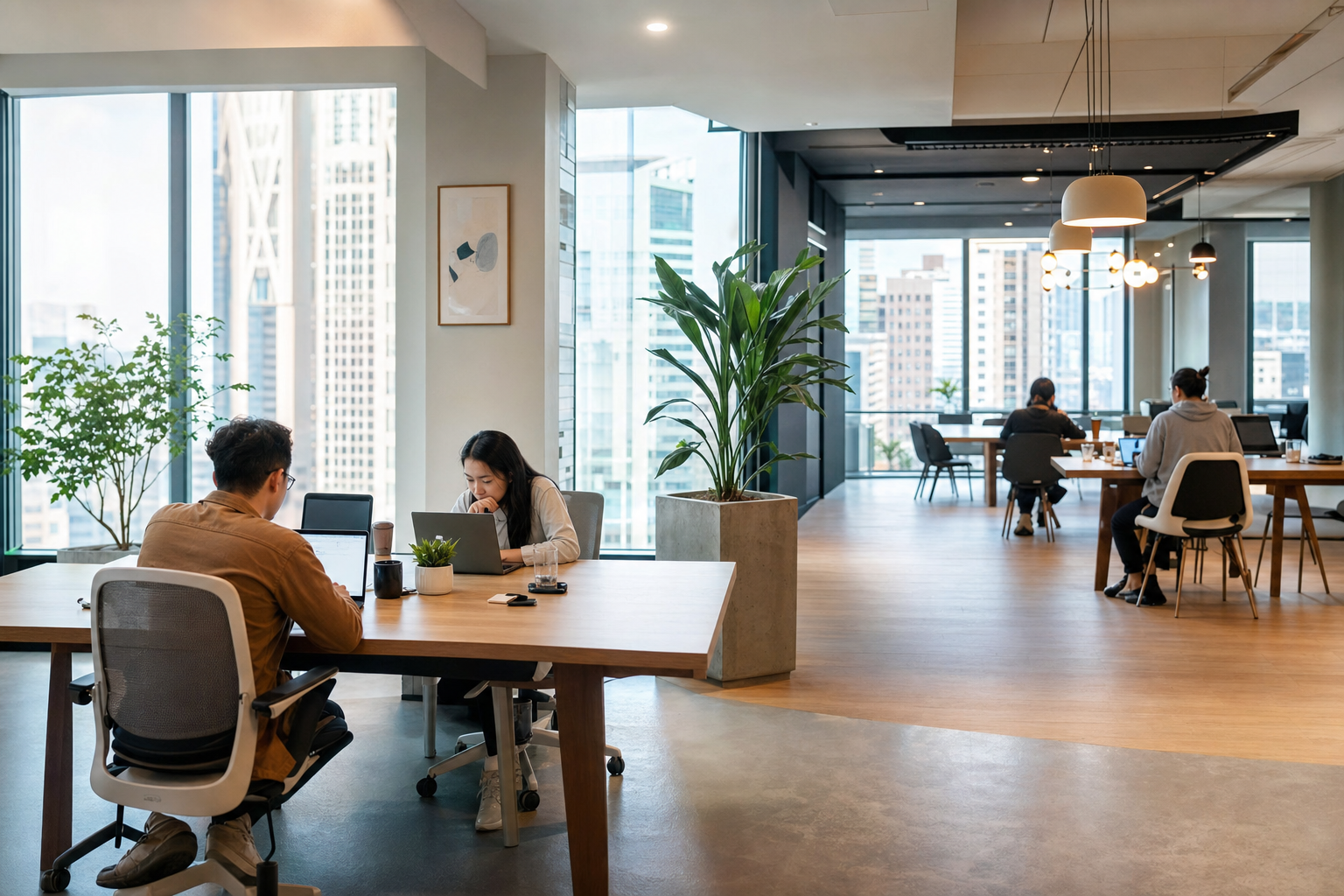
adapting to different lighting at various hot desks
When you book a hot desk, you’re not just securing a place to work; you’re choosing an environment designed for flexibility. Yet, one variable often goes unaddressed, impacting your day from the moment you sit down: the lighting. Unlike a dedicated office where fixtures are fixed, shared workspaces present a constant challenge. Adapting to different lighting at various hot desks is a skill that separates a productive day from one filled with eye strain and distraction. This isn’t merely about comfort; it’s about maintaining focus and a sense of continuity, no matter where your work takes you.
Key Takeaways
- Lighting conditions shift from one shared workspace to another, making quick adaptation a core skill for mobile professionals.
- Eye strain builds silently throughout the day, so positioning yourself relative to natural and artificial light sources matters more than people realize.
- Simple habits like carrying blue light glasses or choosing window-adjacent seats can protect your focus across unpredictable environments.
- Consistency in your work output depends on managing external variables, with lighting ranking among the most overlooked factors.
- Belonging in a flexible work setup means owning your comfort, starting with how well you see your screen at every new desk.
At Hotdesk, we understand that movement should foster opportunity, not friction. This principle extends to the very light that surrounds you. The unpredictable nature of lighting in shared spaces can disrupt your workflow, affect your mood, and even impact your physical well-being. Recognizing this, we’ve developed practical strategies to help you navigate these environments effectively. This guide will equip you with the knowledge to assess, adjust, and optimize your workspace lighting, ensuring you can perform at your best, day after day.
Why Coworking Lighting Demands a Different Approach
The core challenge of working in flexible environments like hot desks lies in their inherent variability. Each new space you occupy brings its own unique set of lighting conditions. One day you might be seated near a large window with abundant natural light, and the next, you could find yourself under a bank of fluorescent overheads in an interior corner. This inconsistency means that what worked yesterday might not work today. Unlike a fixed office setup where lighting is a constant, hot desking requires a dynamic approach. The ability to adapt quickly is paramount to maintaining your productivity and comfort without skipping a beat.
This constant flux in lighting quality is more than just an aesthetic concern; it directly impacts your productivity and well-being. Poor lighting can lead to significant discomfort, including eye strain, headaches, and fatigue, especially after prolonged periods. A Forbes survey reported that 80% of office workers consider good lighting important, yet 40% deal with uncomfortable lighting conditions daily. This friction disrupts concentration, making it harder to focus on tasks. The lack of control over ambient light in shared spaces means users must develop proactive strategies rather than relying on fixed environmental conditions.
The foundation of effective hot desking lies in consistency, and lighting is a primary disruptor. Unlike traditional offices, hot desks offer unpredictable light sources, from natural daylight variations to artificial overheads. This variability necessitates a user-driven approach to adaptation, focusing on personal adjustments and portable solutions to maintain optimal working conditions and prevent the productivity losses and physical discomfort associated with poor illumination.
How Light Quality Shapes Focus and Energy
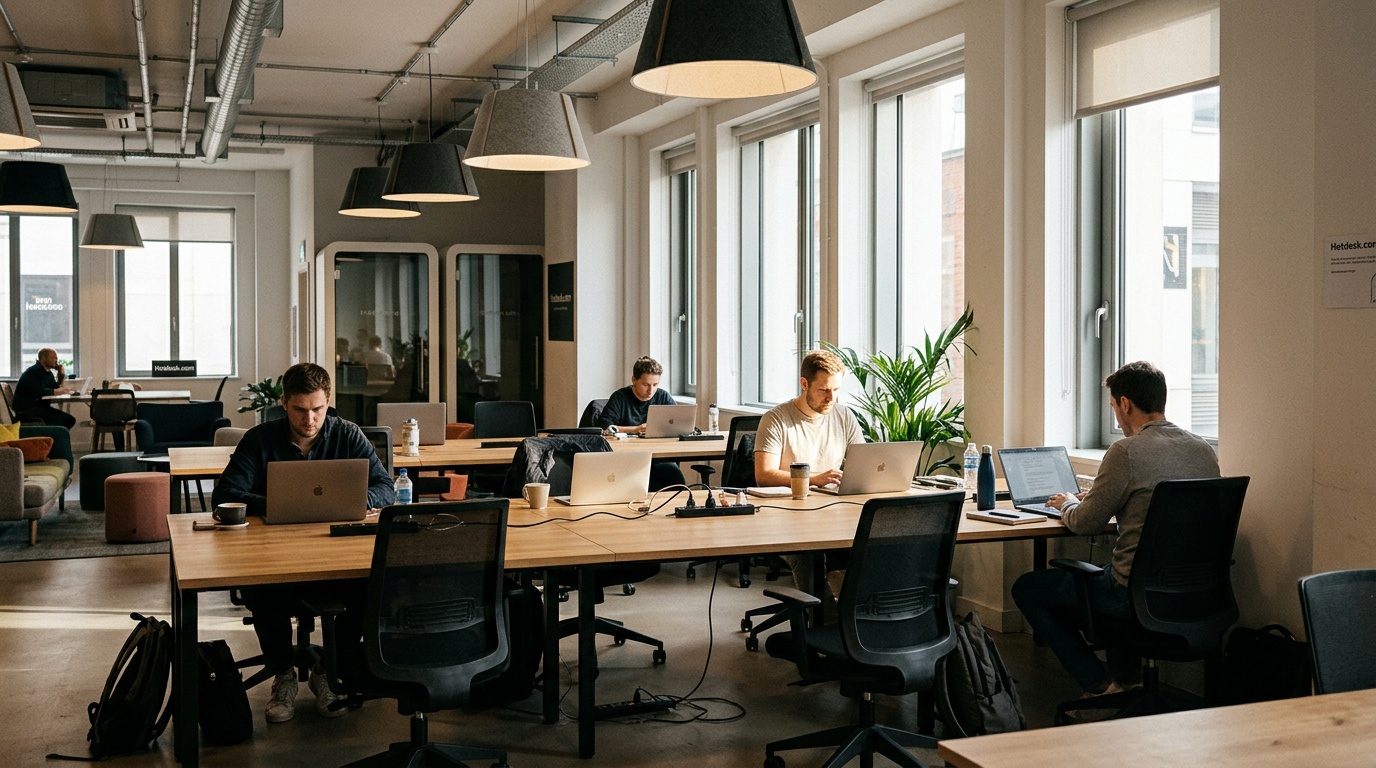
The quality of light in your workspace plays a profound role in how you feel and perform. Understanding basic principles of light, such as color temperature, can change your experience. Color temperature, measured in Kelvin (K), describes the warmth or coolness of light. Warmer light, typically between 2700K and 3500K, tends to be more relaxing, suitable for winding down, while cooler light, ranging from 4000K to 5000K, is often associated with increased alertness and focus. For tasks requiring concentration, such as detailed work or coding, cooler tones, even up to 6500K to mimic daylight, can help reduce eye strain and boost cognitive function, as suggested by sources like BenQ. Being aware of this spectrum allows you to make informed decisions about your immediate environment.
The contrast between natural and artificial light is another significant factor. Natural light is widely recognized for its positive effects; studies show it can improve mood, boost productivity, and reduce stress, according to information from Lumecube. But, relying solely on natural light is often impractical in hot desking scenarios due to desk placement and building design. Artificial lighting, predominantly found in shared offices, can vary greatly in type and quality. While some artificial lights mimic natural daylight well, others, like harsh fluorescent tubes, can cause glare and discomfort. The goal is to balance these sources, or compensate for artificial light’s shortcomings, to create an environment conducive to sustained work.
Effective workspace illumination often involves layering different types of light. Ambient lighting provides the general illumination for the room, while task lighting is focused on your immediate work area, such as your desk. Accent lighting, though less common in hot desks, highlights specific features. In a coworking setting, you typically have little control over the ambient lighting. Your primary focus should be on optimizing task lighting and managing how ambient light affects your screen and immediate surroundings. Aiming for a benchmark of 500 lux at your desk for adequate task lighting, as suggested by BenQ, is a useful metric. When the ambient light is too dim or too bright, understanding these layers helps you strategically adjust your immediate setup to compensate.
The 5-Minute Lighting Adaptation Checklist for Any Hot Desk
When you arrive at a new hot desk, establishing your optimal working environment should be a swift process. The goal is to turn an unpredictable variable. The lighting. Into a manageable element that supports, rather than hinders, your productivity. This checklist is designed to be performed in under five minutes, providing a repeatable framework for adapting to any lighting scenario you encounter. By following these steps consistently, you can regain control over your immediate workspace, ensuring comfort and focus from the moment you sit down.
This structured approach addresses the core issue of inconsistency in shared workspaces. Instead of feeling passively subjected to whatever lighting is present, you become an active manager of your environment. The process is built on observation, simple adjustments, and using available tools, transforming potential distractions into opportunities for a more tailored work experience. It’s about building a routine that respects your need for continuity, even when your physical surroundings change.
Your Quick-Start Guide to Better Hot Desk Lighting
Mastering your hot desk environment starts with understanding and adjusting the light. This checklist provides a practical, time-efficient method to assess room conditions, optimize screen placement, calibrate device settings, and determine if supplemental lighting is needed. Implementing this routine ensures you can maintain focus and comfort, regardless of the ambient light, making your workday more productive and less taxing.
Step 1: Assess the Room Before You Sit Down
Before settling in, take a moment to observe the overall lighting conditions. Are the primary light sources natural (windows) or artificial (overhead fixtures, lamps)? Note the intensity: is the room generally bright, dim, or somewhere in between? Pay attention to any strong glare sources, such as direct sunlight hitting your intended workspace or harsh overhead lights reflecting off surfaces. Understanding the dominant lighting type and its intensity is the first step in planning your adjustments. This quick scan helps you anticipate potential challenges, like screen glare or insufficient task illumination.
Step 2: Position Your Screen Against the Light Source
Screen glare is a primary culprit for eye strain and reduced visibility. The most effective way to combat this is by positioning your monitor or laptop screen perpendicular to major light sources, whether they are windows or overhead lights. Avoid placing your screen directly in front of a window, as this will create a bright silhouette effect that washes out your display. Similarly, positioning it directly under a bright overhead light can cause distracting reflections. Aim for a setup where the light falls on the sides of your screen, not directly onto it or behind it, allowing for a clearer view of your work. This simple placement strategy significantly improves readability.
Step 3: Calibrate Your Device Settings to the Room
Once positioned, adjust your device’s screen brightness and color temperature to match the ambient light. If the room is bright, increasing screen brightness can help your display stand out. Conversely, in a dimmer environment, lowering brightness prevents your screen from becoming an overwhelming light source and reduces eye strain. Many operating systems and devices offer “night shift” or “blue light filter” modes that can adjust color temperature, making the screen warmer and easier on the eyes, especially in the evening or under artificial lights. Some modern monitors also feature adaptive brightness or color temperature sensors that can automate these adjustments.
Step 4: Supplement With Portable Lighting When Needed
If the ambient light is insufficient for comfortable task work, even after screen adjustments, consider bringing a portable desk lamp. The goal is to create focused illumination directly on your task area without adding to overall room glare. A small, adjustable LED lamp can provide targeted light, improving visibility for documents or detailed work. This is particularly helpful in dimly lit corners or when working late. When selecting portable lighting, look for options that offer adjustable brightness and color temperature, allowing you to fine-tune the light precisely to your needs and the surrounding environment. This proactive step ensures you always have adequate task lighting available.
Step 5: Plan for Changes Throughout the Day
Lighting conditions are rarely static. Natural light shifts as the sun moves, and colleagues may adjust room lighting or open/close blinds. Be prepared to make micro-adjustments to your screen settings or positioning throughout the day. If you’re working near a window, the sun’s angle will change, potentially increasing glare. If you’re in a space with dimmable lights, others might adjust them. Building a habit of periodically reassessing your lighting setup and making minor tweaks will help maintain optimal conditions and prevent eye fatigue. This ongoing adaptation is key to sustained comfort and focus in dynamic hot desk environments.
Building a Portable Lighting Kit for Coworking
For the mobile professional, a well-equipped workstation isn’t just about a laptop and charger; it’s about creating a consistent, comfortable environment wherever you go. One often-overlooked aspect is personal lighting. While hot desk spaces offer flexibility, you can’t always control the ambient light. Investing in a small, portable lighting kit can make a significant difference in your ability to focus and reduce eye strain. This isn’t about carrying a bulky setup, but rather selecting a few key items that travel easily and provide substantial benefits for adapting to different lighting at various hot desks.
The core principle behind a portable lighting kit is empowerment. It grants you a degree of control over your immediate workspace, ensuring that you can perform tasks effectively regardless of the room’s inherent lighting quality. This kit acts as your personal lighting solution, allowing you to overcome common issues like insufficient task lighting, distracting glare, or overly harsh artificial light. By carefully selecting items that are lightweight, energy-efficient, and versatile, you can build a toolkit that improves your work experience without becoming a burden.
Your Go-To Gear for Consistent Workspace Illumination
Creating a portable lighting kit for coworking spaces is about smart, targeted investments. This section guides you on what essentials to pack. And what to leave behind. Focusing on portable desk lamps, screen filters, and other accessories that offer maximum impact with minimal bulk. The aim is to equip you with practical solutions to maintain optimal visibility and comfort, ensuring your productivity isn’t dictated by the ambient light of your chosen workspace.
What Belongs in Your Bag (and What Doesn’t)
When assembling a portable lighting kit, prioritize items that are compact, lightweight, and offer distinct benefits. A small, adjustable LED desk lamp is a top contender. Look for models that are battery-powered or USB-rechargeable, offering adjustable brightness and potentially color temperature control. Screen filters, such as anti-glare or blue-light-reducing films, are also highly portable and can significantly improve screen readability and reduce eye fatigue. Bias lighting, a subtle light source placed behind your monitor, can reduce perceived screen brightness and eye strain, especially in darker rooms; a small, attachable LED strip is ideal. Avoid bulky, heavy lamps or anything that requires a dedicated power outlet unless absolutely necessary. The key is utility without excess weight or space consumption.
Portable Desk Lamps Worth Carrying
Portable LED desk lamps are invaluable for hot desking. They provide focused, adjustable task lighting directly where you need it, compensating for dim ambient conditions or creating a more defined workspace. When selecting one, consider its power source: USB-powered lamps are convenient if you have a laptop or power bank, while battery-operated models offer greater freedom. Adjustability is paramount; look for lamps with flexible goosenecks or adjustable heads to direct light precisely. Brightness and color temperature controls add another layer of customization. For example, a lamp offering a range from warm, relaxing light (around 3000K) to cool, energizing light (up to 5000K) provides versatility for different tasks and times of day. Weight and size are also factors; many compact models fold down neatly for easy transport.
Screen Filters, Bias Lighting, and Low-Cost Accessories
Beyond portable lamps, other accessories can refine your hot desk lighting setup. Anti-glare screen filters are thin films that adhere to your laptop or monitor, diffusing harsh reflections from overhead lights or windows. They are inexpensive and highly effective. Blue-light filtering software or physical screen overlays can adjust the color temperature of your display, reducing eye strain, particularly during extended work sessions. Bias lighting, a low-level light source positioned behind your screen, helps your eyes adjust to the contrast between a bright screen and a dark background, reducing fatigue. Small, USB-powered LED strips can serve this purpose and are easily attached to the back of your monitor. These accessories, often low-cost and unobtrusive, contribute significantly to a comfortable and productive visual environment.
Adapting to Specific Coworking Lighting Scenarios
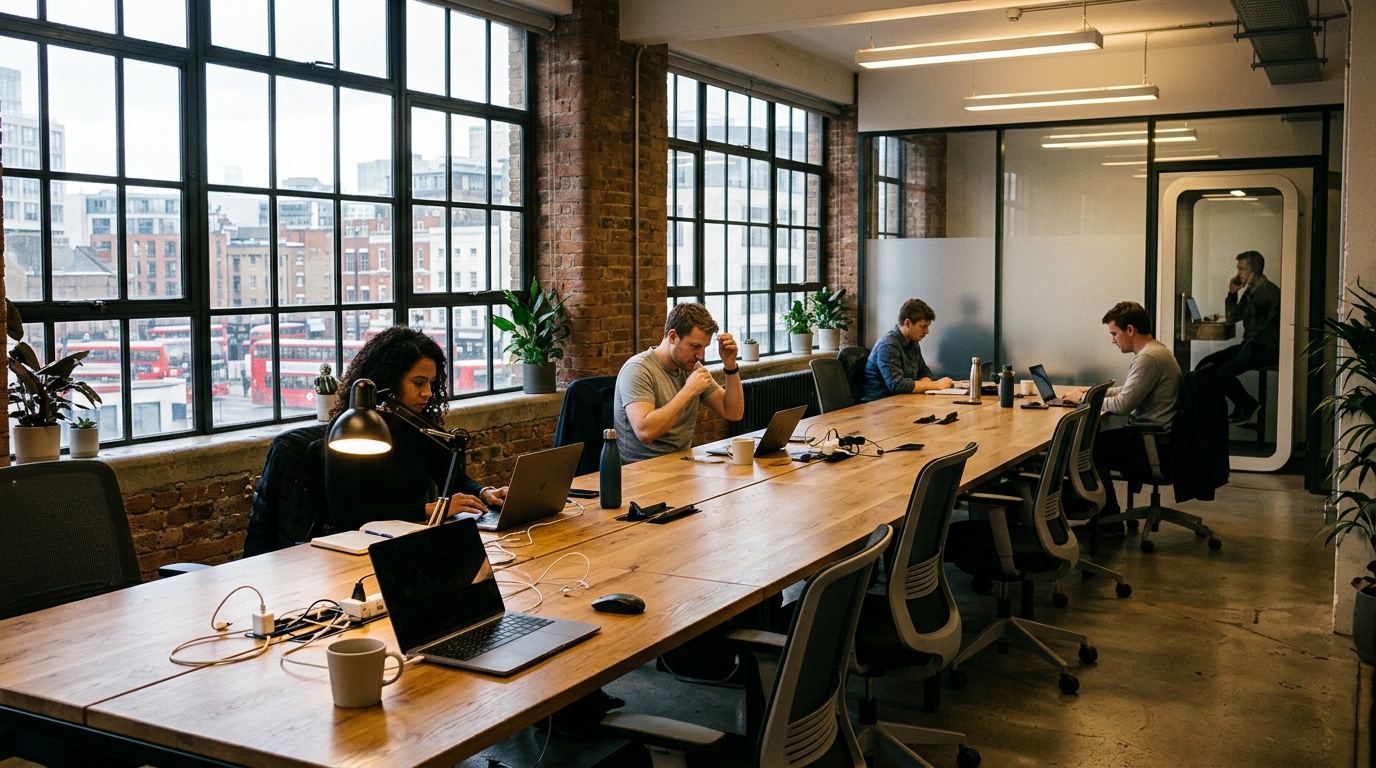
The reality of hot desking is that you’ll encounter a wide array of lighting environments, each with its own set of challenges and opportunities. While general principles apply, tailoring your approach to specific scenarios is key to maintaining comfort and productivity. Understanding how to manage light from windows, overhead fixtures, or during video calls, and knowing when to rely on behavioral adjustments, empowers you to create an optimal workspace no matter the setting. This adaptability is at the core of truly flexible work.
At Hotdesk, we believe that your workspace should adapt to you, not the other way around. This means equipping you with the knowledge to navigate diverse environments effectively. The following strategies are designed to address the most common lighting situations faced by remote workers and digital nomads, ensuring that you can maintain focus and avoid the fatigue often associated with poor lighting conditions. By proactively addressing these scenarios, you can ensure a consistent level of performance and well-being.
Mastering Your Environment: Lighting Strategies for Every Hot Desk
Navigating the varied lighting conditions of coworking spaces requires specific tactics. This section provides practical advice for managing the challenges presented by window seats, interior desks, and meeting rooms, alongside strategies for when you have minimal control over the light. By understanding these scenarios, you can implement effective adjustments, reduce eye strain, and ensure your workspace supports, rather than hinders, your productivity.
Window Seats: Managing Direct Sun and Shifting Light
Working near a window offers the benefit of natural light, which is known to boost mood and productivity. But, direct sunlight can cause significant glare on your screen and create an uncomfortably bright environment. To manage this, position your screen so that the window is to your side, not directly in front or behind it. Use blinds or curtains to diffuse harsh sunlight. If the light shifts throughout the day, be prepared to make corresponding adjustments to your screen’s brightness and contrast settings, or reposition yourself slightly. A matte screen protector can also help reduce reflections. The goal is to harness the benefits of natural light without succumbing to its intensity.
Interior Desks: Working Under Overhead Fluorescents
Many hot desks are situated in interior areas illuminated by artificial lighting, often fluorescent or LED panels. These can sometimes emit a harsh, cool light that causes eye strain or flicker subtly, leading to fatigue. If possible, try to position your workstation away from the most direct overhead lights. Adjust your screen’s color temperature to be warmer, or use blue-light filtering software. If the ambient light is still insufficient for detailed tasks, a small, portable task lamp can provide focused illumination on your desk surface, creating a more comfortable micro-environment. Ensure your portable lamp’s light doesn’t create conflicting shadows or glare with the overheads.
Meeting Rooms and Video Call Lighting
When participating in video calls from a hot desk, especially in shared meeting rooms, lighting is paramount for making a good impression. The ideal setup involves soft, even light facing you, not behind you. Avoid sitting with a bright window or strong overhead light directly behind your head, as this will cast your face into shadow. If the room lighting is poor, use your laptop’s screen as a secondary light source by increasing its brightness, or use a portable ring light if available. Position yourself so that the primary light source illuminates your face from the front or slightly to the side, creating a professional and clear image for your colleagues or clients.
When You Can’t Change the Light: Behavioral Adjustments
There will be times when you have minimal control over the ambient lighting, such as in very small, enclosed booths or spaces with fixed, unchangeable fixtures. In these situations, focus entirely on what you *can* control: your device settings and your work habits. Maximize your screen’s brightness and adjust contrast to make text legible. Use your device’s blue light filter aggressively. Take frequent breaks to rest your eyes, looking away from the screen and focusing on distant objects. If possible, position yourself so that reflections on your screen are minimized, even if the overall light isn’t ideal. Prioritizing eye comfort through these behavioral changes is key to sustained work in challenging lighting conditions.
Frequently Asked Questions
Why does Gen Z hate overhead lighting?
Gen Z’s well-documented dislike of overhead lighting stems from how harsh fluorescent fixtures create glare, cast unflattering shadows, and contribute to eye fatigue during extended work sessions. This generation gravitates toward softer, warmer alternatives like desk lamps and LED strips that feel more personal. Many coworking spaces now offer varied lighting options to accommodate this preference for adaptable, user-controlled illumination.
What are the three rules of lighting?
The three fundamental rules of lighting involve layering ambient, task, and accent lighting to create a balanced, functional environment. Ambient lighting provides general room illumination, task lighting focuses directly on your work area, and accent lighting highlights specific features. In hot desking scenarios, you typically control only task lighting, so investing in a quality portable lamp becomes essential for consistent conditions across locations.
Leave a Reply