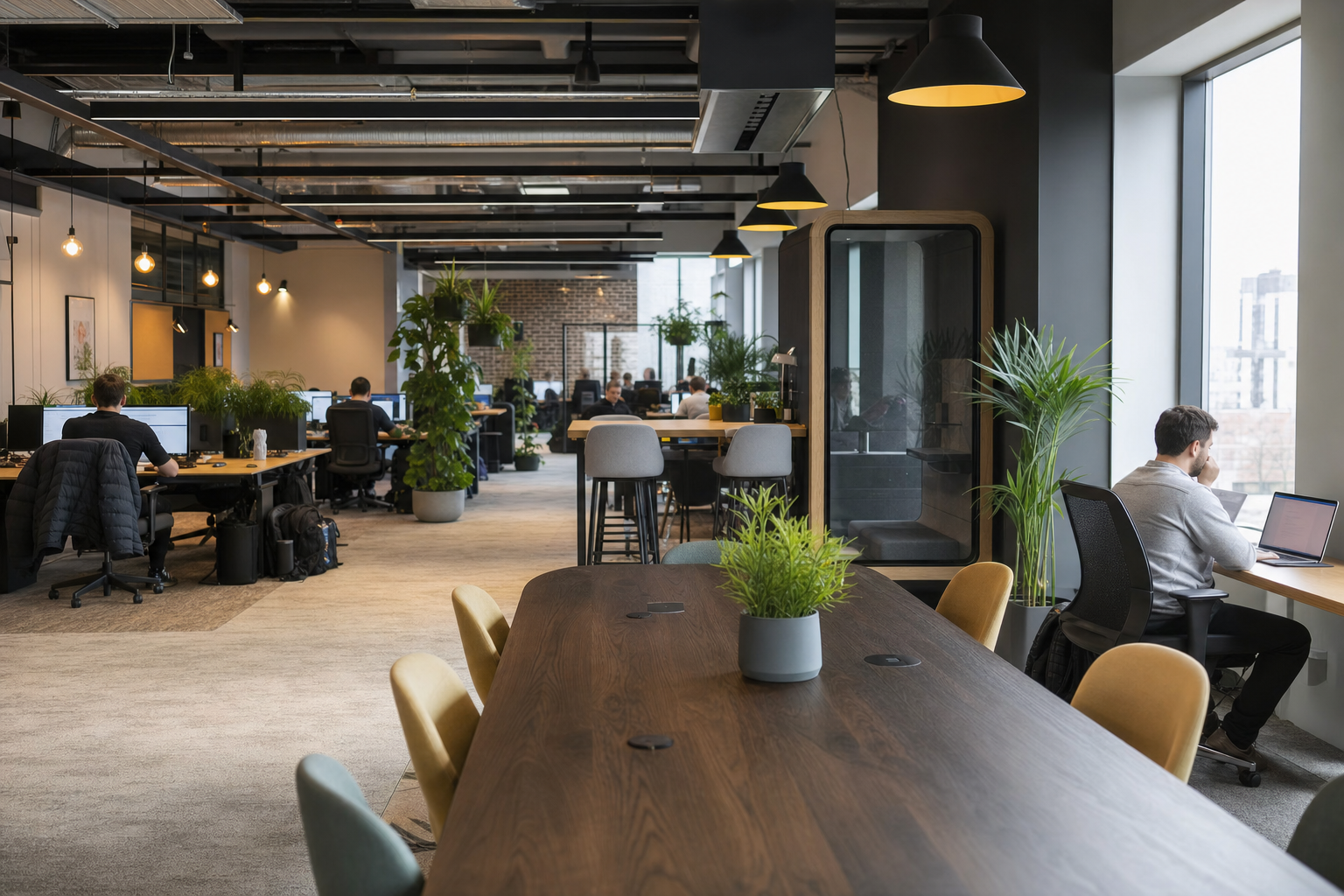
best coworking space in Watford for remote tech workers
Why Most Watford Coworking Spaces Fail Remote Tech Workers
Every distributed system asks you to manage new failure modes. In the context of physical workspaces, those failures appear as packet loss during stand-ups, acoustic interference during deep work, and insufficient power density for multi-device configurations. Finding the best coworking space in Watford for remote tech workers requires filtering out environments optimized for casual freelancers and identifying infrastructure built for engineering discipline. For an engineer, a workspace is a piece of deployed infrastructure. If the network jitter is high or the ambient noise affects concentration, the system is compromised. Most general-purpose offices in Watford fail these criteria by prioritizing aesthetic “collision spaces” over focused output.
Key Takeaways
- Treating a coworking space as deployed infrastructure means evaluating network jitter, power density, and acoustic isolation before considering aesthetics.
- Most general-purpose offices in Watford fail remote tech workers because they prioritize casual collaboration over the engineering discipline needed for focused output.
- A workspace is compromised when ambient noise or packet loss interrupts deep work, so the tech-readiness score must measure these specific failure modes.
- Remote tech workers should filter out environments optimized for freelancers and select spaces built for multi-device configurations and uninterrupted concentration.
Technical professionals require three core constants: low-latency internet, thermal and acoustic stability, and ergonomic support for 10-hour coding sessions. A workspace should not require you to reconfigure your local environment to be productive. If you can’t join a video conference without using a personal hotspot, the building’s infrastructure is the bottleneck.
How a space designed for general freelancers breaks your flow
Spaces designed for writers or general admin often lack the power distribution and cooling required for high-performance computing. Tech workers typically run three to four devices simultaneously. A lack of accessible outlets or poorly placed desk layouts forces constant context switching. This “friction” is a design flaw that generic coworking reviews consistently overlook.
Why internet speed and noise are essential for engineering work
Throughput is only one metric; stability is the actual benchmark. A high-speed connection with low packet loss is useless for a senior developer pushing code to a remote repository. Acoustic privacy is not a luxury. It’s a requirement for maintaining the cognitive load necessary for complex architectural decisions. In Watford’s competitive tech scene, your workspace must function as a silent partner in your deployment pipeline.
The Tech-Readiness Score: How We Ranked Watford’s Top Coworking Spaces
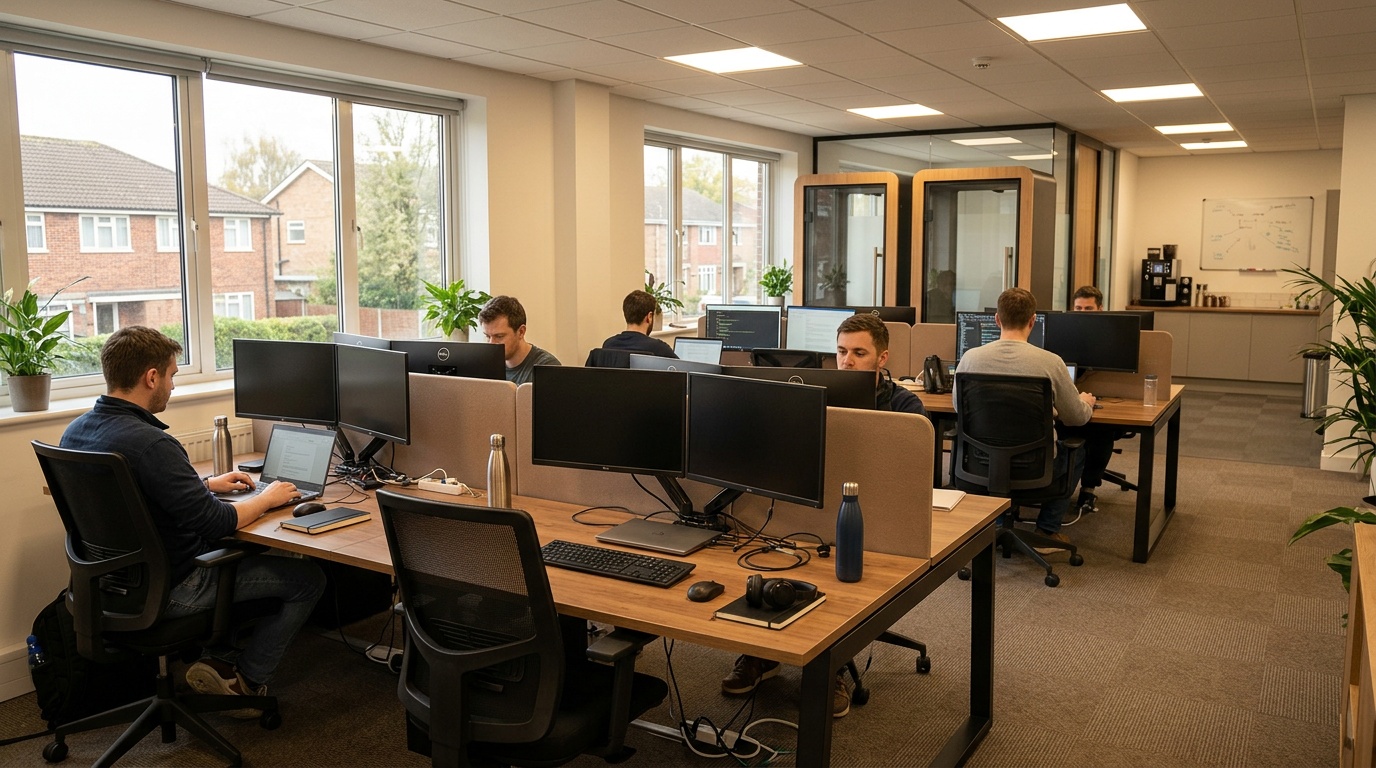
How do you evaluate a workspace for technical readiness? We developed a Tech-Readiness Score. A framework based on five engineering-centric metrics. This moves the conversation from “vibe” to “specifications,” helping you choose a location that supports your output rather than hindering it.
Scoring criteria: internet reliability, quiet zones, ergonomics, parking, and power density
Our evaluation focuses on the physical layer of the workspace. Internet reliability measures uptime and latency through peak hours. Quiet zones are assessed for decibel levels and the presence of acoustic panels. Ergonomics covers chair adjustability and monitor arm availability. Parking and commute logistics are factored in for those who travel from outside the immediate Watford center. Power density means a dedicated outlet for every device without daisy-chained power strips.
Space A: Speed, silence, and standing desks
This category represents the gold standard for individual contributors. These spaces prioritize high-speed fiber with static IP options and offer dedicated “deep work” floors where verbal communication is prohibited. Standing desks are essential for managing blood flow during long sprints. For those seeking the best coworking space in Watford for remote tech workers, these facilities provide the closest experience to a high-end enterprise engineering hub.
Space B: Maximum privacy with soundproof booths and phone cabins
Engineers frequently handle sensitive data or conduct 1:1 syncs with global teams. Spaces in this tier feature soundproof booths with integrated power and ventilation. They’re not mere phone boxes. They’re engineered environments for confidential pair programming or HR discussions. The focus here is on connection without complexity, providing private nodes within a larger network.
Space C: Best for teams who need meeting rooms and 24/7 access
For team leads or those managing distributed sprints across time zones, 24/7 access is a functional requirement. These spaces offer enterprise-grade meeting rooms with 4K conferencing hardware and whiteboard walls for system design. The infrastructure is engineered for scale, accommodating teams that might double in size within a quarter. Coworking Naubostik serves as a prime example of this level of technical readiness, providing the solid framework that modern teams require to operate without friction.
| Feature | Space A (Focus) | Space B (Privacy) | Space C (Teams) |
|---|---|---|---|
| Internet Uptime | Enterprise-grade reliability | Enterprise-grade reliability | Guaranteed high availability |
| Quiet Zones | Designated Floors | Soundproof Booths | Meeting Room Isolation |
| Power Outlets per Desk | 4 | 2 | 6 |
| Access Hours | 24/7 | 8/5 | 24/7 |
A Remote Tech Worker’s Checklist for Evaluating Any Coworking Space
Don’t rely on marketing photos or curated reviews. Perform a technical audit of the space before committing to a monthly plan. This checklist provides a portable framework for evaluating the physical and network layers of any potential office in Watford or beyond.
Run a real-world Wi-Fi test before you book
Use a speed test application to check for jitter and packet loss, not just download speeds. Connect to the guest network and attempt a simulated workload, such as a large Git pull or a high-definition video call. If the latency spikes when other users enter the breakout area, the access points are likely oversubscribed. Systems over announcements. Look at the actual hardware specs.
Count the outlets and check the chair before you sit
Power density is a common oversight. Ensure the desk has at least two accessible outlets that don’t require crawling under the furniture. Test the chair. A chair without proper lumbar support will degrade your focus within three hours. In the best coworking space in Watford for remote tech workers, these details are standardized across every single station.
Measure noise at three different times of day
Acoustic environments change based on the tenancy of the building. Visit during the morning coffee rush, the post-lunch lull, and the late-afternoon wrap-up. Use a decibel meter app to get a baseline. If the noise floor is too high for concentration, the space isn’t engineered for technical work. Reliable infrastructure means the environment remains constant regardless of the time of day.
Pros of Using a Checklist
- Eliminates guesswork regarding network stability
- Ensures ergonomic standards meet your physical requirements
- Validates the environment against real-world engineering tasks
Cons of Skipping the Audit
- Risk of signing a contract for an underserved location
- Potential for hardware incompatibility with desk setups
- Increased cognitive load due to environmental distractions
How to Book a Tech-Ready Desk in Watford On-Demand via Hotdesk
Managing a distributed team or a solo engineering workflow requires a booking system that mirrors the efficiency of a cloud deployment. The Hotdesk platform treats physical office space as an on-demand resource. You pay for what you use without the overhead of a traditional lease. For those seeking the best coworking space in Watford for remote tech workers, the process is reduced to a few clicks, getting your infrastructure ready before you leave your home office.
Find, compare, and book by the hour or day without a membership
The platform operates on a pay-as-you-go model that aligns with the variable nature of modern development cycles. You can secure a desk for a single afternoon of deep work or book a collaborative suite for a week-long sprint. This flexibility means you only pay for the uptime you actually use. By removing the gatekeeping of long-term memberships, we provide a system that scales with your project needs. From solo dev to growing startup.
Filter by internet speed, quiet zones, and private booths
Technical reliability is the primary filter in our discovery engine. Users can sort available locations based on specific hardware requirements such as high-speed fiber availability, soundproof booths, or ergonomic standing desks. This granular control lets you select a node in the Watford network that matches your technical stack. Regus Watford Croxley is frequently highlighted for its ability to meet these rigorous standards, offering the technical depth required for enterprise-level performance.
What happens when you arrive: check-in and setup
Upon arrival, the check-in process is frictionless. You receive a digital access key or a QR code that authorizes your entry and connects you to the secure network. The goal is a zero-configuration setup: open your laptop, connect to the pre-verified Wi-Fi, and begin working immediately. This smooth transition from transit to task defines a truly tech-ready workspace, so your cognitive flow remains uninterrupted by logistics.
Engineered for scale. A workspace booking should be as reliable as an API call. If the system for reserving a desk is more complex than the work you do at that desk, the system has failed. Use the Hotdesk app to filter for “Power Density” and “Fiber Optic” to ensure your environment supports high output.
Home Office vs. Coffee Shop vs. Coworking: What Actually Works for Coders?

Choosing a workspace is a calculation of trade-offs between cost, comfort, and output. Many remote workers start at home, but residential infrastructure often fails during high-stakes deployments or prolonged isolation. Evaluating these options through an engineering lens reveals that a dedicated professional environment is often the most efficient choice for maintaining long-term technical velocity.
The hidden costs of working from home in Watford
Working from home introduces variables that are hard to control: domestic noise, unreliable consumer-grade internet, and poor ergonomic setups. These aren’t merely inconveniences. They’re system vulnerabilities. The cost of a dropped connection during a production push or the physical toll of working from a kitchen chair far outweighs the daily rate of a professional desk. For many, the best coworking space in Watford for remote tech workers acts as a necessary buffer between personal life and professional execution.
Why coffee shops fail the four-device test
Coffee shops are optimized for consumption, not production. They fail the “four-device test”. The ability to securely connect a laptop, tablet, phone, and test device while maintaining high throughput. Public Wi-Fi is a security risk and a performance bottleneck. The lack of dedicated power outlets and the high ambient noise floor make it impossible to sustain deep focus for complex architectural work. A coffee shop is an ad-hoc solution that cannot support a professional engineering workflow.
Coworking as the infrastructure layer that travels with you
We view a coworking space as a portable infrastructure layer. It provides the power, cooling, and connectivity that travels with the user, ensuring a constant environment regardless of physical location. This consistency works at scale. By utilizing spaces like Kinetic Business Centre, you’re investing in a standardized environment that prioritizes your output over aesthetic trends. This is the difference between finding a place to sit and finding a place to build.
| Criteria | Home Office | Coffee Shop | Tech Coworking |
|---|---|---|---|
| Security | Private/Variable | Public/Unsafe | Enterprise-Grade |
| Latency | Variable | High | Ultra-Low |
| Ergonomics | Limited | None | Full Support |
| Focus Period | Interrupted | Short Bursts | Sustained Depth |
Final Verdict: Choosing Your Primary Node in Watford
Selecting the best coworking space in Watford for remote tech workers is an infrastructure decision, not a real estate one. After evaluating the local market through the lens of network stability, power density, and acoustic isolation, the choice becomes clear. You need a space that functions as a redundant system, so your output remains constant regardless of external variables.
Hotdesk – The Control Plane for Distributed Teams
Best for: Engineering leads and senior developers who require guaranteed technical specifications and on-demand scalability without long-term leases.
The Hotdesk platform offers technical rigor that general booking sites lack. By filtering for metrics like fiber-optic availability and soundproof booth density, you eliminate the risk of booking a space that can’t support a high-throughput workflow. The platform serves as the control plane for your physical presence, allowing you to manage workspace requirements with the same precision as your cloud resources. It’s a reliable method to confirm your environment is pre-validated for deep work.
What works at scale. When your team grows from five to fifty, your workspace infrastructure must scale without a complete reset. Using a standardized platform to manage these nodes means every new hire enters a pre-configured, high-performance environment from day one.
Space A – The Deep Work Specialist
Best for: Individual contributors focused on complex algorithmic tasks or long-form coding sessions.
This option prioritizes silence and static IP addresses. The environment is engineered to minimize cognitive load, featuring ergonomic setups that support extended work sessions. It’s the ideal choice for those who treat their desk as a deployment server.
Pros
- Exceptional acoustic isolation for deep focus
- High-density power distribution at every station
- Stable, low-latency network performance
Cons
- Limited collaborative spaces for team syncs
- Fewer amenities compared to mixed-use hubs
Space B – The Privacy and Security Node
Best for: Developers handling sensitive data or requiring frequent private communication channels.
With a focus on soundproof technology and secure access, this space provides the privacy required for confidential engineering tasks. The infrastructure supports high-bandwidth video conferencing without the risk of data leakage through acoustic eavesdropping.
Pros
- Enterprise-grade soundproof booths
- Enhanced physical security protocols
- Ideal for 1:1 technical interviews
Cons
- Higher cost per square foot
- Less open-desk availability during peak hours
Future-Proofing Your Workspace Strategy in a Hybrid World
Infrastructure must anticipate growth. As remote tech work evolves, the definition of the best coworking space in Watford for remote tech workers will shift toward spaces that offer higher compute-adjacent facilities. We’re moving toward an era where workspaces will need to support edge computing nodes or provide specialized hardware for AI model training.
Choosing a workspace today requires looking at the provider’s roadmap. Does the space have the cooling capacity for high-performance workstations? Is the internet backbone scalable to high bandwidth as standard? These questions determine whether a workspace is a temporary fix or a long-term asset. At Hotdesk, we focus on systems that travel with the user. This means the technical standards you enjoy in Watford are available in every other node across our network. For a deeper understanding of the coworking movement, you can read about coworking.
The goal is to reduce the friction of physical presence. By standardizing your environment, you transform the act of going to the office from a variable into a constant. That’s the essence of engineering discipline applied to the physical world. When your workspace is as reliable as your local IDE, you’ve successfully built an infrastructure that travels with you.
Systems over announcements. A workspace should be judged by its uptime and its power specs, not its interior design. As you evaluate your options in Watford, prioritize the technical layer. The right choice will feel less like a rental and more like a piece of deployed hardware that simply works.
References
Frequently Asked Questions
What makes a coworking space in Watford suitable for remote tech workers?
A suitable space must provide low-latency internet with minimal jitter, acoustic stability for deep work, and enough power outlets for multiple devices. Most general-purpose offices fail because they prioritize aesthetics over engineering needs. The best coworking space in Watford for remote tech workers treats the workspace as deployed infrastructure, not a coffee shop.
How can I test internet reliability before committing to a coworking space?
Run a real-world Wi-Fi test by connecting to the guest network and performing a large Git pull or a high-definition video call. Check for jitter and packet loss, not just download speed. If latency spikes when others enter the breakout area, the access points are likely oversubscribed. Systems over announcements; look at the actual hardware specs.
Why do many coworking spaces fail to meet the needs of tech workers?
They are designed for casual freelancers, not engineers. Common failures include insufficient power density for multi-device setups, high ambient noise, and network instability during peak hours. A workspace should not require you to reconfigure your local environment or use a personal hotspot for video calls.
What is the Tech-Readiness Score and how does it help choose a workspace?
The Tech-Readiness Score evaluates workspaces on five engineering-centric metrics: internet reliability, quiet zones, ergonomics, parking, and power density. It moves the conversation from vibe to specifications, ensuring you pick a location that supports your output rather than hindering it.
What should I check for power density and ergonomics at a coworking space?
Count the accessible outlets at your desk. You need at least two to four dedicated outlets for a laptop, monitor, and phone. Check the chair adjustability and whether monitor arms are available. Poor desk layouts force constant context switching, which is a design flaw that generic reviews overlook.
Can I write off a coworking space as a business expense?
Yes, if you are self-employed or a remote employee using the space for work, the cost is typically tax-deductible as a business expense. However, rules vary by country and tax jurisdiction. Consult a tax professional to confirm eligibility for your specific situation.
Leave a Reply