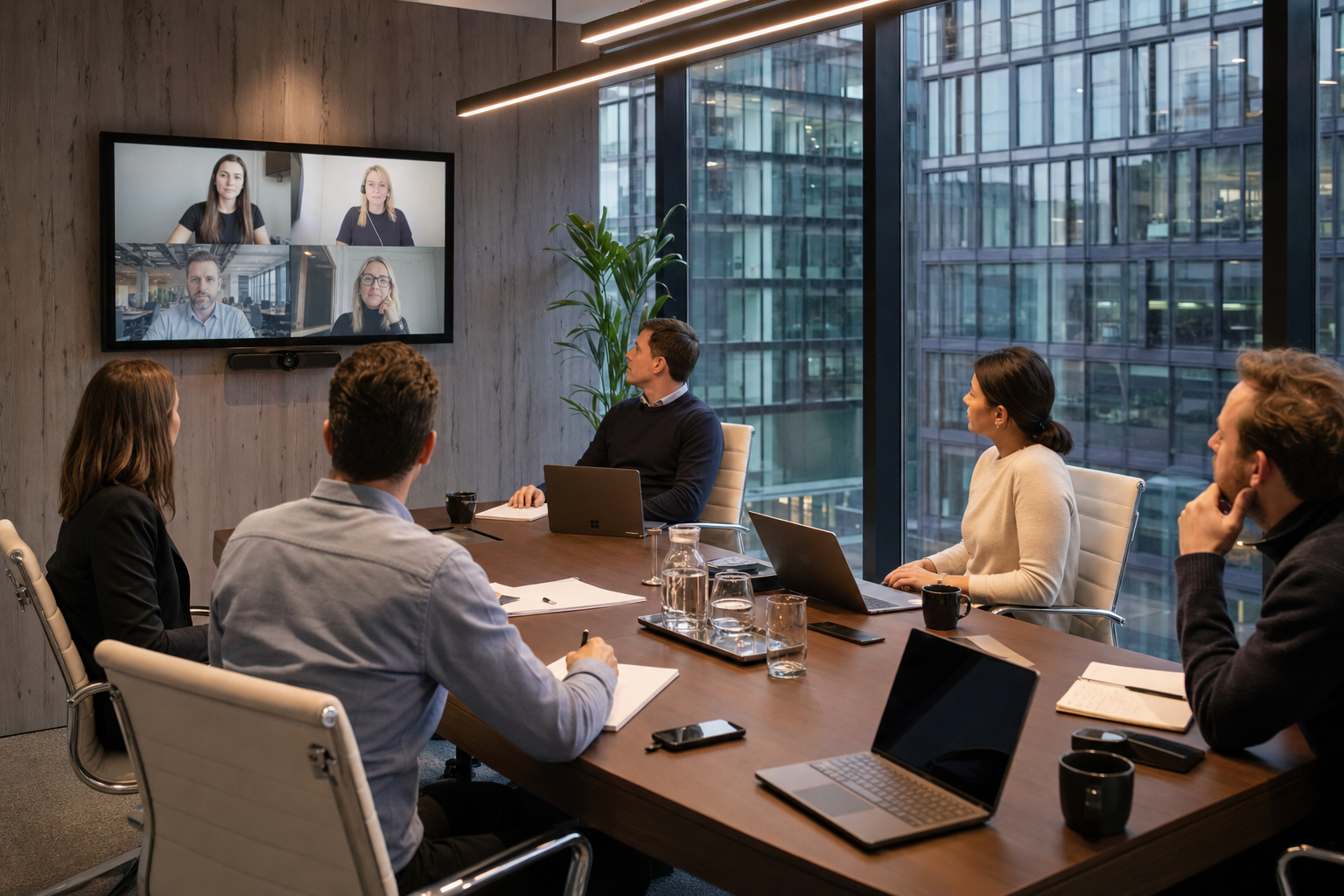
conference room meeting
Building Reliable Conference Rooms for Video Meetings: A CTO’s Perspective
Every distributed system asks you to manage new failure modes. When planning a conference room meeting, the primary challenge is not the physical space itself, but the underlying infrastructure that connects remote and local participants. Reliability is defined as the absence of rework, meaning a meeting starts on time without troubleshooting audio drivers or searching for the correct cables. Infrastructure must travel with the user, ensuring that whether a team member joins from home or walks into a physical boardroom, the connection remains predictable.
Why Reliability Matters More Than Flashy Features
Too many organizations prioritize complex, untested hardware configurations over basic operational uptime. A multi-camera setup with auto-tracking features offers zero value if the system fails to recognize the default microphone during a critical presentation. Engineering discipline dictates that we prioritize low latency, consistent audio capture, and simple input switching. When systems are designed with fewer failure points, technical support tickets drop, and meeting productivity increases.
The “Infrastructure Travels” Principle for Meeting Spaces
The “infrastructure travels” principle means that user configurations should remain consistent across different physical locations. A user should be able to join a Zoom meeting room session with a single tap, regardless of which office the person occupies. By standardizing the underlying software layer and hardware interfaces, organizations eliminate the cognitive load of learning new room controls. This consistency is highly visible in professional venues like Creativespace Zurich Meeting Event Facilities, where the technical setup matches the expectations of demanding enterprise clients.
CTO Insight: The Cost of Connection Latency
A ten-minute delay at the start of an eight-person executive session translates to more than an hour of lost productivity. Standardizing on a single, reliable platform architecture prevents these micro-losses from compounding over fiscal quarters.
Understanding Your Meeting Room Needs: Size and Purpose
Before purchasing hardware, you must analyze the physical dimensions and acoustic properties of your space. A small huddle room designed for three people requires different audio pickup patterns than a large executive boardroom. Matching hardware specifications to the physical volume of the room prevents echo, poor visibility, and dropped connections. Assess your occupancy limits and primary usage patterns to determine the appropriate system scale.
Choosing the Right Room Layout for Effective Collaboration
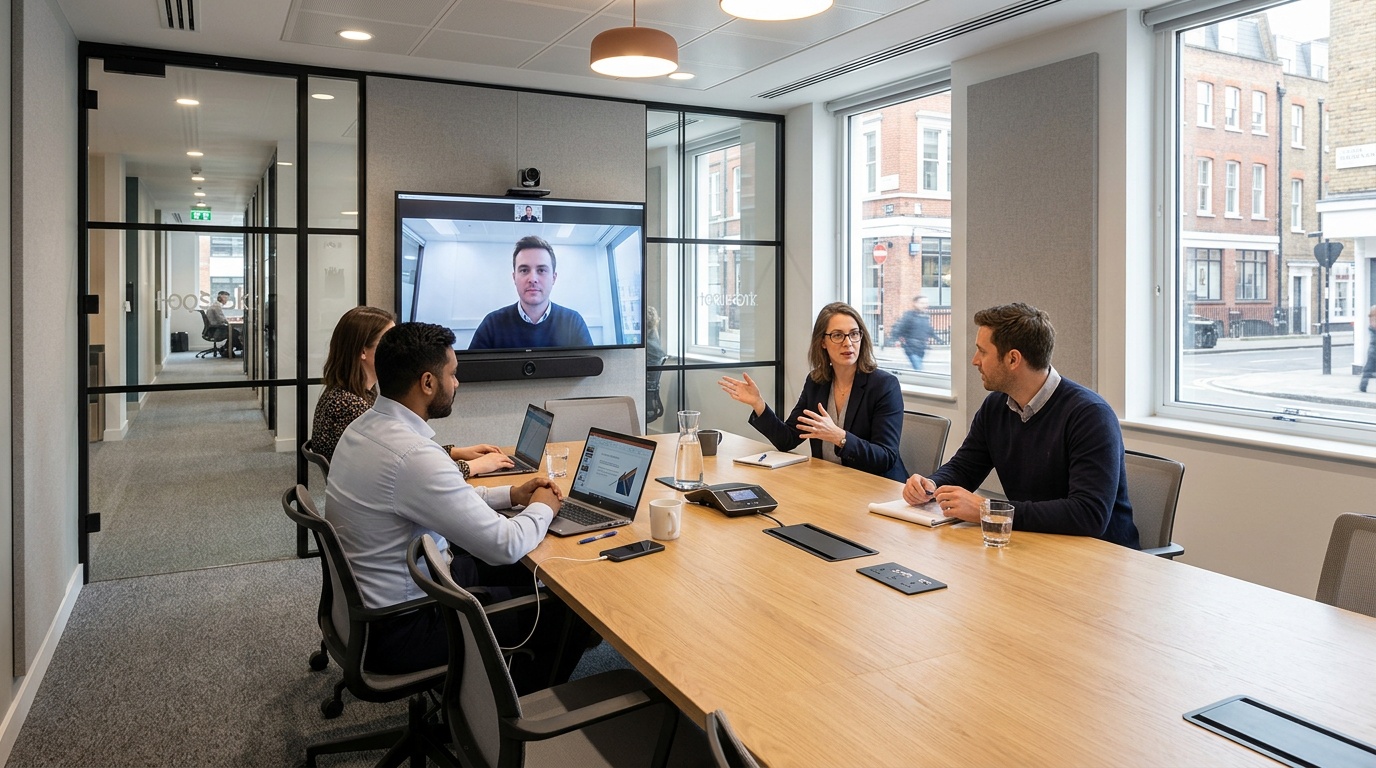
Physical layout directly impacts acoustic performance and camera sightlines during a hybrid session. The traditional boardroom setup, while formal, often isolates remote participants who cannot see everyone around the table. Designing a space for modern collaboration requires positioning physical assets so that in-person attendees and remote displays share a natural line of sight.
Beyond the Boardroom: Exploring Different Conference Room Styles
Different interaction models require distinct conference room setup styles. U-shaped configurations work well for training, while modular desks allow rapid reconfiguration for workshops. For premium off-site events, using structured spaces like Creativespace Zurich Meeting Event Facilities ensures that the physical architecture supports both presentation and breakout dynamics.
Optimizing Layouts for Hybrid and In-Person Meetings
To optimize for hybrid scenarios, position the main display and camera at eye level at the far end of the table. This creates a virtual extension of the room, making remote participants feel present at the table. Avoid placing seats where attendees must turn their backs to the camera to view shared presentation materials.
| Layout Style | Optimal Occupancy | Primary Use Case | Camera Sightline Rating |
|---|---|---|---|
| Boardroom (Classic) | 8 to 20 people | Executive decisions | Moderate (some side profiles) |
| U-Shape | 12 to 25 people | Interactive training | Excellent (clear center view) |
| Huddle Space | 2 to 5 people | Ad hoc collaboration | Excellent (wide-angle lens) |
Layout Considerations for Specific Use Cases
For brainstorming sessions, whiteboard placement is a key decision. If using physical whiteboards, the camera must be positioned to capture the writing clearly without glare. Another option is digital whiteboards integrated directly into your software stack so remote participants can collaborate in real time without optical barriers.
Essential Video Conferencing Hardware: What Works at 10x
Scaling a hardware footprint across multiple offices requires selecting components that perform consistently under heavy usage. A high-quality video conferencing system for conference room applications must deliver clear audio and high-definition video without requiring manual calibration before every session. Investing in dependable hardware reduces ongoing maintenance overhead and keeps teams focused on their actual work.
The All-in-One Advantage: Video Bars for Simplicity and Scale
For small to medium spaces, all-in-one video bars provide a reliable solution. These units integrate the camera, microphones, and speakers into a single chassis, minimizing external cabling and power requirements. This consolidated architecture simplifies installation and reduces the number of potential hardware connection failures.
Hardware Integration Strategies
Pros of All-in-One Systems
- Rapid deployment with minimal cabling
- Centralized firmware updates from one vendor
- Lower initial hardware and installation costs
Cons of All-in-One Systems
- Limited microphone range in larger rooms
- Inability to upgrade individual components
- Fixed camera placement constraints
When Components Make Sense: Building a Custom System
Large boardrooms demand a dedicated large conference room video conferencing system with separate components. In these expansive environments, a single video bar cannot capture audio from the far end of the table. Deploying discrete ceiling microphones, external DSPs, and multiple PTZ cameras provides coverage across the room.
Audio Fundamentals: Ensuring Clear Communication
Acoustics make or break a hybrid session. If the audio is poor, the meeting fails. Implement beamforming microphone arrays that automatically track the active speaker while filtering out background noise, such as air conditioning or hallway chatter. Speakers must be calibrated to distribute sound evenly across the room, preventing volume spikes near the front display.
Visuals That Connect: Cameras and Display Considerations
Cameras should support at least 4K resolution and offer intelligent framing to keep all participants visible. Dual-display setups are recommended for collaborative environments. This configuration allows you to dedicate one screen to remote participant video feeds while using the second screen for shared documents or presentations.
Integrating Your Conference Room with Booking Platforms
An excellent hardware setup is useless if users cannot easily reserve the physical space. Integrating your room systems with workspace management platforms reduces scheduling conflicts and streamlines daily operations. This connection ensures that physical availability matches digital calendars in real time.
Why Integrate? Reducing Friction for Users and Operators
Double bookings and empty ghost meetings waste valuable real estate. By integrating hardware with booking software, rooms can automatically release their reservation if no one checks in within ten minutes of the scheduled start time. This automation optimizes space utilization and provides accurate data on how offices are actually used.
How Hotdesk Simplifies On-Demand Meeting Room Access
Hotdesk bridges the gap between physical real estate and digital scheduling. The platform allows users to find, reserve, and access spaces instantly, removing the administrative overhead of manual booking systems. For teams that need professional, fully equipped environments on demand, Hotdesk provides access to premium locations globally, so teams have reliable spaces when they need them.
Setting Up for Success: Technical Integration Steps
To achieve reliable integration, connect your room scheduling panels directly to your tenant directory, such as Google Workspace or Microsoft 365. Ensure that the room hardware is configured to sync with the calendar resource, allowing users to start scheduled sessions with a single touch on the controller. This direct sync reduces user errors and keeps meetings running on schedule.
Budgeting for Success: Smart Investments in Meeting Room Technology
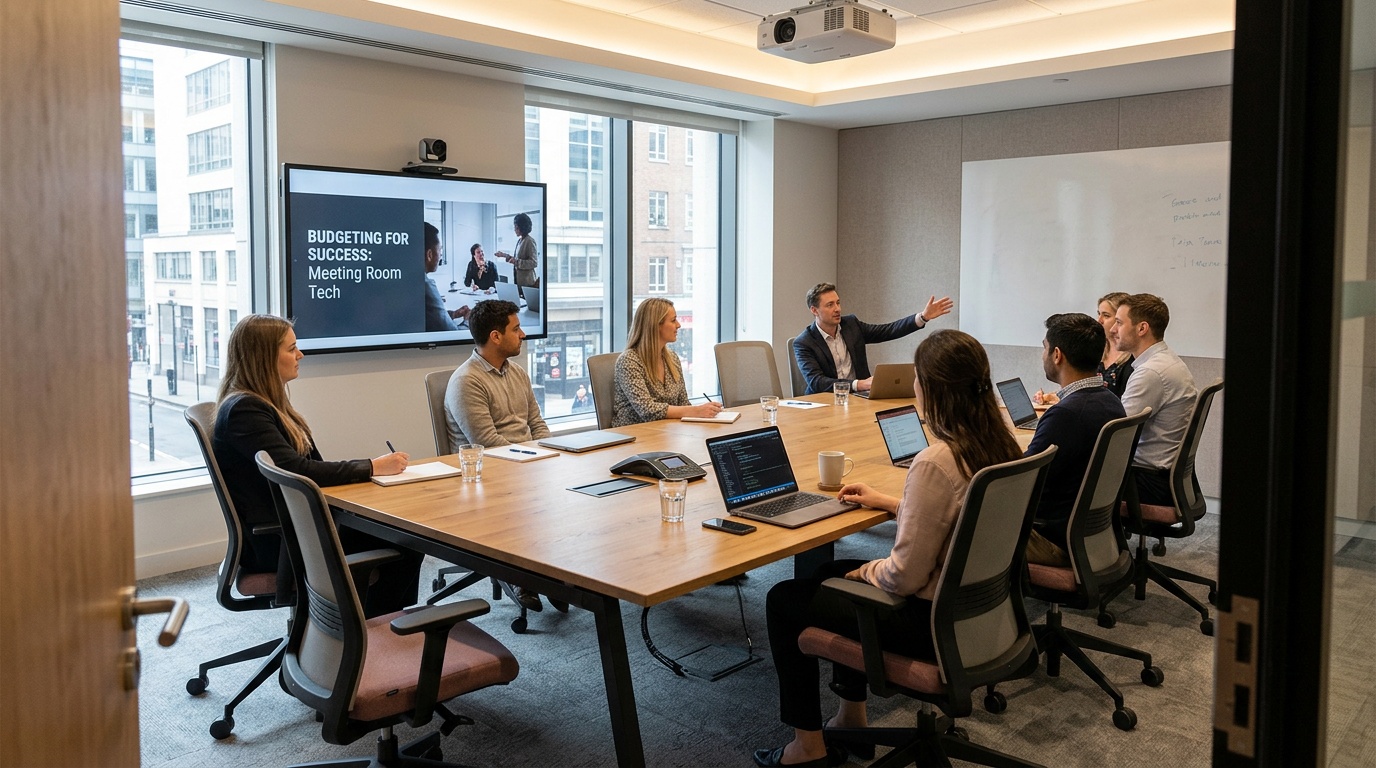
A successful technology deployment requires balancing initial capital expenditures with long-term operational costs. Allocating your budget to high-impact components, such as audio processing and reliable displays, yields a better return on investment than spending on non-essential aesthetic features. Focus on building a functional system that performs reliably over a multi-year lifecycle.
Estimating Costs: From Small Huddle Rooms to Larger Spaces
Huddle rooms can be equipped cost-effectively using integrated video bars and consumer-grade displays. Large boardrooms require a larger budget to accommodate professional-grade audio processors, multiple cameras, and custom programming. Define the technical requirements for each room class before purchasing hardware to avoid over-engineering smaller spaces.
Total Cost of Ownership: Beyond the Initial Purchase Price
The true cost of a system includes software licensing, maintenance agreements, and internal support overhead. Opting for cheaper, non-standardized hardware often leads to higher support costs and more downtime. Standardizing on reputable hardware vendors reduces the time that IT teams spend troubleshooting unique, isolated issues.
Prioritizing Investments for Maximum Impact
If budget constraints require compromise, prioritize audio quality over video resolution. Participants can tolerate a lower-resolution video feed, but poor audio makes collaboration impossible. Investing in high-quality microphones and proper acoustic treatment yields the highest return in user satisfaction during any collaborative session.
Maximizing Hybrid Efficiency with Zoom Rooms
Standardizing your meeting spaces on a single software ecosystem simplifies the user experience and reduces the burden on your internal support team. A zoom meeting room setup provides a consistent interface that remote and on-site employees can navigate without prior technical training. When the interface remains identical across physical locations, users can focus on the agenda rather than the underlying technology stack.
To achieve this consistency, organizations must deploy dedicated hardware controllers that display the active schedule and room controls. A single touch on the controller allows users to join Zoom meeting room sessions instantly, eliminating the need to manually enter meeting IDs or passcodes. This streamlined workflow reduces meeting startup delays and ensures that physical resources are utilized efficiently throughout the workday.
For organizations using external spaces, selecting venues with preconfigured, enterprise-grade setups matters. The Creativespace Zurich Meeting Event Facilities offers integrated environments that align with these technical standards, so external team members get the same operational consistency as internal staff.
Simplified Access and Connectivity
Sharing a zoom meeting room link before the session allows remote attendees to connect with a single click. The room should also be configured to accept invitations from authorized internal calendars, reserve the space automatically, and update the controller. This automation prevents scheduling conflicts and ensures that the room is ready at the scheduled start time.
When external clients need to participate, the system must allow guests to join Zoom meeting room sessions without complex authentication. Modern hardware controllers support guest join flows and wireless content sharing from personal devices. This capability maintains security boundaries while removing friction that is common with guest network access.
Hardware Standardization Across Global Offices
Deploying a consistent logitech video conferencing system for conference room spaces across multiple geographic regions simplifies inventory management and technical support. When local IT teams support identical hardware configurations, troubleshooting procedures become standardized, which reduces the mean time to resolution for hardware issues. This predictability is the foundation of reliable global operations.
Standardized hardware packages also simplify procurement and deployment processes for new office locations. By specifying exact model numbers for cameras, microphones, and compute units, organizations can negotiate volume pricing and ensure consistent performance standards. This disciplined approach to hardware selection ensures that a team member in London experiences the same high-quality audio and video as a team member in Zurich.
CTO Insight: The Power of Standardized Firmware
Managing firmware updates across hundreds of unique hardware components is an operational bottleneck. Standardizing on a unified hardware platform allows administrators to push updates globally during off-peak hours, ensuring security compliance without interrupting daily operations.
Selecting the Right Hardware Scale
Different room sizes require different hardware capabilities to ensure clear communication. A huddle room can operate efficiently with a compact video bar, while a large boardroom requires a dedicated large conference room video conferencing system with multiple expansion microphones and optical zoom cameras. Matching the hardware specifications to the physical volume of the space prevents audio clipping and keeps all participants clearly visible.
For premium off-site locations, such as the Creativespace Zurich Meeting Event Facilities, the hardware is selected to accommodate diverse meeting formats, from small team breakouts to large corporate presentations. This level of preparation helps external sessions run with the same technical precision as internal boardrooms, protecting the professional image of the organization.
References
Frequently Asked Questions
What is a meeting and conference room?
A conference room is more than just a physical space; it’s a critical component of a distributed system designed for collaboration. Its primary function is to provide reliable infrastructure that seamlessly connects local and remote participants, ensuring meetings begin on time without technical troubleshooting. The true measure of a conference room is its consistent operational uptime.
How big is a 30 person conference room?
The physical dimensions for a 30-person conference room must be carefully assessed to match the appropriate audio and video hardware. This scale requires specific consideration of acoustic properties and occupancy limits to prevent issues like echo or poor visibility. Proper sizing ensures the system can reliably capture clear audio and deliver high-definition video for all participants.
How big is a 12 person conference room?
For a 12-person conference room, the dimensions should support comfortable seating while optimizing for audio pickup patterns and camera sightlines. It’s essential to match hardware specifications to this physical volume to avoid dropped connections or inconsistent audio capture. This ensures a predictable and productive meeting experience.
How to set up a conference room for a meeting?
Setting up a conference room means designing for reliability, ensuring meetings start without rework or technical delays. This involves standardizing the underlying software layer and hardware interfaces, applying the “infrastructure travels” principle for user consistency. Position main displays and cameras at eye level for hybrid scenarios, creating a virtual extension of the room.
What are the main types of meeting room setups?
The article highlights several conference room setup styles, each suited for different interaction models. These include classic boardroom setups for executive decisions, U-shaped configurations for interactive training, and huddle spaces for ad hoc collaboration. Modular desks also allow for rapid reconfiguration, supporting workshops and dynamic sessions.
Leave a Reply