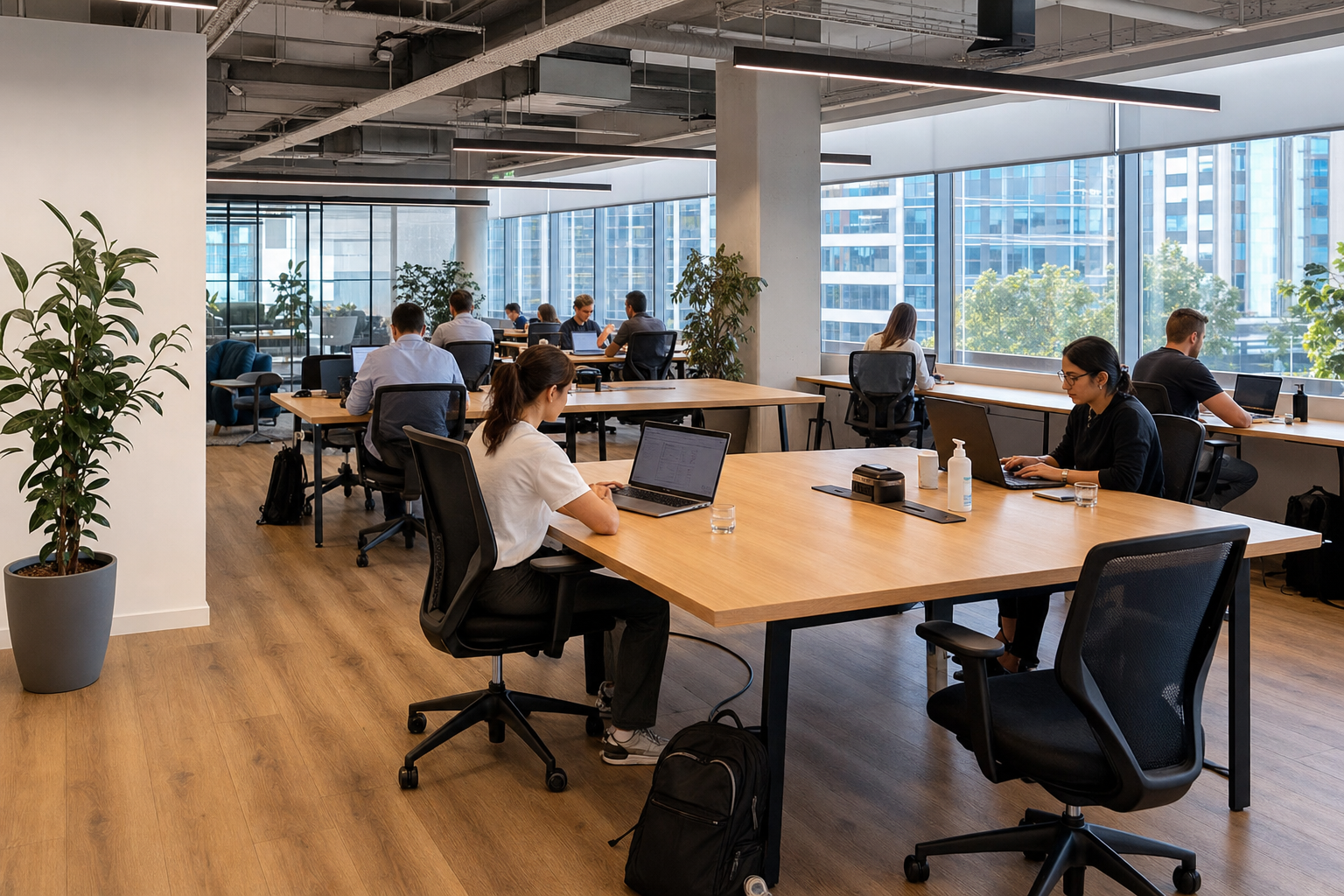
addressing hygiene concerns in a hot desk office
Addressing hygiene concerns in a hot desk office works best when the expectations are visible, practical, and shared. A rotating desk is used by different people, so operators need a repeatable cleaning process and users need simple ways to leave the workstation ready for the next booking. The goal is not to make medical promises. It is to run a clean, well-maintained workspace and communicate what happens between uses.
Key Takeaways
- Visible and practical expectations help everyone maintain a clean environment in a shared workspace.
- Operators must establish a repeatable cleaning process to handle the turnover of rotating desks.
- Users should have simple methods to prepare their workstations for the next person.
- The primary objective is to maintain a well-maintained space rather than making medical guarantees.
- Clear communication about cleaning protocols builds trust between bookings.
A good process covers the desk, shared equipment, cleaning products, waste, ventilation and maintenance reports. It should also make room for people with allergies, sensitivities, or individual health concerns to ask questions before booking.
Define operator and user roles
The workspace operator is responsible for the property’s cleaning schedule, suitable supplies, trained staff, maintenance, and clear instructions. Users can support that process by disposing of waste, returning shared items, reporting spills or damaged equipment, and following any desk-reset instructions shown on site.
Do not shift professional cleaning duties entirely to members. A packet of wipes at the desk is useful for personal preference, but it is not a substitute for the operator’s documented routine. Likewise, users should not apply an unknown product to a monitor, keyboard, fabric chair, or other surface that could be damaged.
Build a simple turnover workflow
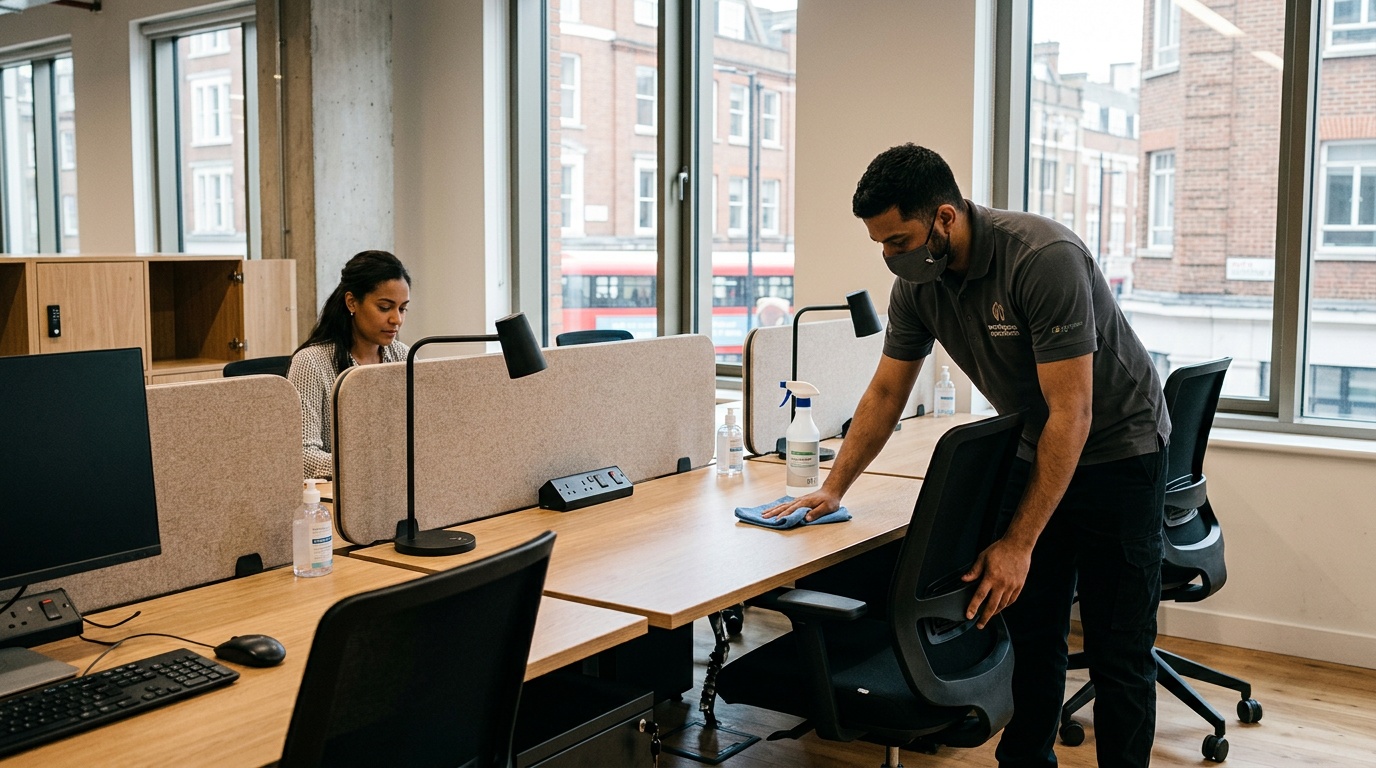
Start by listing the touchpoints at each workstation: desktop, chair controls, power switches, monitor controls, shared keyboard or mouse, locker handle, and nearby door handles. The list should reflect the actual room rather than a generic template.
Set a schedule based on use, the type of surface, manufacturer instructions, and the workspace’s operating policy. A desk booked several times in a day may need attention at different points from a desk assigned to one person for a month. Record completed tasks in a way that staff can check without exposing a member’s personal booking information.
The US Centers for Disease Control and Prevention advises cleaning visibly dirty surfaces before disinfecting when disinfection is needed, and following product labels. That distinction matters: cleaning removes dirt and impurities, while a registered disinfectant has its own contact time, surface compatibility, and safety directions. Workspace teams should follow local requirements and the instructions for the exact product in use.
Use products that match the surface
Before applying a cleaner or disinfectant, read both the product label and the equipment manufacturer’s care guidance. Electronics, coated screens, natural wood, fabric, and leather may require different methods. Never spray liquid directly into ports, vents, or electrical equipment. Staff should know what protective equipment and ventilation a product requires.
Where a disinfectant is part of the policy, use a product approved by the relevant local authority for the intended purpose. In the United States, the Environmental Protection Agency maintains List N for products registered for use against SARS-CoV-2; other countries have their own regulators and product registers. A registration does not remove the need to follow the label.
Place supplies and instructions where they are useful
Hand-washing facilities, waste bins, tissues, and any approved desk-cleaning supplies should be easy to find and regularly restocked. Small signs can explain which items users may clean themselves and where to report a problem. Keep the language factual: describe the procedure and timing rather than claiming that a room is “germ-free” or that illness cannot spread.
Addressing hygiene concerns in a hot desk office also means making the process easy to verify. A brief “cleaned at” marker or a help channel can give users useful information without overstating what cleaning can achieve. Operators should remove outdated signs when the process changes.
Include shared equipment and common areas
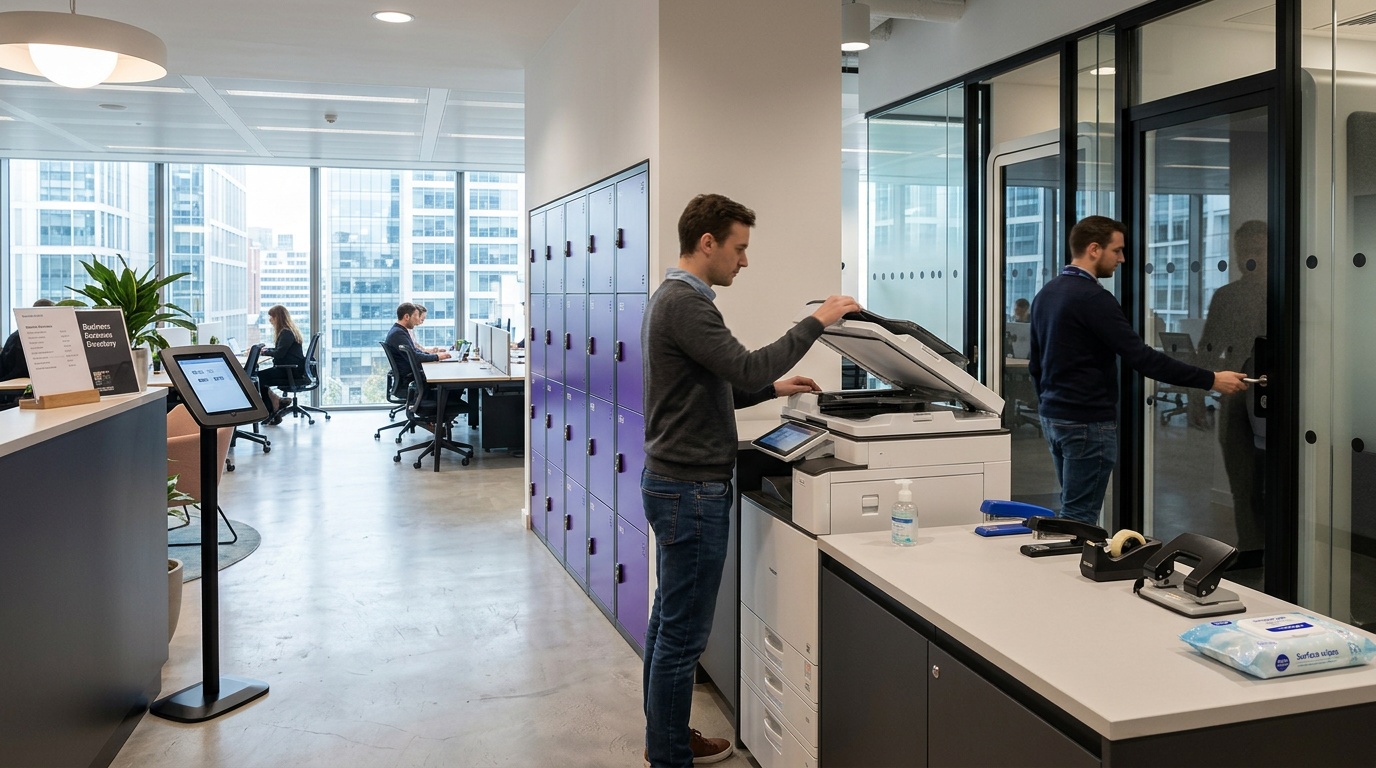
The workstation is only part of the user’s route. Meeting-room controls, printers, kitchen handles, lockers, phone booths, and reception tablets may be shared more often than a particular desk. Add these areas to the property plan with ownership for cleaning, inspection, and restocking.
Food preparation areas need their own procedures. Separate food-safe products from workstation products, label containers, and avoid leaving unmarked chemicals where members can reach them. Spills, leaks, pests, and damaged waste bins should have a prompt reporting route.
Keep ventilation and maintenance in scope
Cleaning surfaces is not the whole indoor-environment plan. Operators should maintain ventilation and air-conditioning systems according to building requirements and manufacturer schedules. Users should know who to contact about unusual odours, water damage, visible mould, or a ventilation concern. These issues require assessment by the property team or an appropriate professional, not a quick desk wipe.
Use booking data carefully
A booking system can show when a desk is expected to be occupied and can help an operator plan turnover tasks. It should not expose personal information to cleaning staff or other members beyond what is necessary. Define how long operational records are kept, who can access them, and what happens when a booking changes.
Automation can create a task when a booking ends, but staff still need a way to confirm the task, flag an unavailable desk, or escalate a maintenance issue. Technology supports the workflow; it does not prove that a surface was cleaned correctly.
Questions to ask before booking
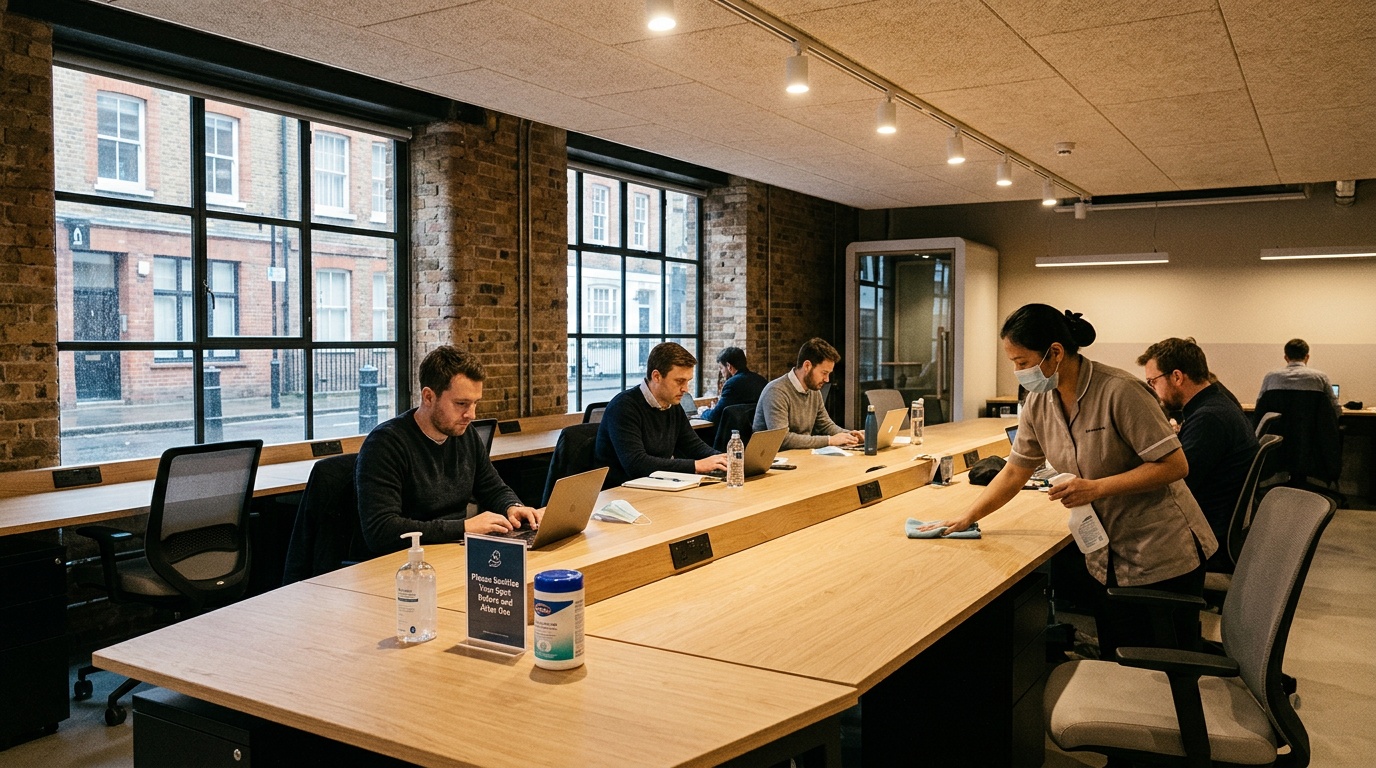
Addressing hygiene concerns in a hot desk office before a booking means asking specific questions rather than relying on a general “clean” label:
- When are hot desks cleaned, and what triggers an additional clean?
- Which shared items are included in the routine?
- What products are used, and are product instructions available?
- How are spills, damaged equipment, or empty supplies reported?
- Can a user request a newly serviced desk or bring approved personal equipment?
- Who handles ventilation, water damage, and other building concerns?
People with asthma, allergies, chemical sensitivities, or other health needs should contact the workspace before arrival and seek advice from a qualified health professional where appropriate. A blog article cannot assess an individual risk.
A practical hot-desk checklist
| Stage | Operator action | User action |
|---|---|---|
| Before use | Present a serviced desk, working equipment, supplies, and reporting instructions | Check the desk and report a problem before using unknown products |
| During use | Maintain common areas and respond to spills or maintenance reports | Dispose of waste and follow food, drink, and shared-equipment rules |
| After use | Complete the scheduled turnover process and record exceptions | Remove personal items and leave equipment in its expected place |
| Review | Check supplies, staff training, product guidance, and recurring issues | Give factual feedback through the property’s support channel |
References
Frequently asked questions
How often should a hot desk be cleaned?
The schedule should reflect how often the desk is used, the workspace policy, local requirements, and product instructions. Ask the operator what happens between bookings and how an extra clean is requested after a spill or visible dirt.
Should users disinfect keyboards and screens?
Only with a method approved by the workspace and the equipment manufacturer. Liquids and unsuitable chemicals can damage electronics. When in doubt, report the concern and let trained staff handle it.
Can cleaning guarantee that nobody becomes ill?
No. Cleaning is one part of maintaining a workspace, but a responsible operator should not promise a germ-free environment or a particular health outcome. Follow current public-health advice and stay home when a workplace policy or health guidance says you should.
What information should a workspace provide?
Useful information includes the cleaning schedule, user responsibilities, available supplies, product or safety guidance, and the route for reporting a problem. It should be current and easy to find.
How can Hotdesk help with the comparison?
Hotdesk helps users find and book flexible workspaces. Review the current property listing and contact the host to confirm any hygiene, access, or equipment requirement that is important to you before booking.
Addressing hygiene concerns in a hot desk office is an operating discipline: define the work, use suitable products, document exceptions, protect privacy, and give people a clear way to ask questions.
Leave a Reply