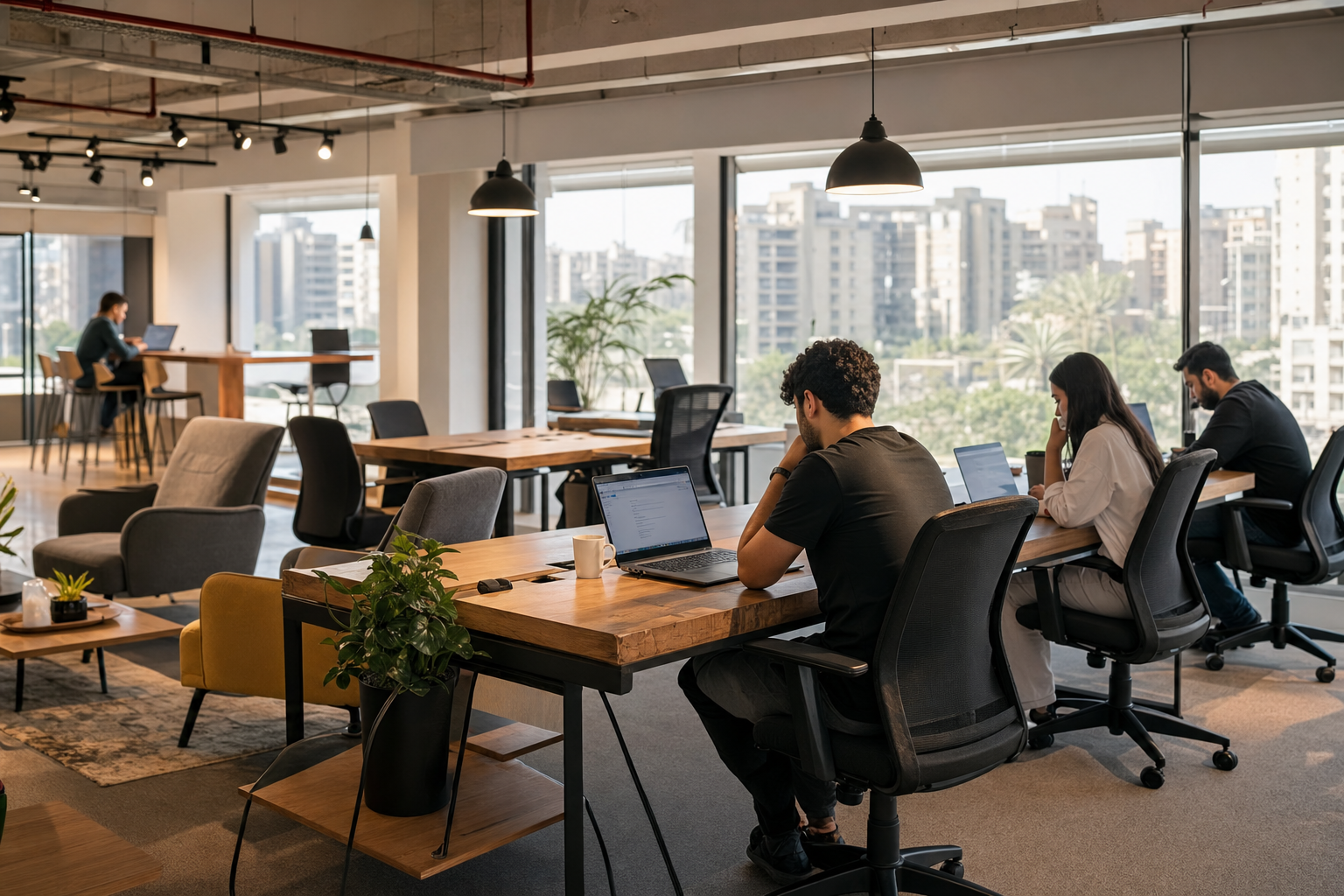
Best coworking space in Giza with fast internet for remote workers
Your Remote Work Needs: Decoding Giza’s Coworking Environment
Every distributed system asks you to manage new failure modes. Remote work in Giza presents the same challenge: finding workspaces where your productivity doesn’t depend on constant troubleshooting. The best coworking space in Giza with fast internet for remote workers removes these friction points before they derail your day.
The Foundation of Productivity: Why Internet Speed Is Nonnegotiable
Upload speeds matter more than download speeds for remote workers. Video calls consume 1-3 Mbps of upload consistently, while file syncing and cloud backups demand sustained throughput. Giza’s infrastructure varies dramatically between districts.
Target minimum: 25 Mbps download and 10 Mbps upload for reliable video conferencing and file transfers. Latency under 50 ms prevents call delays and keeps cloud apps responsive.
Speed Benchmark
Fiber connections deliver consistent performance, while DSL and wireless solutions fluctuate with usage patterns. Peak hours (9 AM-12 PM and 2 PM-5 PM) reveal true network capacity.
Beyond Wi-Fi: Essential Amenities for the Modern Remote Worker
Power outlets positioned within cable reach, adjustable seating, and noise management systems separate professional workspaces from coffee shops with Wi-Fi. Consistent climate control helps prevent equipment overheating and supports focus during Cairo’s temperature extremes.
Backup internet connections through multiple ISPs support continuity when primary networks fail. Top spaces maintain redundant connectivity paths, not only higher speeds on a single connection.
Defining “Fast”: What to Expect from Giza’s Coworking Internet
Test actual speeds during your intended work hours, not during off-peak demonstrations. Consistency comes from repeatable standards. Spaces listed with verified connectivity details, such as Coworking Naubostik, document expectations clearly so your setup behaves predictably whether you’re in New Cairo or central Giza.
Giza’s Top Coworking Spaces for Uninterrupted Connectivity: A Performance Breakdown
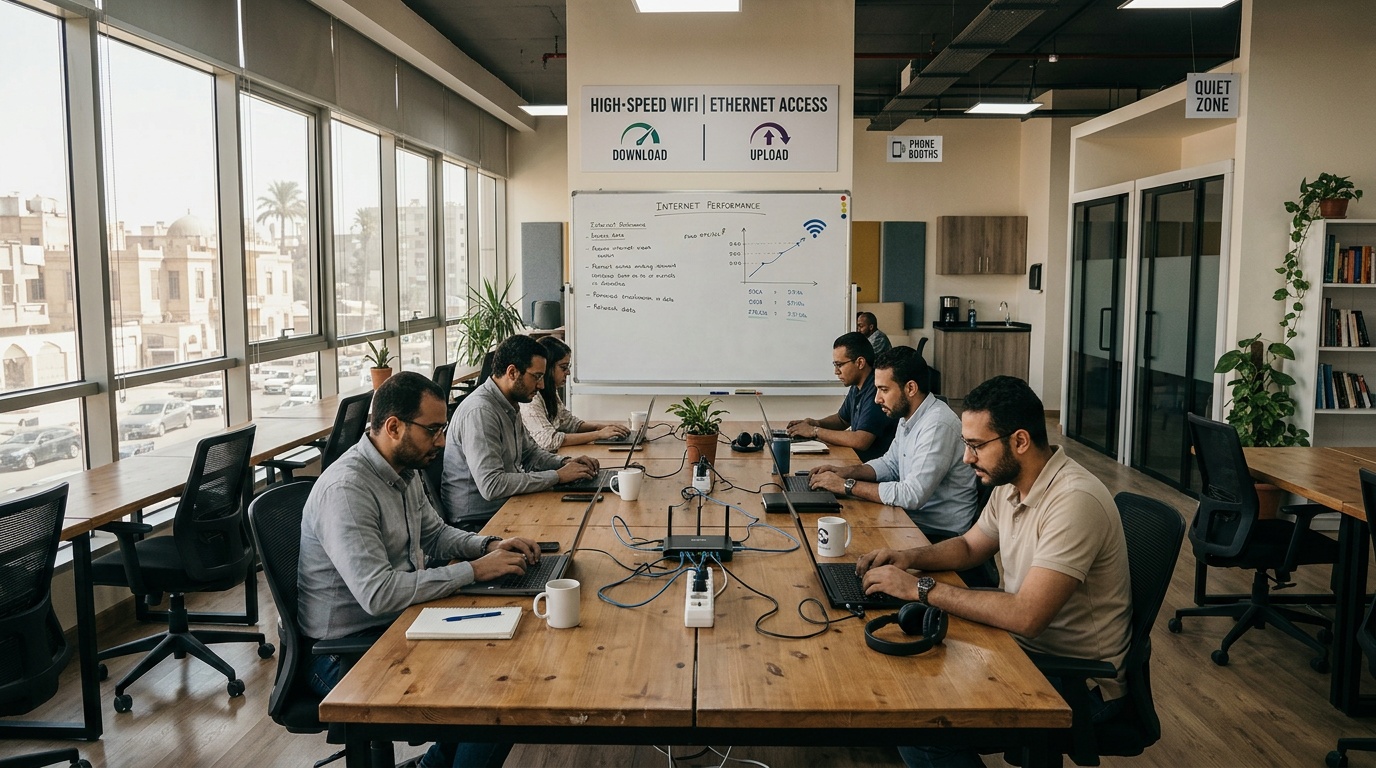
The Speed Test: Benchmarking Internet Performance in Giza Coworking
Real-world testing reveals significant performance gaps between Giza’s coworking providers. Spaces in Sheikh Zayed and New Cairo consistently deliver 50+ Mbps download speeds, while downtown locations often struggle with 15-20 Mbps during peak hours.
Latency measurements show fiber-connected spaces maintain sub-30 ms response times. Important for video conferencing and cloud app responsiveness. Network stability matters more than peak speeds. Spaces with dedicated business lines avoid the congestion that affects residential-grade connections.
Feature Focus: How Each Space Addresses Remote Work Demands
| Feature | Premium Spaces | Budget Options | Coworking Naubostik Standard |
|---|---|---|---|
| Internet Redundancy | Dual ISP connections | Single provider | Enterprise-grade backup |
| Power Infrastructure | UPS backup systems | Standard outlets | Dedicated power zones |
| Network Management | Acoustic treatment | Open floor plans | Zoned quiet areas |
| Climate Control | Zone-based HVAC | Central air only | Individual workspace control |
Beyond the Specs: User Experience and Environment
Workspace density affects both network performance and productivity. Overcrowded spaces strain bandwidth and create distraction patterns that interrupt deep work sessions. Premium locations in Giza limit desk density to keep per-user bandwidth allocation above 10 Mbps.
Professional support staff distinguish serious coworking operations from shared office arrangements. Technical troubleshooting, equipment loans, and network monitoring keep remote workers focused on deliverables instead of infrastructure management.
Quality spaces offer on-site IT support, not only fast connections.
The Cost of Connection: Flexible Booking and Membership Models in Giza
Hourly, Daily, Monthly: Understanding Giza’s Workspace Pricing
Pricing structures in Giza range from 50 EGP hourly rates to 3,000 EGP monthly memberships. Premium spaces charge 150-200 EGP daily for consistent high-speed access, while budget options offer 80-100 EGP rates with shared bandwidth limits.
Calculate total costs, including printing, meeting room access, and any premium internet tiers. Monthly commitments can include restrictions on peak-hour access or add-on fees for conference room use.
Day passes let you test workspace fit before making longer commitments. For comparison, Am Office Space in nearby Cairo offers similar flexibility with transparent pricing structures.
The Hotdesk Advantage: Instant Booking, Zero Commitment
On-demand booking removes membership fees and contract obligations. Reserve verified workspaces with confirmed internet speeds through real-time availability and pay only for the hours you use.
Standardized booking reduces re-work: you can move between Giza, Cairo, and international locations without renegotiating terms or carrying multiple memberships.
Hidden Cost Calculator
Factor in transportation time, parking fees, and productivity loss from unreliable connections. A 200 EGP daily rate with consistent performance can cost less than a 100 EGP rate that requires backup plans and troubleshooting time.
Hidden Costs to Watch: Beyond the Monthly Fee
Setup fees, deposit requirements, and premium service charges can inflate advertised rates. Some Giza locations charge extra for dedicated desks, faster internet tiers, or extended-hours access. Printing costs range from 1-5 EGP per page, while meeting room bookings add 100-300 EGP per hour.
Parking availability affects total workspace costs. Downtown Giza locations often lack dedicated parking, which can add 20-50 EGP in daily fees or require public transportation.
Maximizing Your Coworking Experience: Giza’s Underrated Gems and Local Insights
Finding Your Quiet Zone: Beyond the Main Hubs
Residential-district coworking spaces often offer better noise control and parking than commercial centers. Locations in Dokki and Mohandessin provide fiber connectivity with lower density, improving per-user bandwidth during peak hours.
Hotel business centers work well for day-use needs. Many Giza hotels offer lobby workspaces with business-grade internet, though availability varies and advance booking helps avoid surprises.
For dedicated coworking environments, consider Co Hub Office Space which provides professional-grade infrastructure in a quieter setting.
Community and Collaboration: Opportunities for Growth
Networking events and skill-sharing sessions separate community-focused spaces from simple desk rentals. Regular meetups, workshops, and collaborative opportunities can justify higher pricing for professionals who want career growth alongside workspace access.
Industry-specific coworking communities in Giza cater to tech professionals, creative agencies, and consulting firms. These environments offer more relevant contacts and resources beyond basic connectivity.
Spaces like Masar Space focus on building professional networks alongside providing reliable infrastructure.
The CTO’s Perspective: Infrastructure That Travels with You
Ever notice how most “Wi-Fi issues” are actually process issues?
Systems beat announcements. After architecting infrastructure across 80+ countries, the pattern is consistent: reliable workspace networks share the same basics regardless of location. Redundant connections, professional-grade equipment, and proactive monitoring separate dependable operations from marketing-first alternatives.
Engineering Discipline
What works at 10x scale? Standardized configurations, documented service levels, and measurable uptime commitments. Quality coworking spaces in Giza operate like distributed systems, not local coffee shops with Wi-Fi passwords.
Consistency travels through standards and verified performance metrics. Whether you access workspaces through Hotdesk’s platform in Giza or Barcelona, the same reliability principles apply: tested connections, backup systems, and staff who understand remote work requirements.
Frequently Asked Questions
What internet speeds are truly needed for remote work in Giza?
For reliable remote work in Giza, target at least 25 Mbps download and 10 Mbps upload. This ensures smooth video calls and efficient file transfers without constant interruptions. Latency under 50 ms is also key to keep cloud applications responsive and prevent delays during online meetings.
What amenities are as important as fast internet in a Giza coworking space?
Beyond internet, look for reliable power outlets within reach and consistent climate control to prevent equipment issues. Adjustable seating and noise management systems also reduce friction points, allowing you to focus on your work without needing to reset your environment.
How can I verify internet speed claims at a Giza coworking space?
Always test actual internet speeds during your intended work hours, especially during peak times like 9 AM-12 PM or 2 PM-5 PM. This reveals the network’s true capacity and consistency, ensuring your setup behaves predictably. Spaces listed with verified connectivity details, such as Coworking Naubostik, tend to document expectations clearly.
Do all Giza coworking spaces offer the same internet performance?
No, internet performance varies significantly across Giza districts. Spaces in Sheikh Zayed and New Cairo often deliver 50+ Mbps, while downtown locations might struggle with 15-20 Mbps during peak hours. Fiber connections provide more consistent performance than DSL or wireless solutions.
Why is backup internet important for remote workers in Giza?
Backup internet connections, ideally from multiple ISPs, prevent workflow interruptions when a primary network fails. This redundancy ensures continuity, so your productivity doesn’t depend on constant troubleshooting or waiting for a single connection to recover.
What hidden costs should I watch out for when booking a coworking space in Giza?
Beyond the advertised monthly fee, watch for setup fees, deposit requirements, and extra charges for dedicated desks or faster internet tiers. Printing costs and meeting room bookings can also add to your total, so calculate all potential expenses for a clear picture.
Leave a Reply